8
E. Battery Status
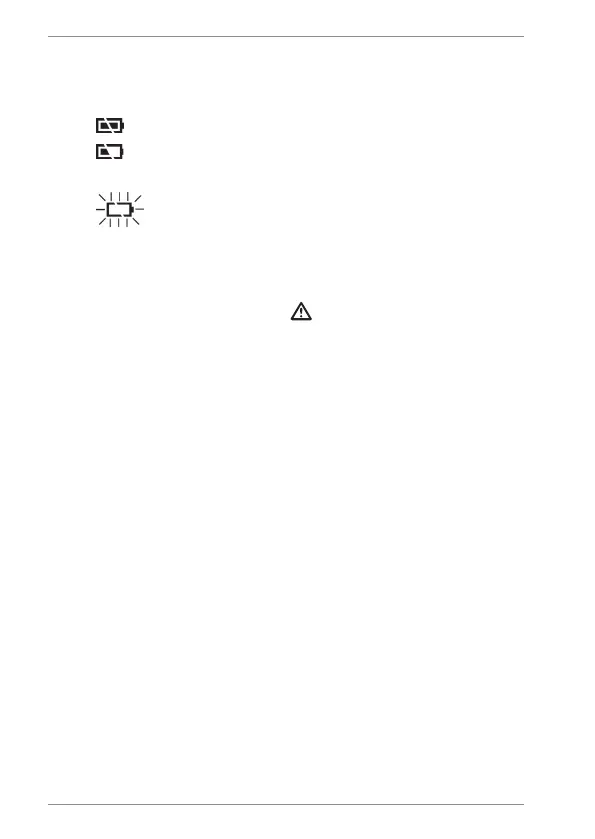
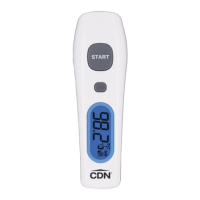
The thermometer incorporates visual battery
status indication:
1. Battery OK: measurements are possible
2. Battery Low: replace battery with two 1.5V
AAA alkaline cells; measurements are possible
3. Battery Exhausted: replace battery;
measurements are not possible
CARE OF YOUR PRODUCT
• The sensor lens is the most delicate part of the
thermometer and should be kept clean at all times.
Take care when cleaning the lens. Use only a
soft cloth or cotton swab with water or rubbing
alcohol. Allow the lens to dry fully for at least
1 minute before using the thermometer.
• Do not submerge any part of the thermometer in
liquids. Keep it dry and away from any liquids and
direct sunlight. Wipe clean with a damp cloth.
• Store the thermometer at room temperature
between -4 to +122°F/–20 to +50°C, RH ≤85%.
• Avoid holding the thermometer too long. This
could cause the body temperature measurement
to be lower than usual.


 To Next Page