3
BEFORE WE BEGIN
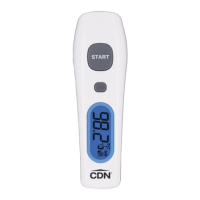
This thermometer has been designed for home
use. It is not meant to replace a visit to the doctor.
Compare the measurement result to your regular
body temperature. Consult with doctor if you have
health concerns.
BATTERY INSTALLATION
Replace battery when the Low Battery icon ( )
indicates the battery is low. Power off the unit before
installing the batteries. A malfunction may occur if
the power is on when the battery is installed. If a
malfunction occurs, restart the device.
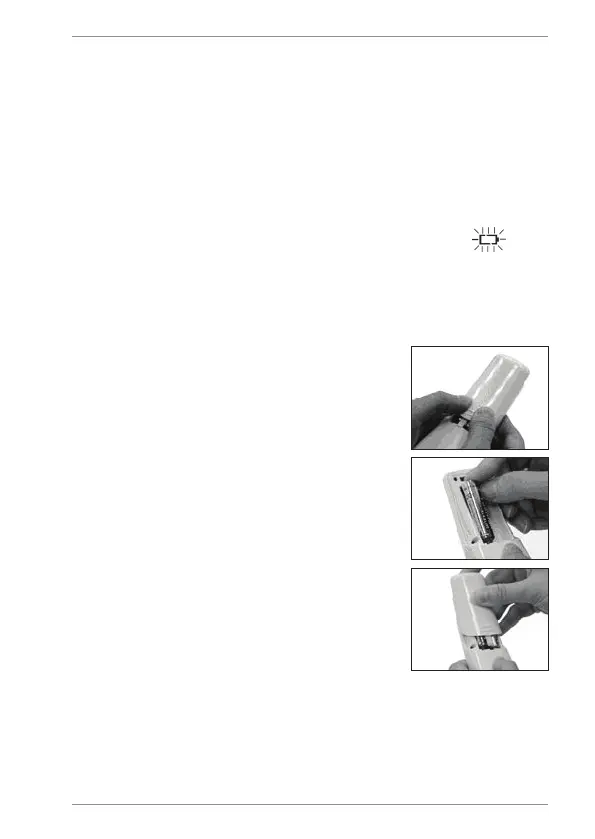
1. Remove battery cover by using
the thumbs to push battery cover
out.
2. Install two 1.5V AAA batteries
observing polarity shown in
compartment.
3. Replace the battery cover until it
clicks shut.


 To Next Page