EN EN
DGA
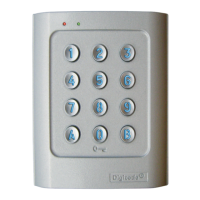
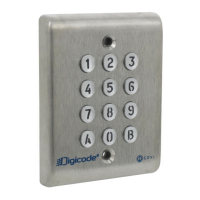
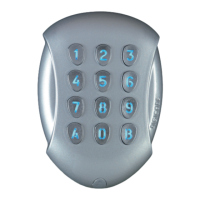
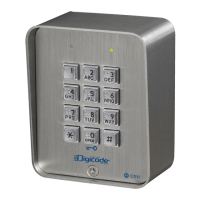
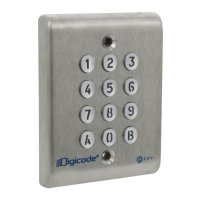
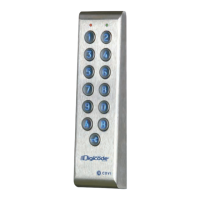
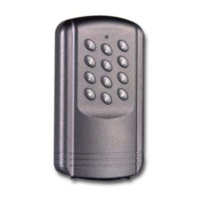
Keypad DGA
5cdvigroup.com
Default values
- Without codes.
- Illumination time: 10 seconds.
- Relay release time: 1 second.
- Code length: 5-digits.
- Master Code: 1 2 3 4 5.
- Programming security time :
120 secondes.
-Codelengthforsubmastercode:
Version 1 relay
(Group 1) = AB,
Version 2 relays
(Group 2) = 13.
- One beep on switching on.
Audible signal:
-Thebuzzerindicatesdifferent
audible signals.
- 1 short beep: Keypad powered.
- 1 long beep: Data computing
in programming or access
granted.
- 2 short beeps: Enter or Exit
fromprogramming.
- 4 short beeps:
data computing error.
Code length
- The master code and the user
codescanbeof4to6-digits
in length.
- All the keypad keys can be used
to program a code.
- The master code CAN NOT
be used as a user code.
-TodeleteaspecicUserpinCode
replace it by 0 0 0 0ifcode
lengthis4-digitsformator
replace it by 0 0 0 0 0ifthe
codeisin5-digitsformat.or
replace it by 0 0 0 0 0 0ifthe
codeisin6-digitsformat.
Reset:
-Turnoffthepowertothe
keypad.
- Short the white and the yellow
wires.
- Turn on the power to the
keypad.
-Waitforafewseconds,one
beep is emitted.
- Unshort the wires.
-Thekeypadisresettodefault
values.
A. Reset master code
and user codes
1. Enter the master code twice
(1 2 3 4 5 defaultvaluemastercode).
2beepsareemittedtoconrmentry
in programming mode.
2. Press A6 to reset the Master Code
and the User codes.
- One beep is emitted.
- Press on A and Btoconrmreset
ofallmemoryofthekeypad.
-Waitfortwobeeps.
-Themastercodeisrestoredtoitsdefault
value 1 2 3 4 5 and all the user codes
aredeletedfromthekeypad.
- Once the reset is completed then the keypad
returns to a stand-by operating mode.
OR
1. Cut the power. Short the wires yellow
and white.
2. Put the power back.
- Wait approximately 3 seconds.
-Twobeepsareemittedtoconrmreset
ofthekeypad.
- Unshort the wires.
-Themastercodeisrestoredtoitsdefault
value 1 2 3 4 5 and all the User codes
aredeletedfromthekeypad.
B. Setting code length
1. Enter the master code twice.
(1 2 3 4 5defaultvaluemastercode).
2beepsareemittedtoconrmentry
in programming mode.
2. Press A4 to program the code length.
- One beep is emitted.
- Press 4, 5 or 6forthedigitcode.
-Onebeepisemittedtoconrm
programmingofthecodelength.
3. Press A5 to modify the master code.
- One beep is emitted.
- Enter the new 4, 5 or 6-digits master code.
-Onebeepisemittedtoconrm
programmingofthenewmastercode.
4. Press B to exit from
programming mode.
2beepsareemittedtoconrmthatthe
keypad is in stand-by operating mode.
4 beeps indicate a data computing error.


 To Next Page