ENGLISH
17
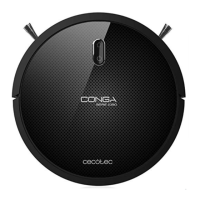
1. PARTS AND COMPONENTS
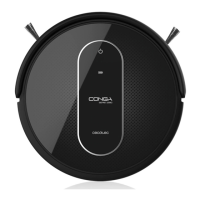
Go-home button
The robot will automatically go to the charging base when this button is pressed on the robot
or on the remote control.
Light indicator
• Steady orange light: low battery
• Blue light flashes: charging
• Steady blue light: fully charged/Standby mode/cleaning
• Red light flashes: error
Power button / operation operation
• Press and hold this button for a few seconds to turn the robot on or off.
• Press it also to start cleaning.
Go-home button
Power/operation button
Light indicator
05110_Conga 1090 Excelsior_Manual_GC_DS.indd 17 27/6/18 21:01









 To Next Page