ENGLISH
23
CLEANING MODES
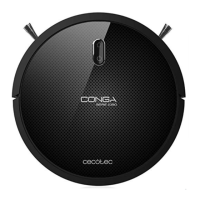
This robot includes different modes and different functions.
1. Auto cleaning
• When this mode is activated, the robot will automatically create a home map and will
start cleaning.
• The robot will clean edges, around objects such as tables, chairs etc.
• The robot will continue to clean until the whole house is completely clean.
• Once the robot finishes the cleaning cycle, it will return to the charging base.
2. Mopping
This robot includes a mopping function in order to mop your home.
• Attach the mopping cloth to the water tank and fill the water tank with water.
• Remove the dust tank.
• Insert the water tank in the robot and turn it on.
Note: if you want to sweep the floor, skip the water-filling step.
Note: before installing the mop, in order to ensure a perfect scrubbing from the beginning, it
is suggested to moisten the mop with water evenly before using it.
3. Spot cleaning
Under this mode, the robot will intensely clean a specific
area. The robot will start at a concrete point and will clean
in spiral movements outwards (1 meter) and then return
back in spiral movements to the starting point.
05110_Conga 1090 Excelsior_Manual_GC_DS.indd 23 27/6/18 21:01









 To Next Page