EasyManua.ls Logo

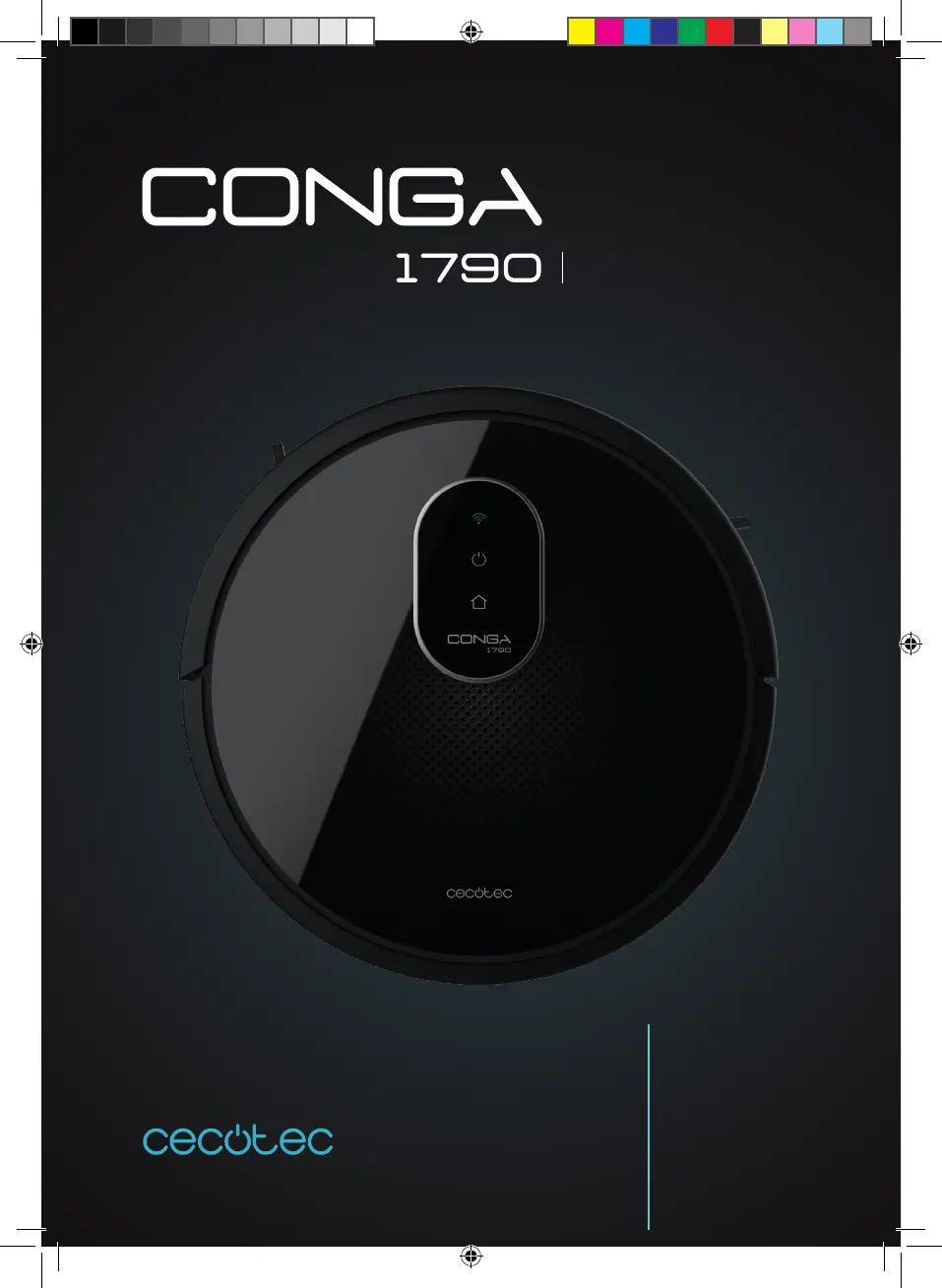
cecotec Conga 1790 Ultra - User Manual

cecotec Conga 1790 Ultra
136 pages
Go to English
Print Icon
To Next Page IconTo Next Page
Loading...
Manual de instrucciones
Instruction manual
Manuel d’instructions
Bedienungsanleitung
Manuale di istruzioni
Manual de instruções
Instrukcja obsługi
Návod k použití
ULTRA

Table of Contents

Questions and Answers

  • M
    Mary Baker DDSAug 20, 2025
    What to do if my cecotec Conga 1790 Ultra Vacuum Cleaner has a gyroscope error?
    • C
      Christopher HendersonAug 20, 2025
      If your Cecotec Vacuum Cleaner displays a gyroscope error, place it on a stable surface and restart it. Ensure you do not move it during the restart process.
  • P
    peter85Aug 22, 2025
    Why does my Cecotec Vacuum Cleaner stop suddenly?
    • T
      Tiffany TaylorAug 22, 2025
      If your Cecotec Vacuum Cleaner stops operating suddenly, first check if it is trapped or stuck on an obstacle. Next, check the battery level. If the problem continues, turn the main power switch off, wait 2 seconds, and then restart the device.
  • B
    Bridget HodgesAug 25, 2025
    How to fix the main brush if it does not rotate on my Cecotec Vacuum Cleaner?
    • L
      lsawyerAug 25, 2025
      If the main brush of your Cecotec Vacuum Cleaner doesn't rotate, first clean the main brush. Then, check if the main brush is properly installed.
  • K
    kingamyAug 26, 2025
    Why doesn't my cecotec Conga 1790 Ultra Vacuum Cleaner return to the charging base?
    • R
      Richard LucasAug 26, 2025
      If your Cecotec Vacuum Cleaner is not returning to its charging base, make sure there are no objects within 3 ft/1 m to the left and right side and within 6 ft/2 m of the front of the charging base. The closer the robot is to the charging base, the quicker it will return. Also, clean the charging terminals.
  • M
    millerlindseyAug 27, 2025
    How to improve weak suction power on Cecotec Vacuum Cleaner?
    • V
      Valerie LopezAug 27, 2025
      If your Cecotec Vacuum Cleaner has weak suction power: * Check for obstructions blocking the suction inlet. * Empty the dust tank. * Clean the filters with a vacuum cleaner or a cleaning brush. * If the filters are wet, air-dry them completely before use.
  • B
    barrettsamuelAug 29, 2025
    What to do if my cecotec Conga 1790 Ultra shows a bumper error?
    • S
      ssmithAug 29, 2025
      If your Cecotec Vacuum Cleaner is displaying a bumper error, check the bumper and remove any object that could be blocking it.
  • K
    Kristen ChangAug 31, 2025
    Why won't my cecotec Conga 1790 Ultra Vacuum Cleaner turn on?
    • C
      ckimAug 31, 2025
      If your Cecotec Vacuum Cleaner is not activating, ensure the main power switch is in the ON position and that the battery is fully charged. Replace the batteries (2 AAA) in the remote control and make sure the remote control is within the robot’s range (16 ft/5 m). If the problem continues, turn the main power switch off and restart it.
  • L
    Lisa NelsonSep 2, 2025
    Why is my Cecotec Vacuum Cleaner remote control not working?
    • E
      Emily RileySep 2, 2025
      If your Cecotec Vacuum Cleaner's remote control isn't working, replace the batteries. Also, ensure the robot is turned on and fully charged.
  • A
    Alan SullivanSep 4, 2025
    Why doesn't the schedule function work on my cecotec Conga 1790 Ultra Vacuum Cleaner?
    • R
      Roger WrightSep 4, 2025
      If the schedule function on your Cecotec Vacuum Cleaner is not working, make sure the main power switch on the bottom of the robot is turned on. Also, ensure the time, time of day (AM/PM), and the scheduled time have been set correctly. Check if the robot’s battery is too low to start cleaning.
  • M
    Michael ReidSep 6, 2025
    Why is my cecotec Conga 1790 Ultra not charging?
    • J
      Jeffrey GonzalezSep 6, 2025
      If your Cecotec Vacuum Cleaner is not charging: * Check if the indicator on the charging base is lit. If not, contact Cecotec Technical Support. * Clean the charging terminals with a dry cloth. * Check if the robot beeps when it gets to the charging base. If not, contact Cecotec Technical Support.

Summary

Safety Instructions

Battery Safety Precautions

Guidelines for handling and storing the device's lithium-ion battery safely.

Parts and Components

Indicator Lights Overview

Explains the meaning of different status lights on the robot.

Power and Operation Button

Details the function and usage of the robot's main power button.

Before Use

Operation

Basic Robot Controls

Instructions for starting, pausing, returning to base, and turning off the robot.

Cleaning Modes and Functions

Details various cleaning modes, suction power, scrubbing intensity, and special functions.

Scheduling and Time Settings

Guide to setting up, configuring, and cancelling daily cleaning schedules.

Cleaning and Maintenance

Routine Cleaning Procedures

How to clean the dust tank, filters, main brush, and sensors.

Component Maintenance and Replacement

Guidance on cleaning side brushes, sensors, and replacing the battery.

Troubleshooting

Error Indicators and Solutions

Troubleshooting common errors indicated by beeps and light signals.

Common Operational Problems

Solutions for activation, remote control, operation, suction, charging, docking, and brush issues.

Technical Specifications

Product Details and Power Requirements

Lists product specifications, voltage, power, and battery details.

Disposal of Old Electrical Appliances

Environmental Disposal Guidelines

Information on the correct disposal of the appliance according to WEEE directive.

Technical Support and Warranty

Warranty Coverage and Contact Information

Details on warranty period, exclusions, and how to contact customer support.

cecotec Conga 1790 Ultra Specifications

General IconGeneral
Suction Power2000 Pa
Battery Capacity2600 mAh
MopYes
Battery Voltage14.4 V
Control TypeApp Control
Operating ModesAuto, Edge, Room, Manual
FilterHEPA
Charging Time300 minutes

Related product manuals