EasyManua.ls Logo

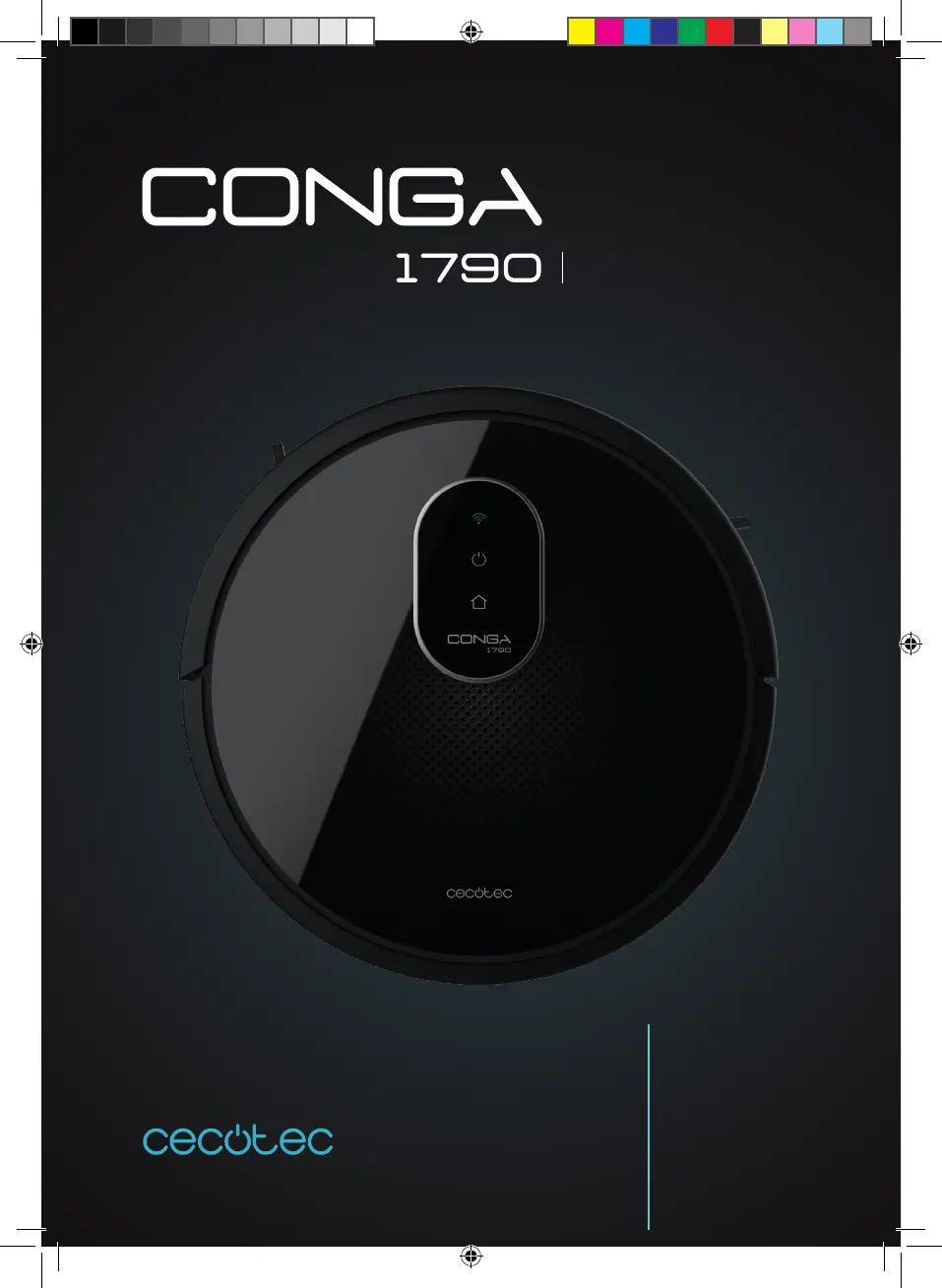
cecotec Conga 1790 Ultra - User Manual

cecotec Conga 1790 Ultra
136 pages
Go to English
Print Icon
To Next Page IconTo Next Page
Loading...
Manual de instrucciones
Instruction manual
Manuel d’instructions
Bedienungsanleitung
Manuale di istruzioni
Manual de instruções
Instrukcja obsługi
Návod k použití
ULTRA

Table of Contents

Questions and Answers

  • J
    jamesjohnsonSep 7, 2025
    Why are the movements of my Cecotec Vacuum Cleaner unusual?
    • T
      Timothy FergusonSep 8, 2025
      If your Cecotec Vacuum Cleaner exhibits unusual movements and routes, clean the sensors carefully with a dry cloth. Restart the robot by turning the power switch off and on.
  • V
    Vicki RamseySep 10, 2025
    What to do if my Cecotec Vacuum Cleaner shows a low battery or charging error?
    • R
      Richard ThomasSep 10, 2025
      If your Cecotec Vacuum Cleaner displays a low battery or charging error, it means the robot has run out of battery and must be taken manually to the charging base.
  • I
    ismithSep 12, 2025
    What to do if my Cecotec Vacuum Cleaner displays a driving wheel error?
    • L
      Lucas HillSep 12, 2025
      If your Cecotec Vacuum Cleaner displays a driving wheel error, check if the driving wheel is blocked.
  • X
    xmeyersSep 13, 2025
    What to do if my Cecotec Vacuum Cleaner displays a side brushes error?
    • D
      Donna BrownSep 13, 2025
      If your Cecotec Vacuum Cleaner displays a side brushes error, check if the side brush is blocked and clean it.
  • K
    Kimberly LarsenSep 15, 2025
    What to do if my Cecotec Vacuum Cleaner displays a fan error?
    • K
      Kerri SmithSep 15, 2025
      If your Cecotec Vacuum Cleaner displays a fan error, clean dust or other objects in the air ducts channel.
  • N
    nicolewilsonSep 18, 2025
    What to do if my cecotec Conga 1790 Ultra displays a main brush error?
    • B
      Billy EvansSep 18, 2025
      If the main brush of your Cecotec Vacuum Cleaner shows an error, check if the main brush is entangled or blocked and clean it.

Summary

Safety Instructions

Battery Safety Precautions

Guidelines for handling and storing the device's lithium-ion battery safely.

Parts and Components

Indicator Lights Overview

Explains the meaning of different status lights on the robot.

Power and Operation Button

Details the function and usage of the robot's main power button.

Before Use

Operation

Basic Robot Controls

Instructions for starting, pausing, returning to base, and turning off the robot.

Cleaning Modes and Functions

Details various cleaning modes, suction power, scrubbing intensity, and special functions.

Scheduling and Time Settings

Guide to setting up, configuring, and cancelling daily cleaning schedules.

Cleaning and Maintenance

Routine Cleaning Procedures

How to clean the dust tank, filters, main brush, and sensors.

Component Maintenance and Replacement

Guidance on cleaning side brushes, sensors, and replacing the battery.

Troubleshooting

Error Indicators and Solutions

Troubleshooting common errors indicated by beeps and light signals.

Common Operational Problems

Solutions for activation, remote control, operation, suction, charging, docking, and brush issues.

Technical Specifications

Product Details and Power Requirements

Lists product specifications, voltage, power, and battery details.

Disposal of Old Electrical Appliances

Environmental Disposal Guidelines

Information on the correct disposal of the appliance according to WEEE directive.

Technical Support and Warranty

Warranty Coverage and Contact Information

Details on warranty period, exclusions, and how to contact customer support.

cecotec Conga 1790 Ultra Specifications

General IconGeneral
Suction Power2000 Pa
Battery Capacity2600 mAh
MopYes
Battery Voltage14.4 V
Control TypeApp Control
Operating ModesAuto, Edge, Room, Manual
FilterHEPA
Charging Time300 minutes

Related product manuals