40
5. TROUBLESHOOTING
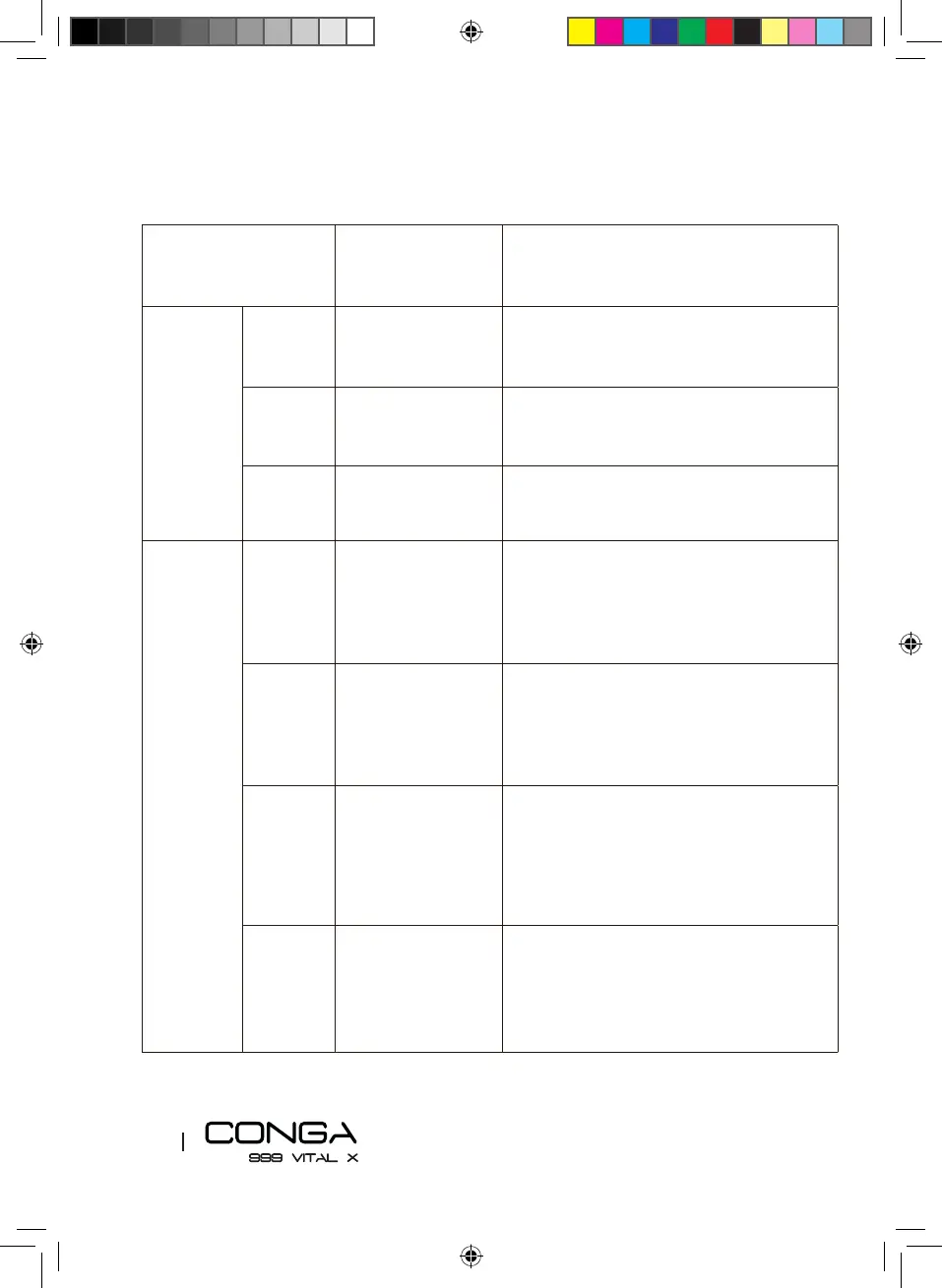
Robot signal Cause Solution
Steady red
light
1 beep Omnidirectional
wheel error
Remove the wheel, clean it and once it is
placed again, press the power button to
restart the robot vacuum cleaner.
2 beeps Side brush error Clean the side brushes and press the power
button to restart the robot.
4 beeps Main brush error Remove and clean the main brush. Once it
is placed again, press the power button to
restart the robot vacuum cleaner.
Oscillating
red light
1 beep Incorrectly
connected tank
Check the tank connection.
2 beeps Bumper error Check if the bumper is blocked and press on
both sides and center to unblock it.
3 beeps
Free-fall sensor error Check if the robot is placed on an uneven
surface, if its wheels are o the ground or
if it is stuck in a dark place and move it to a
new location. Otherwise, clean the free-fall
sensor.
4 beeps Battery error
Check the battery is properly assembled, as
indicated in the manual.







 To Next Page