Celestar Manual
Using the Drive44
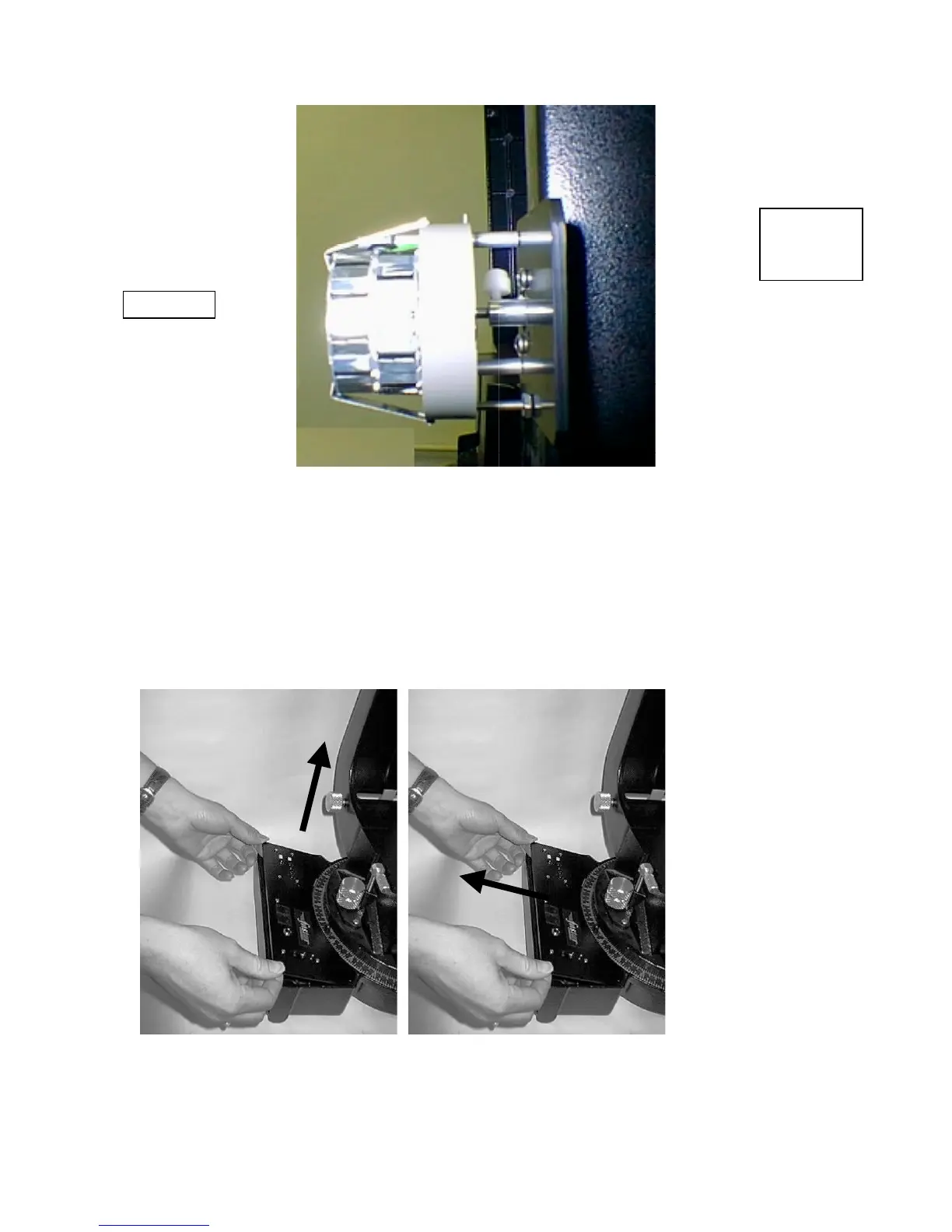
Figure 6-3
REPLACING THE BATTERY
Once the batteries have been drained, they should be replaced. Replacing the alkaline batteries requires
removal of the drive base cover. To do this:
1.
Remove the four Phillips head screws that hold the drive base cover to the drive base.
2.
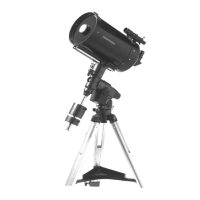
Remove the cover plate by first lifting it up and then sliding it out (see Figure 6-4 and Figure 6-5).
The internal components of the drive will be visible.
Caution: do not attempt to adjust setting of
the drive
mechanism
.
Figure 6-4 Figure 6-5
3.
Unclip the batteries from the metal holders.
Clutch
Adjustment
Knob
Dec Motor








 To Next Page