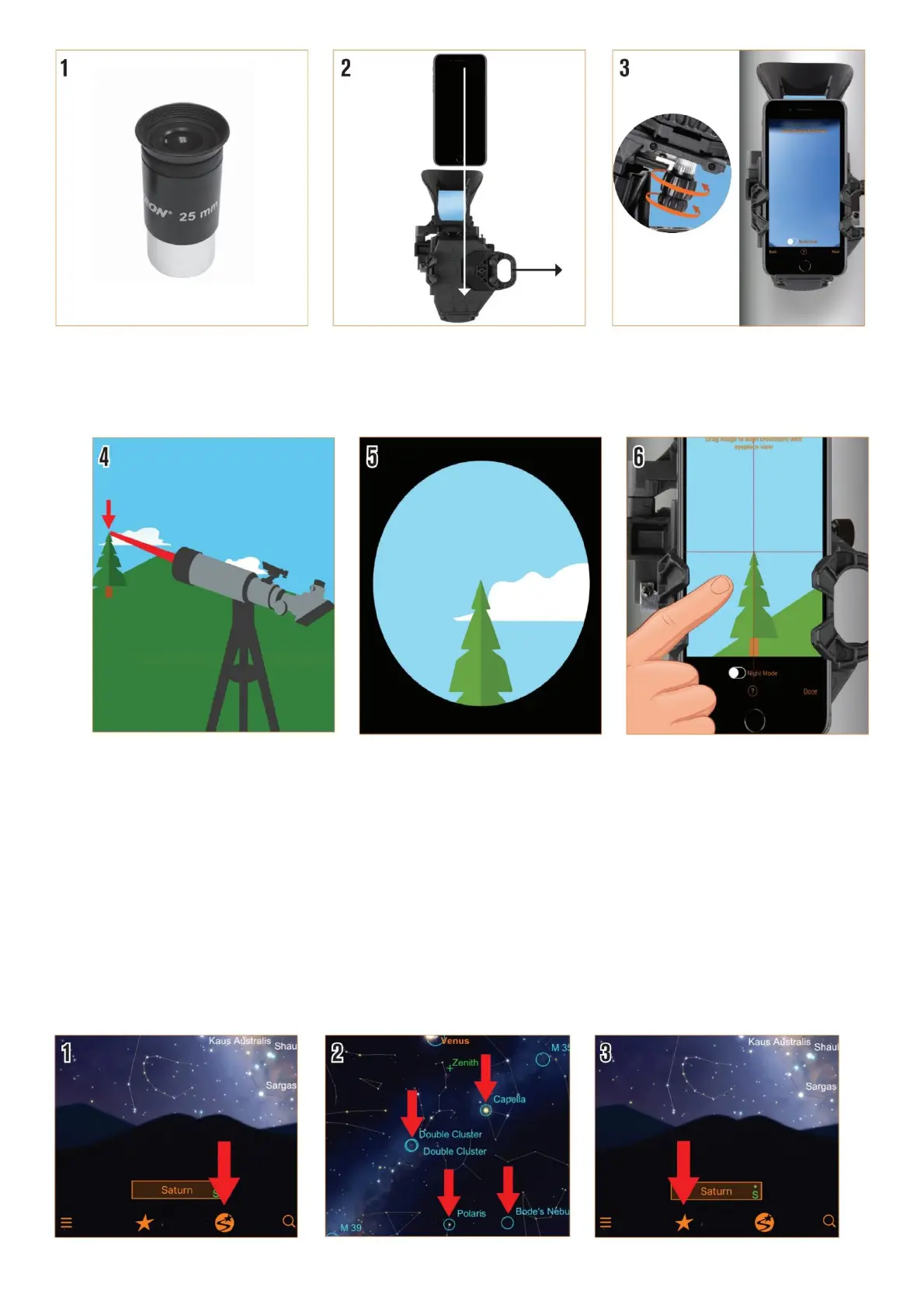
1. Insert the low-powered eyepiece.
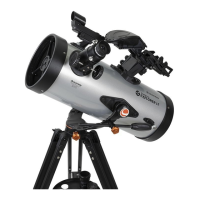
2. Then place your phone in the StarSense Dock.
3. Next, you’ll center your phone over the StarSense Dock’s mirror. Turn the knobs at the bottom of the bracket
until your phone’s camera view is centered, unobstructed, in the mirror.
4. Next, we need to align the phone’s view to the telescope’s view. To do this, start by pointing your telescope at a
very distant object. It’s best to choose an object that’s at least a quarter-mile away.
We recommend:
• A streetlight
• A car license plate
• A stop sign
• The top of a tree
5. Center the object in your telescope’s eyepiece.
6. Slide the camera view until the same object is centered in the crosshairs.
Now we’re ready for stargazing! You’ll need to wait for the sky to get dark enough that stars are visible.
Using the StarSense Explorer App






 To Next Page