DE
ES
FR
IT
EN
2. Turning on/o BTEASYCOM
Function Operation LED indicator
Indication
tone
Power on Press and
hold MFB
button for 3
seconds
Blue LED is on
for 1 second
and then flashes
twice
1 long tone
Power off Press and
hold MFB
button for
7-8 seconds
Red LED is on
for 1 second
and then flashes
twice
1 long tone
Entering
pairing mode
Press and
hold MFB
button for
3-5 seconds
Red and blue
LEDs flash
alternately
2 short tones
Note: If you want BTEASYCOM to enter pairing mode,
you have to press and hold MFB button for 3-5 seconds
when the interphone is turned off or in standby mode.
3. Pairing BTEASYCOM with a Bluetooth® device
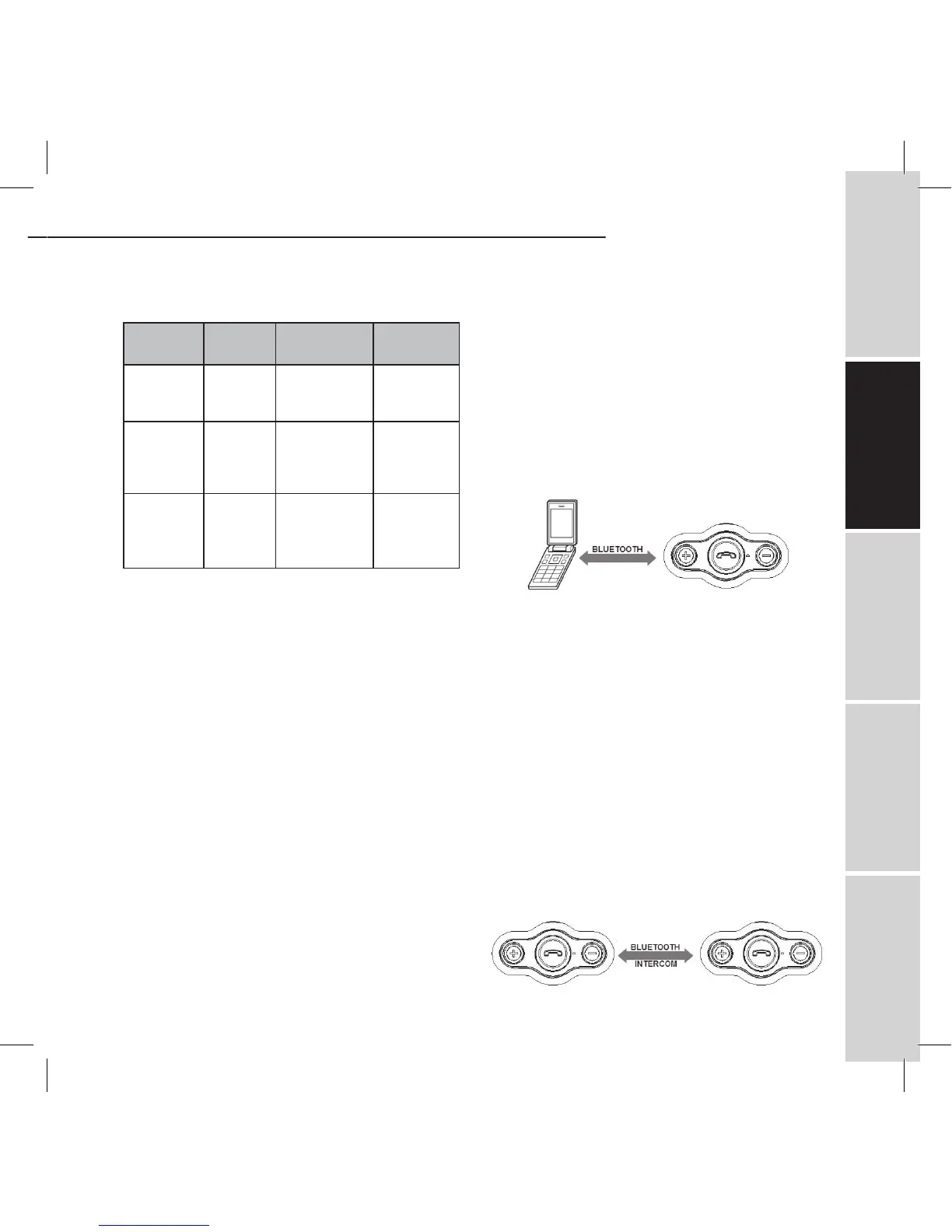
Pairing with a Bluetooth® cell phone
You have to pair BTEASYCOM Bluetooth® interphone
with a Bluetooth® cell phone before first use. Please
make sure your cell phone is Bluetooth®-enabled.
Specific pairing steps may vary with different models
of cell phones. Please refer to your cell phone’s user’s
manual for further information. The general pairing
steps are as follows:
1) Keep BTEASYCOM and Bluetooth® cell phone within 1
meter when pairing;
2) Ensure BTEASYCOM is turned off, otherwise turn off
BTEASYCOM first;
3) Press and hold MFB button for about 3-5 seconds, the
red and blue LEDs will flash alternately. BTEASYCOM
now entered pairing mode;
4) Turn on your cell phone’s Bluetooth® function to
search for Bluetooth® devices. After the search is
completed, select “BTEASYCOM” from the Bluetooth®
device list;
5) According to the indication, enter password or PIN
No:”1234”, and press ”Yes” or “confirm”;
6) After successful pairing, select “BTEASYCOM” from
the Bluetooth® device list, and press “connect”. The
indicator light of BTEASYCOM will flash twice every 4
seconds if connected successfully.
Pairing two interphones together
If you want to use the Bluetooth® intercom feature, you
have to pair two interphone together first. The general
pairing steps are as follows:
1) Keep two interphones within 1 meter when pairing;
2) Make one of interphones enter pairing mode;
3) Press and hold MFB button of another interphone
until blue LED is on;
4) The interphone whose blue LED is on will auto-
matically search and connect the interphone which
entered pairing mode. After successfully connecting,
the blue LEDs of both interphones will flash twice
every 4 seconds.
BTEASYCOM


 To Next Page