22
- Don’t use intensive chemical products or detergent
to clean the product.
- Don’t scratch the surface with sharp things.
- Don’t remove the microphone’s protector, so the
microphone won’t be damaged.
- Please take down BTEASYCOM from the helmet when
you don’t use it for a long time.
In case BTEASYCOM Bluetooth® interphone doesn’t
function properly, send it to the store you bought it. The
staff will help you to solve the problem.
- FAQs
1. I can’t connect BTEASYCOM to my Bluetooth® cell
phone. What to do now?
a) Please make sure BTEASYCOM has been paired with a
Bluetooth® cell phone;
b) Enable your cell phone’s Bluetooth® function, please
refer to your cell phone’s user’s manual for further
information;
c) Please make sure BTEASYCOM and your cell phone
are in the effective working range and that there are
no barriers between them, such as walls and other
electronic devices etc.
2. What to do when two interphones can’t connect
each other?
a) Please make sure one interphone is in pairing mode
while the other one should be in searching mode;
b) Ensure two interphones are in their working range
and there are no barriers between them.
3. What to do when BTEASYCOM can’t connect to
Bluetooth® device after being out of its working
range for a short time?
a) Please bring the device back into the working range
within 1 minute;
b) Press MFB button once to connect BTEASYCOM to
Bluetooth® device again.
SPECIFICATIONS
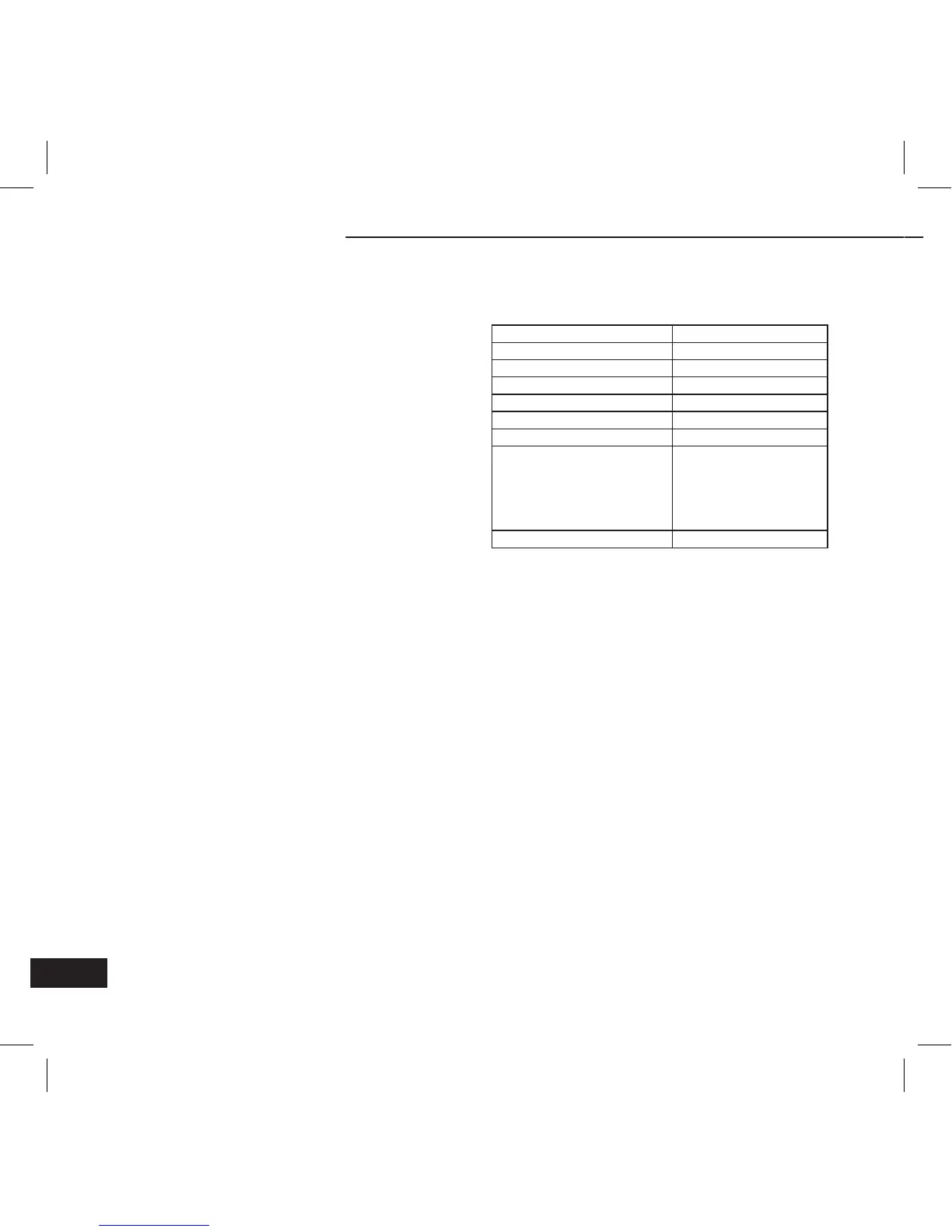
Bluetooth® specification Bluetooth® V2.1
Bluetooth® profiles HSP and HFP
Operating distance 10 meters
Working time Up to 7 hours
Standby time Up to 80 hours
Charging time About 2 hours
Charging voltage DC 5V
Dimensions
Main body:
81×42×18mm
The length of
microphone arm:
230mm
Weight 49.5g
Notes:
1. This device complies with Part 15 of the FCC Rules.
Operation is subject to the following two conditions:
(1) this device may not cause harmful interference,
and (2) this device must accept any interference
received, including interference that may cause
undesired operation.
2. Changes or modifications not expressly approved by
the party responsible for compliance could void the
user’s authority to operate the equipment.
BTEASYCOM


 To Next Page