20
Notes:
- Pairing mode will last 2 minutes. BTEASYCOM will
switch to standby mode automatically if it can’t
pair with any devices after 2 minutes. If you want to
continue to pair the BTEASYCOM with a Bluetooth®
device, please turn off BTEASYCOM first and try to
re-pair according to steps 1-6 mentioned above.
- BTEASYCOM will turn off automatically when it can’t
connect to any devices after 5 minutes.
- BTEASYCOM can remember 8 paired devices, when
the number of paired devices exceeds 8, the first one
will be replaced.
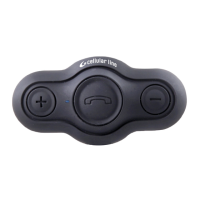
- When BTEASYCOM is on but doesn’t connect to any
devices, press MFB button of BTEASYCOM once, it
will connect to the last connected device automati-
cally.
- Every time BTEASYCOM is turned on, it will connect to
the last connected device automatically. If you want
to pair it with other devices, please turn off the cur-
rent device’s Bluetooth® function first and try to pair
BTEASYCOM with the new device according to steps
1-6 mentioned above.
- BTEASYCOM can connect with two devices simul-
taneously, either two Bluetooth® cell phones or
a cell phone and a interphone. You can connect
BTEASYCOM to a Bluetooth® cell phone when it is in
standby or intercom status.
- When BTEASYCOM gets out of working range of
the connected devices it will automatically recon-
nect to the devices as soon as it is in working range
again, either it was connected to a interphone or a
Bluetooth® cell phone or both of them.
4. Intercom feature
If two interphones connect each other, you are able to
use intercom feature. Specic operations are as follows:
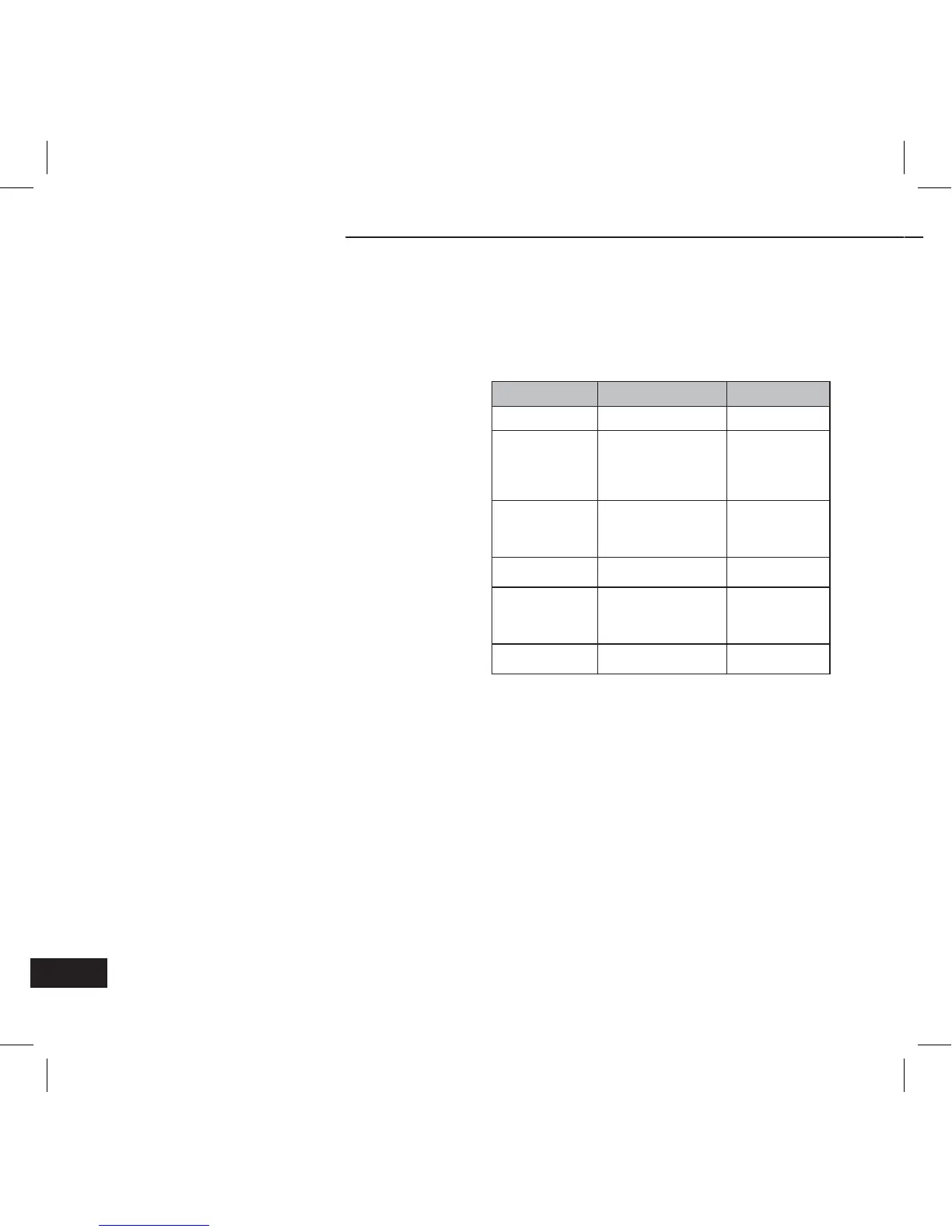
Function Operation or Status Indication tone
Receive intercom Ringing Ring
Send out
intercom
Press and hold VOL+
or VOL– for about 2
seconds, and release
it after hearing “DU”
tone
1 short tone
Cancel intercom
Short press MFB
button when
intercom is not put
through
1 short tone
Answer intercom
Short press MFB
button
1 short tone
Reject intercom
Press and hold MFB
button for about
2 seconds when
receiving intercom
1 short tone
End intercom
Short press MFB
button
1 short tone
BTEASYCOM


 To Next Page