8
Z
E
R
O
O
F
F
V
K
W
P
E
A
K
A
V
A
H
O
L
D
6
0
0
V
6
0
0
V
C
A
T
I
I
I
6
0
0
A
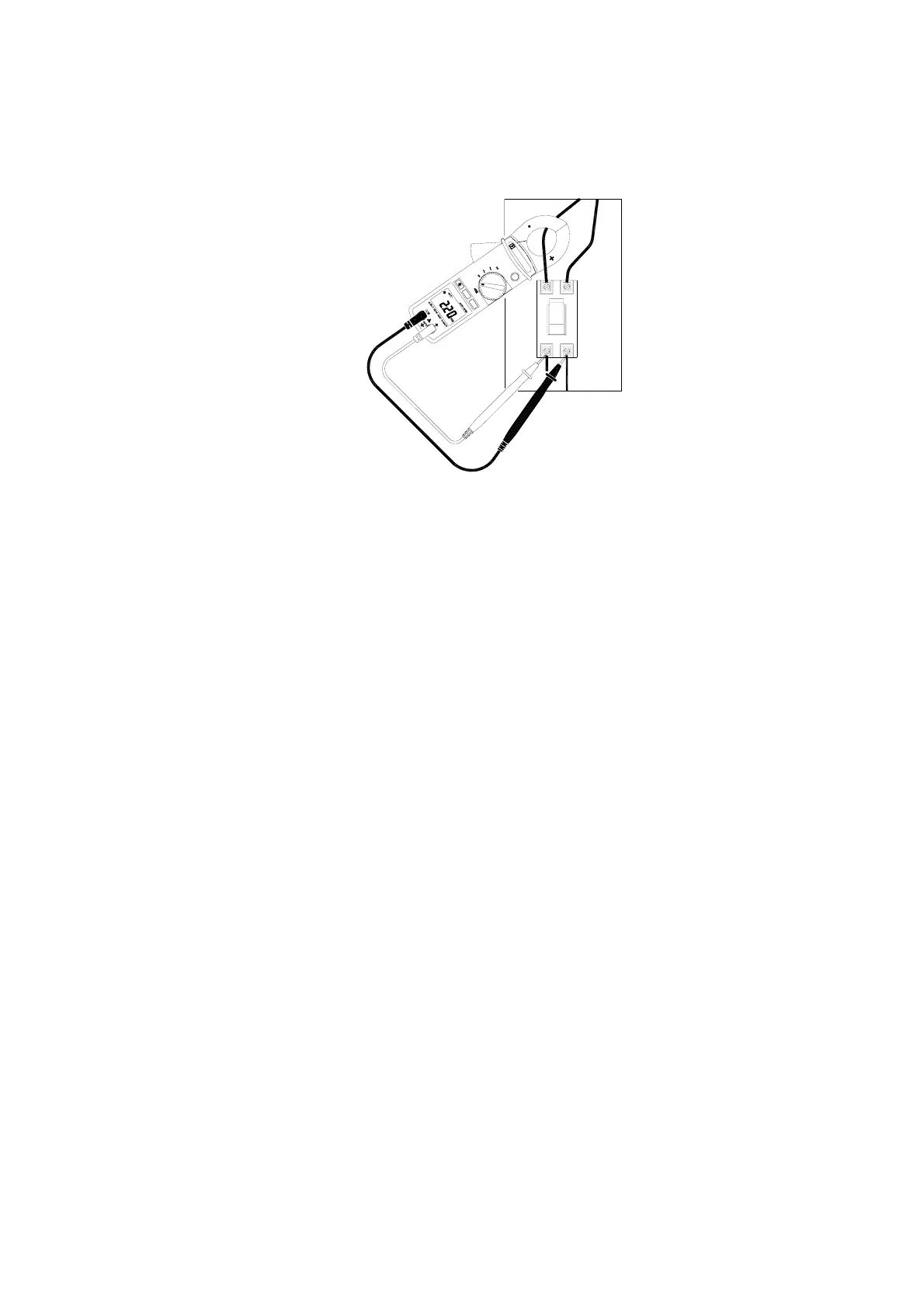
4.4 Power Measurement:
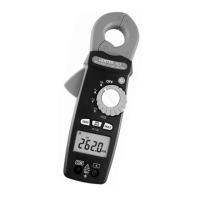
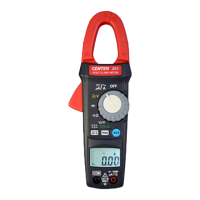
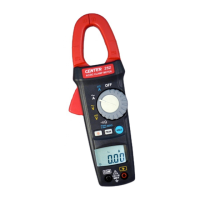
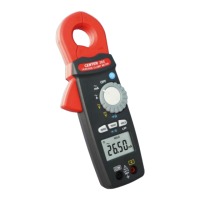
Switch the main function selector to “KW” range.
Open the clamp by pressing the jaw-opening handle and insert the
cable to be measured into the jaw.
Connect red test lead to “+” terminal and black one to the “ COM ”
terminal. Measure the voltage by touch the test lead tips to the test
circuit.
Read the result from the LCD panel.
4.5 Button Operation:
Data Hold Function:
At any time, the user can hold the present reading by press the
“Hold” button and release the held data by press it again.
Peak Hold Function:
This meter is built with 10ms peak hold function at ACA, ACV, DCA
and DCV ranges.
The user can press “PEAK” button into Peak Hold mode and exit
Peak Hold mode by press it again.



 To Next Page