Humidity Recorder
8
Data Logger:
64,000 Records
SELECT
Erase
MEMORY
3 Sec
1 Sec
REC
TV
4. During temperature recording period, recorder will
turn on the LCD for 4 seconds and then go into power
saving mode during each record interval.
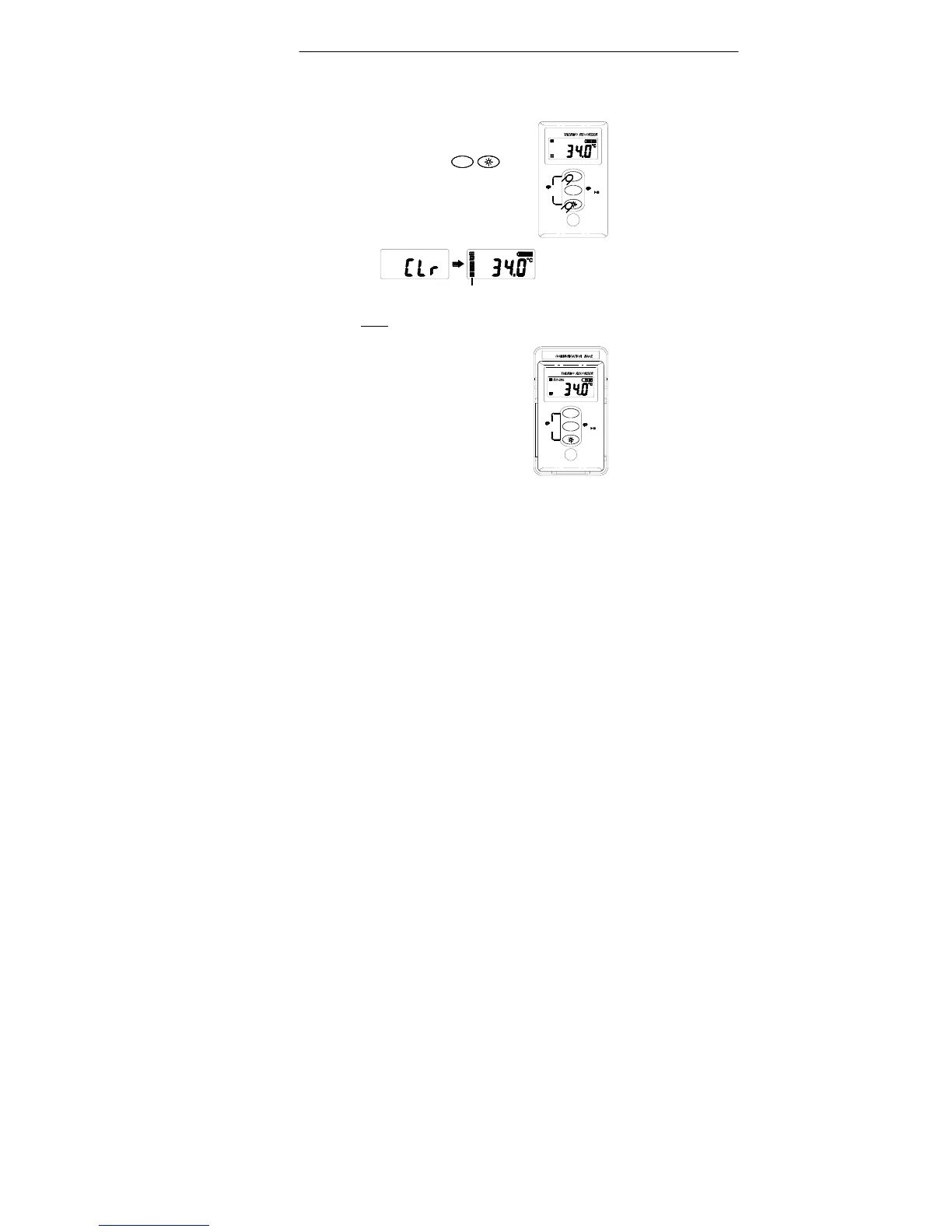
5.3 Erase Memory
1. Press and hold
simultaneously for 3 seconds to
clear memory.
2. LCD will display “CLr”.
Memory display will resume to full status
Note: It is not allowed to erase memory when recording
is active.
5.4 Download Data
1. Dock the recorder to the
communication base and connect
the RS-232 cable to PC.
2. Run the SE-342 software, LCD
will display “RS-232” to indicate
the linking status.
INTV
64,000 Records
Data Logger:
SELECT
INTV
3 Sec
MEMORY
Erase
REC
1 Sec



 To Next Page