Humidity Recorder
13
Note:
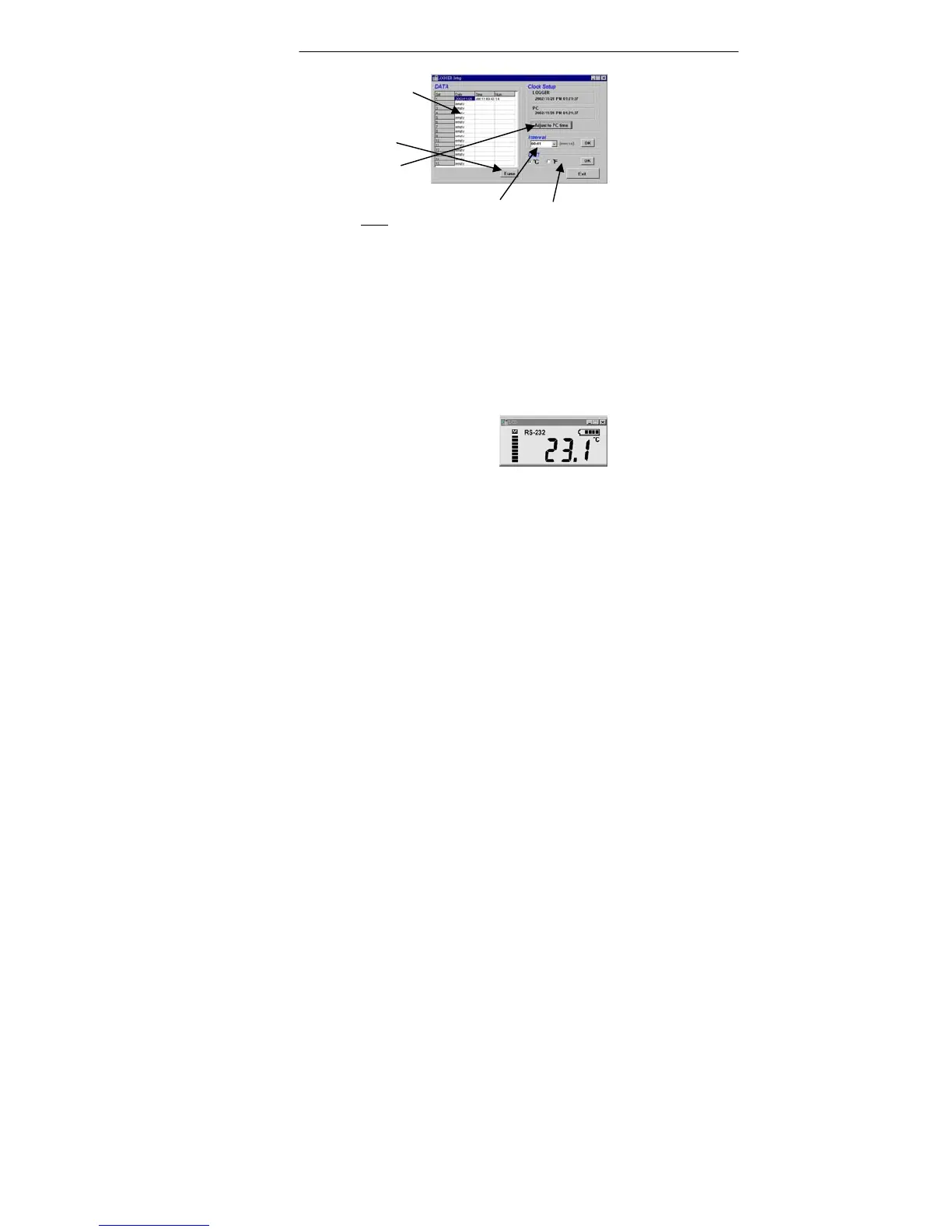
After you select interval or unit , you have to click
OK button to make this change valid.
• Tutorial Quick Start
(1) Recording real time data from PC.
1.Put the Temperature Recorder on the Communication
Base, and connect it to a PC serial port with the
SE-120 cable.
2.Run the SE342 Software.
3.If the connection is successful, the LCD will display
the same value as the Temperature Recorder. If the
communication fails, there will be no "RS-232"
symbol on the LCD window.
bar. Memory Status
Erase Data
Adjust Time
Select Interval
Select Unit



 To Next Page