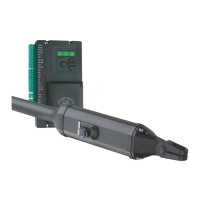
Check cabling requirements
Mechanical setup
Gather required tools and equipment page 11
Heed necessary site considerations page 12
page 13
Install foundation box page 15
Install motor and link to gate page 18
Set limit switches and /or fit mechanical
endstops
page 21
These abbreviated instructions are for the experienced installer who
needs a checklist to get a standard installation up and running in the
minimum of time.
Detailed installation features and functions are referred to later in
this manual.
page 1



 To Next Page