EasyManua.ls Logo

Centurion R3 - User Manual

Centurion R3
24 pages
Print Icon
To Next Page IconTo Next Page
Loading...
TM
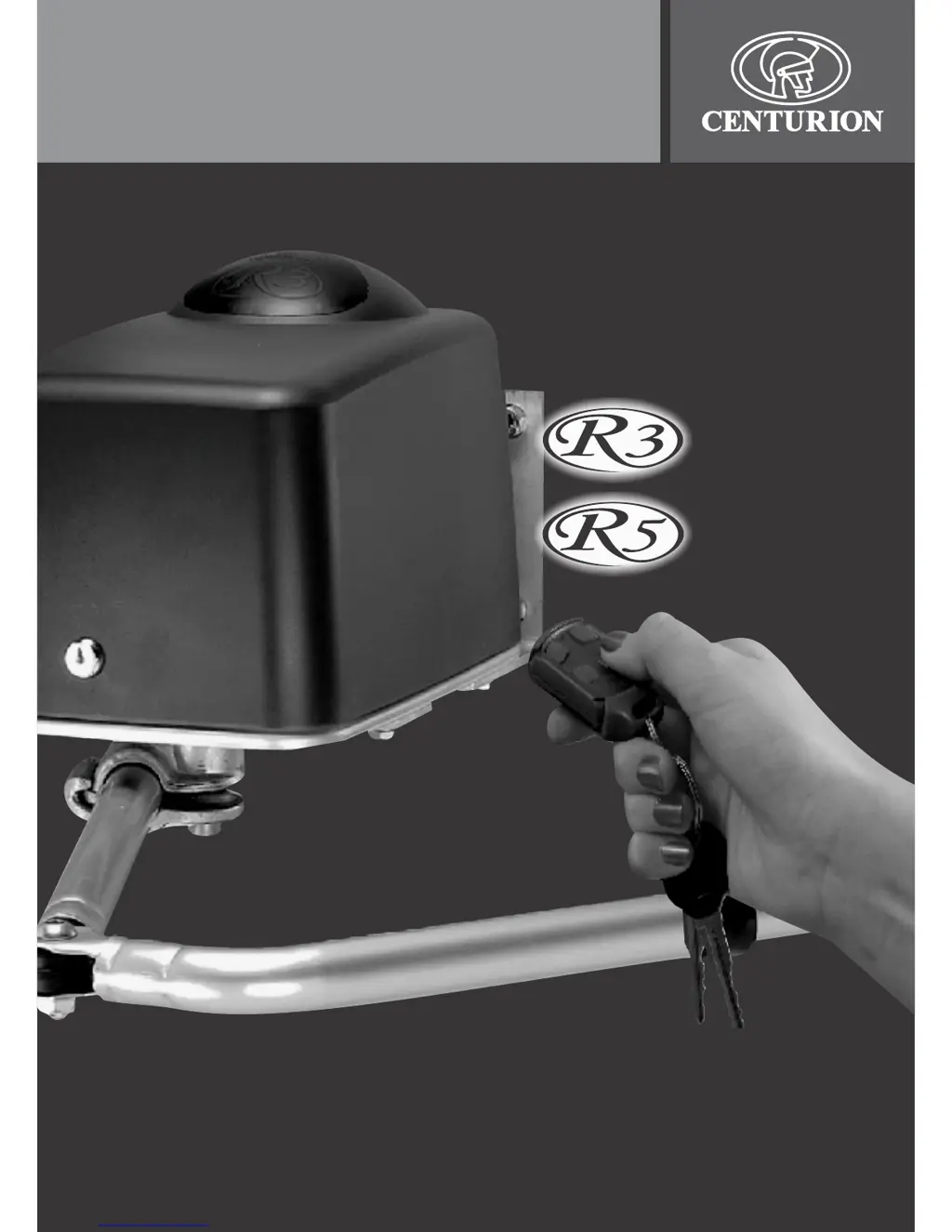
R3 and R5 user guide
TM
ROTARY
SWING GATE
OPERATOR

Other manuals for Centurion R3

Questions and Answers

  • C
    Carrie GarciaAug 20, 2025
    What to do if Centurion R3 Gate Opener does not open or close fully?
    • C
      Christopher RobertsAug 20, 2025
      If your Centurion Gate Opener gate does not open or close fully, or it moves a short distance and stops, there might be an obstruction. Clear any obstructions from the gate's path. Alternatively, the anti-crushing device setting may be too sensitive. In this case, unhook the gate from the mechanical linkage and check that the motor operates correctly. If problems persist, consult your installer. Also, check that the sensor mounted adjacent the geared DC motor is clipped into position. Check both MASTER and SLAVE motors where applicable. Finally, ensure the battery is charging, as low battery voltage can activate battery protection.
  • A
    Alexander BrownAug 22, 2025
    Why does my Centurion R3 Gate Opener gate open on its own?
    • M
      mdeckerAug 22, 2025
      If your Centurion Gate Opener gate opens on its own, it could be due to a permanent input on one of the trigger lines to the controller. Check that the RED LEDs next to each trigger input (TRG, FRX, PED) on the controller are OFF, and only turn ON when the corresponding input is activated. If the issue persists, consult your installer, as there may be faulty trigger line cables.
  • J
    Justin HayesAug 25, 2025
    What to do if my Centurion Gate Opener gate starts closing but stops and re-opens?
    • R
      Robert PriceAug 25, 2025
      If your Centurion Gate Opener gate starts closing but stops and re-opens, the infra red beam, if fitted, might be operating intermittently. Check the GREEN IRB LED on the controller to ensure it remains ON when the beam is clear. Also, the anti-crushing device may be set too sensitively; if this is the case, unhook the gate from the mechanical linkage and check that the operator then drives fully closed. If the problem persists, consult your installer.
  • N
    Nicolas RodriguezAug 26, 2025
    Why does my Centurion R3 gate not auto-close?
    • S
      Samuel MontoyaAug 26, 2025
      If your Centurion Gate Opener gate does not auto-close, the infra red beam (if fitted) may be faulty. Check that the GREEN LED next to the IRB input is ON. Also, verify that the auto-close override facility is not in operation. When the IRB input is ON, the infra red beam is clear. Ensure the beam is correctly aligned; you should hear a relay "click" as the beam is broken and cleared.
  • S
    Sabrina MejiaAug 28, 2025
    What to do if my Centurion Gate Opener motor starts and stops with STATUS flashing?
    • A
      Alexander WilliamsAug 28, 2025
      If your Centurion Gate Opener's motor briefly starts and then stops, and the STATUS light flashes 5 times, or if the motor starts then stops after 1 second with the same STATUS light behavior, there could be a few reasons. First, check if the battery is connected. If not, correct the problem, remove and refit the SET link, and start from step 17. Alternatively, the DOSS harness might not be plugged in, or there could be a fault on the DOSS sensor, cable, or controller.
  • N
    Nicole GreenSep 1, 2025
    Why does my Centurion Gate Opener keep driving past closed position?
    • R
      richardhallSep 1, 2025
      If your Centurion Gate Opener's motors keep driving past the closed position, the slave gate runs slower than the master gate, or the gate starts and then stops moving when fully OPEN and triggered to close, it could be due to several reasons. Positive close mode might be activated; deactivate it by setting feature 9 to 1. Also, the slave motor cables might be too thin; ensure they are at least 2.5mm². Additionally, the installation geometry might not give the motor enough mechanical advantage to start the gate; for limited space and wall-mounted installations, shorten the drive arm by 25mm and readjust the connecting arm as in steps 17 to 213 of the mechanical setup. Alternatively, set the collision sensitivity, feature 7, to status 2 (medium) or 3 (low).
  • J
    joliverSep 3, 2025
    Why does my Centurion Gate Opener radio transmitter have poor range?
    • B
      Brian BryantSep 3, 2025
      If your Centurion Gate Opener radio transmitter has poor range, first check if the issue is with only one transmitter. If so, replace the transmitter battery. Also, ensure the receiver is mounted in an elevated position within a weatherproof, non-ferrous enclosure and that the antenna is straight, as the receiver might not be properly receiving the transmitter signal.
  • R
    Rebecca MooreSep 5, 2025
    What to do if Centurion Gate Opener does not operate but relays click?
    • J
      joshuataylorSep 5, 2025
      If your Centurion Gate Opener gate does not operate, but the relays on the controller "click" momentarily, the motor fuse on the control card may be blown. Replace the blown fuse R3 with an 8Amp slow blow fuse, size 5x20mm. Also, low battery voltage could be the cause. Finally, if you have a single gate installation with a solenoid or magnetic lock, the gate lock may not be releasing. Check that the lock is trying to release (it should make a distinctive "click" sound when energized) and that it is not mechanically held due to misalignment or dirt. If it's a magnetic lock, try pulling on it while activating the gate to see if it releases.
  • A
    Ashley JonesSep 7, 2025
    Why does the courtesy light not operate on my Centurion R3?
    • C
      Clifford EllisSep 7, 2025
      If the courtesy light on your Centurion Gate Opener does not operate, first replace the light fuse with a 220V 3A fast blow fuse, size 5x20mm, after isolating the system's power supply. Also, make sure that the lamp load does not exceed 500W, check the bulb, replace if necessary, and ensure it makes good electrical contact in its holder.
  • D
    Debbie JacksonSep 9, 2025
    What to do if Centurion R3 Gate Opener doesn't operate and no motor relay reaction?
    • J
      Jessica MartinezSep 9, 2025
      If your Centurion Gate Opener gate does not operate and there is no reaction from the motor relays, but the radio receiver relay "clicks" when activated, an input may be latching up the controller. Check that both the GREEN IRB (infra red beam) and LCK (holiday lockout) LEDs on the CP75 controller are ON, and that the other RED input LEDs are OFF (they should only light up when their corresponding input is activated). Try operating the system using the TEST pushbutton on the control card.

Summary

Safety Instructions for Gate Operation

Principles of Gate Operator Function

Centurion R3;R5 Features and Functions

Operating Modes Overview

Details the four selectable operating modes: Standard, Reversing, Condominium, and PIRAC.

Reversing Mode Operation

Condominium Mode Operation

PIRAC Mode Operation

Anti-crushing Device

Multiple Collision Handling

Automatic Closing Feature

Auto-Close Override

Protection Beam Safety Feature

Battery Low Protection

Lightning Protection

Alternative Power Supply Options

Manual Release Procedure

Basic Maintenance Checks

Battery System Overview

Battery Charger Functionality

Solar Panel Maintenance

Technical Specifications

Troubleshooting Common Issues

Centurion R3 Specifications

General IconGeneral
CategoryGate Opener
Protection RatingIP54
Control OptionsRemote control, Keypad, Loop detector
Safety FeaturesObstacle detection
Opening SpeedAdjustable, typically 12-15 seconds
Closing SpeedAdjustable, typically 12-15 seconds

Related product manuals