EasyManua.ls Logo

Centurion VECTOR2 - User Manual

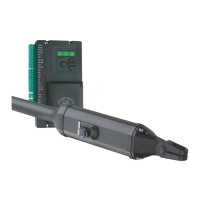
Centurion VECTOR2
40 pages
Print Icon
To Next Page IconTo Next Page
Loading...
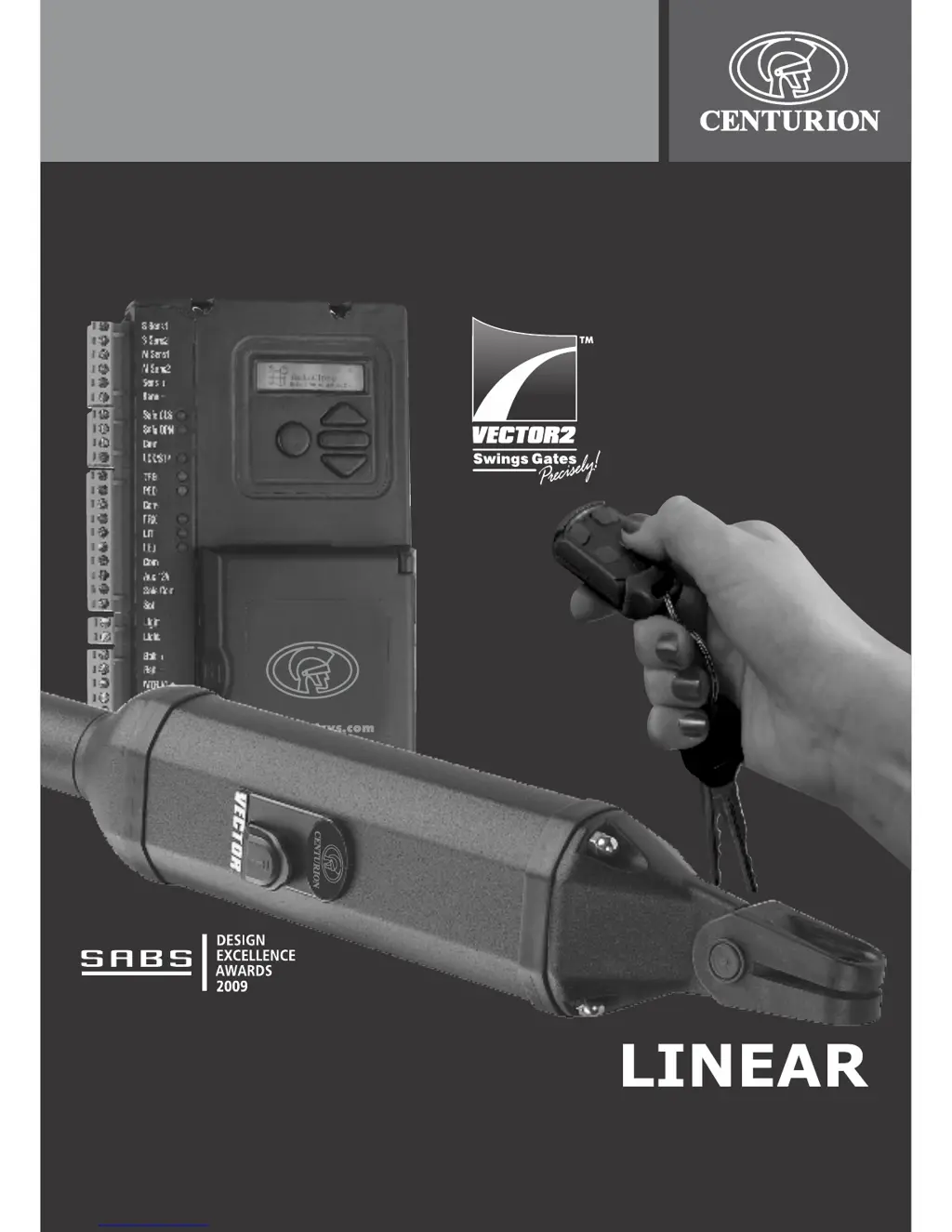
VECTOR2 User Guide
LINEAR
SWING GATE
OPERATORS

Other manuals for Centurion VECTOR2

Questions and Answers

  • G
    Gina AdamsJul 30, 2025
    What to do if Centurion Gate Opener does not open or close fully?
    • C
      Carl RiggsJul 30, 2025
      If your Centurion Gate Opener doesn't fully open or close, or it stops after moving a short distance, the possible causes include an obstruction in the gate's path, an anti-crushing device set too sensitively, or a malfunctioning position control system. To troubleshoot, first, clear any obstructions. If that doesn't work, disconnect the VECTOR2 from the gate by removing the pin from the gate bracket to check if the motor operates correctly without the gate connected. Also, check the cables from the VECTOR2 actuator to ensure they're correctly terminated and making good contact.
  • R
    Randall LesterAug 7, 2025
    Why is my Centurion VECTOR2 not auto closing?
    • S
      Sergio GilbertAug 7, 2025
      If your Centurion Gate Opener is not autoclosing, it could be due to faulty infrared beams, incorrect beam alignment, or the auto-close override facility being unintentionally activated. Check that the GREEN LEDs adjacent the ‘Safe CLS’ and ‘Safe OPN’ inputs are ON when the infrared beams are clear. Ensure that nobody is mistakenly pressing and holding down the gate-release pushbutton on, either the remote, or intercom for too long when activating the unit. Check that the beam is correctly aligned. It should be possible to hear the relay within the ‘receiver’ side of the infrared beam ‘click’ as the beam is broken and cleared.
  • J
    John JonesAug 12, 2025
    What to do if Centurion Gate Opener starts closing but stops and reopens?
    • G
      Gabriella BridgesAug 12, 2025
      If your Centurion Gate Opener starts closing but then stops and reopens, the issue might stem from intermittent operation of the infrared beam or an anti-crushing device set too sensitively. Disconnect the VECTOR2 from the gate by removing the pin from the gate bracket. Check that the operator runs correctly when not loaded by the gate. Check the GREEN ‘Safe CLS’ LED on controller. It must remain ON if beam is clear.
  • M
    Michael EdwardsAug 16, 2025
    What to do if Centurion Gate Opener battery voltage is low?
    • J
      jbrooksAug 16, 2025
      If the battery voltage of your Centurion Gate Opener is low, and the battery low protection has activated, ensure the battery is charging by checking the LCD display for the correct ‘Charging’ symbol. Verify that the mains supply to the system is connected and switched on. The red gate status LED will flash twice every two seconds if the mains supply is not present, and the LCD display will indicate ‘No Mains’ symbol. Also, check that the battery connections are tight and free from corrosion. Consider when the battery was last changed.
  • J
    John WilliamsAug 20, 2025
    Why Centurion VECTOR2 does not operate but I hear a relay click?
    • P
      patriciareidAug 21, 2025
      If your Centurion Gate Opener doesn't operate, but you hear a relay click, the motor fuse on the control card may be blown, or the battery voltage may be low. Replace the blown fuse with a 15A ATO type fuse. See action earlier in this troubleshooting guide for ‘Battery voltage is low’ and the battery low protection is being activated.
  • R
    Richard HutchinsonAug 25, 2025
    What to do if Centurion Gate Opener does not operate and no reaction from relays?
    • G
      gregorytamaraAug 26, 2025
      If your Centurion Gate Opener does not operate and there's no reaction from any relays on the VECTOR2 controller, the gate lock may not be releasing, or there could be an incorrect trigger input to the controller. Check that the solenoid lock is trying to release. It will make a distinctive ‘click’ sound when energised. Then check that the lock is not being mechanically held due to misalignment, dirt, etc. Check that the GREEN (‘Safe CLS’ and ‘Safe OPN’) LED's on the VECTOR2 controller are ON. Try operating the system using the RUN ( ) pushbutton on the control card.
  • D
    Donald PowersNov 2, 2025
    Why does my Centurion VECTOR2 Gate Opener open on its own?
    • J
      Joshua GilbertNov 2, 2025
      If your Centurion Gate Opener opens by itself, it could be due to several reasons. The origin clamp may have shifted on the piston. There might be a permanent input on one of the trigger lines to the controller. Faulty trigger line cables may also cause this issue. A flat transmitter battery, radio receiver issues, or a faulty key-switch could also be the culprit. In addition, an anti-crushing device set too sensitively, a blown light fuse, a blown light bulb, or an incorrectly plugged-in pillar light terminal plug-socket may cause the gate to open on its own. Check that the RED LEDs adjacent each trigger input on the controller ('TRG', 'FRX', 'PED') are OFF and only switch ON when that input is activated. Make sure that the aerial is straight. Check the bulb and replace if necessary. Repl...

Summary

Introduction

VECTOR2 overview

Provides an overview of the CENTURION VECTOR2 swing gate operator, its power source, and models.

1. VECTOR2 identification

2. VECTOR2 manual override

2.1. Disengaging the operator

Details how to manually release the gate operator using the key-release mechanism for emergency access.

3. Features and functions

3.1. Gate operation

Explains how to operate the gate, including remote control and intercom usage for opening and closing.

3.1.3. Automatic closing (Autoclose Mode)

Explains the automatic closing feature, its adjustable delay, and override options for gate closure.

3.1.4. Pedestrian Opening

Details the function that opens only one leaf of the gate for pedestrian access, including delays and settings.

3.1.6. PIRAC Mode (Beam Autoclose Mode)

Describes the PIRAC mode which automatically closes the gate after a vehicle passes through a safety beam.

3.3. Anti-crushing Sensitivity

Covers the electronic anti-crushing technology that detects obstructions and stops or reverses the gate.

3.4. Infrared Safety Beam

Explains the function and importance of infrared safety beams for preventing gate-related accidents.

3.5. Intruder Detection Alarms

Details intruder detection alarms, including Ambush Alarm and Break-in Alarm, for enhanced property security.

3.7. Courtesy (Pillar) Light Timer

Describes the optional courtesy light feature, its timer control, and use as a warning light.

3.8. Onboard Multichannel Receiver

Explains the multichannel receiver for operating multiple functions from a single remote control.

3.9. Battery Low Protection

Details the system's protection against battery drain during power failures, shutting down the system at low voltage.

4. Additional features

4.1. Solar power supply

Describes the option of using a solar panel to charge the battery instead of the conventional charging circuit.

4.2. Lightning Protection

Details the onboard lightning protection circuitry and the importance of a proper lightning-earth installation.

5. Basic maintenance

5.1. General

Provides a list of regular checks for gate hinges, terminals, housing, and brackets to ensure reliability.

6. Diagnostics

7. Troubleshooting guide

8. Specifications

9. 24 Month product warranty

10. Optional extras

Centurion VECTOR2 Specifications

General IconGeneral
ModelVECTOR2
CategoryGate Opener
Battery BackupYes
Operating Voltage24V DC
Voltage24V DC
Maximum Gate Weight500kg
Opening SpeedAdjustable
Closing SpeedAdjustable
Operating Temperature-15°C to +50°C
Protection RatingIP54
Motor TypeDC
Control TypeRemote Control

Related product manuals