EasyManua.ls Logo

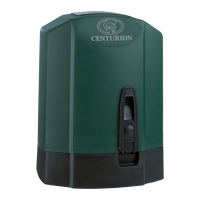
Centurion R3 - User Manual

Centurion R3
24 pages
Print Icon
To Next Page IconTo Next Page
Loading...
TM
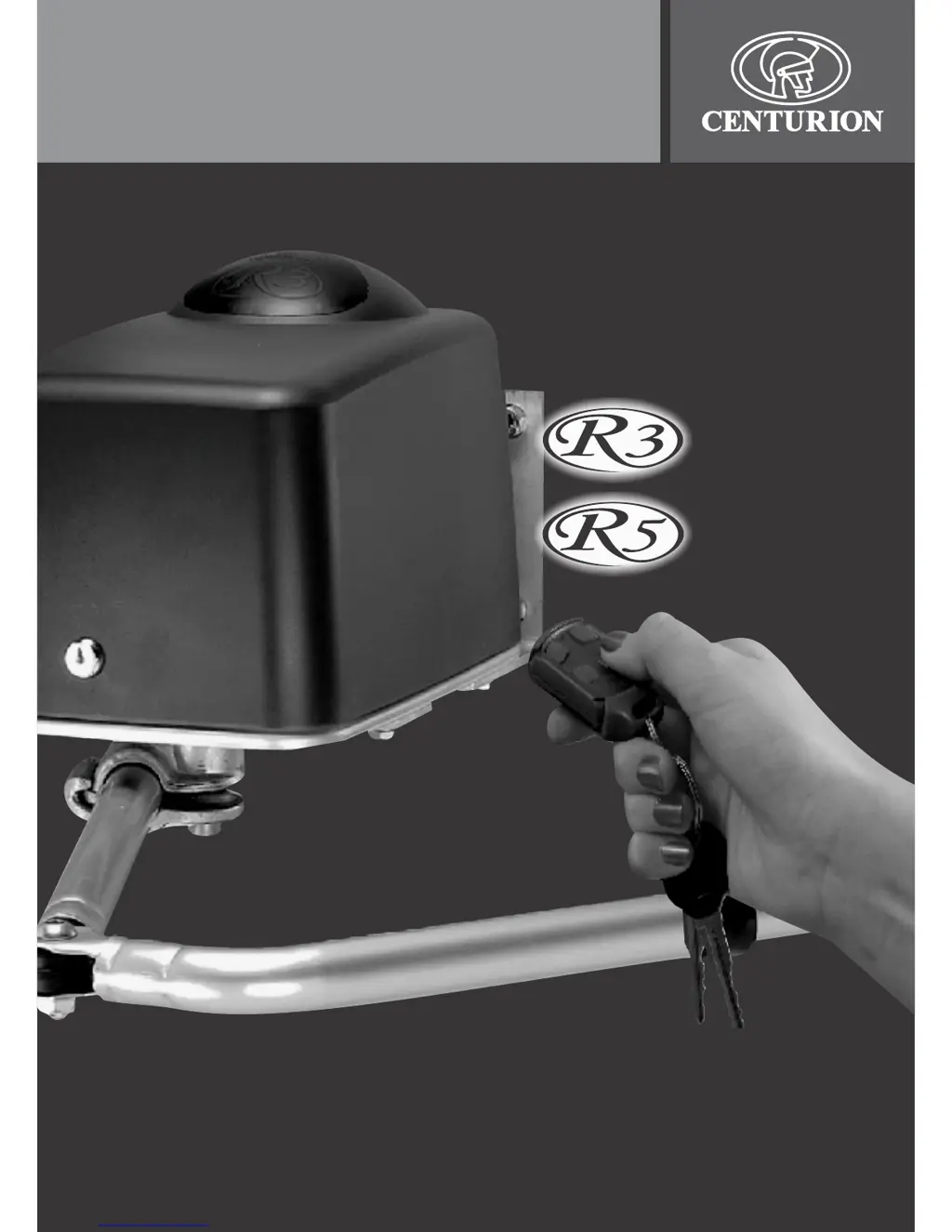
R3 and R5 user guide
TM
ROTARY
SWING GATE
OPERATOR

Other manuals for Centurion R3

Questions and Answers

  • P
    Paul NunezSep 12, 2025
    Why does my Centurion Gate Opener operator drive too far?
    • C
      charlotteallenSep 12, 2025
      If your Centurion Gate Opener operator drives too far and does not stop in the correct open and closed positions, the origin system may not be functioning correctly. Check that the origin sensor, mounted on the black plastic housing covering the manual override, is properly clipped in.
  • B
    barbarasotoSep 13, 2025
    Why is L1 on when setting Master on Centurion R3 Gate Opener?
    • D
      Deborah MooreSep 13, 2025
      If light L1 is on when setting the Master, or L2 is on when setting the Slave motor on your Centurion Gate Opener, it means that the leaf has not passed through the origin yet. Either keep pressing and holding the test button until the required gate closed position is reached with L1 off, or mechanically reset the gate origin by restarting from step 4.
  • T
    townsendrobertSep 15, 2025
    Why is L1 off when setting Master on Centurion R3?
    • G
      gluceroSep 15, 2025
      If light L1 is off when setting the Master, or L2 is off when setting the Slave motor on your Centurion Gate Opener, it means the leaf has not passed through the origin yet. To solve this, either keep pressing and holding the test button until the required gate closed position is reached with L1 or L2 on, or mechanically reset the gate origin by restarting from step 4.
  • S
    sandersheatherSep 18, 2025
    What to do if L2 and SET did not go off on Centurion R3 Gate Opener?
    • K
      Kenneth PittsSep 18, 2025
      To resolve the issue where L2 and SET did not go off on your Centurion Gate Opener, check for, and remove, any inputs on the SET terminal.
  • J
    James AliDec 1, 2025
    Why is my Centurion Gate Opener stopping short or not closing properly?
    • N
      Nicole SalazarDec 1, 2025
      If your Centurion Gate Opener's gate stopped short of the open or closed position, doesn't close when pressing TEST, or the gates don't close simultaneously, several factors could be at play. First, the gate limits might not have been set correctly, requiring a restart from step 4. The gate dynamics could be detected as a collision; try setting the gate collision sensitivity to be less sensitive (feature 7 to Status 2 or 3). If the open position wasn't confirmed by pressing the TEST button, restart from step 11. Also, the mode of operation could be set to condominium, which only allows closure by the auto-close timer. The safety beams or holiday lockout features might be activated; check the IRB and LCK lights—both must be ON for normal operation. Ensure the link between COMMON and LCK is ...

Summary

Safety Instructions for Gate Operation

Principles of Gate Operator Function

Centurion R3;R5 Features and Functions

Operating Modes Overview

Details the four selectable operating modes: Standard, Reversing, Condominium, and PIRAC.

Reversing Mode Operation

Condominium Mode Operation

PIRAC Mode Operation

Anti-crushing Device

Multiple Collision Handling

Automatic Closing Feature

Auto-Close Override

Protection Beam Safety Feature

Battery Low Protection

Lightning Protection

Alternative Power Supply Options

Manual Release Procedure

Basic Maintenance Checks

Battery System Overview

Battery Charger Functionality

Solar Panel Maintenance

Technical Specifications

Troubleshooting Common Issues

Centurion R3 Specifications

General IconGeneral
CategoryGate Opener
Protection RatingIP54
Control OptionsRemote control, Keypad, Loop detector
Safety FeaturesObstacle detection
Opening SpeedAdjustable, typically 12-15 seconds
Closing SpeedAdjustable, typically 12-15 seconds

Related product manuals