EasyManua.ls Logo

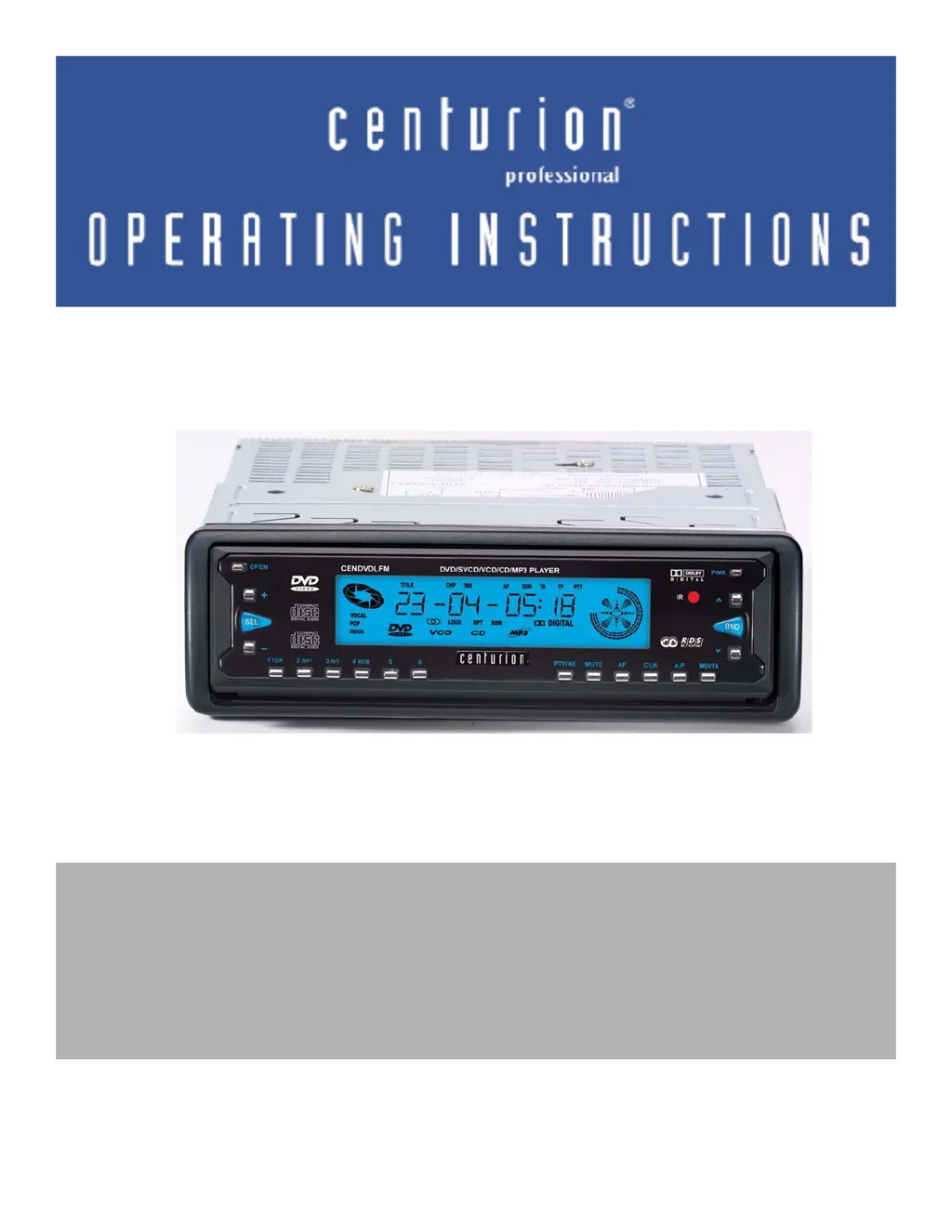
Centurion CENDVDLFM - User Manual

Centurion CENDVDLFM
28 pages
Print Icon
To Next Page IconTo Next Page
Loading...
CENDVDLFM
Multimedia player with RDS AM/FM Radio
Before attempting to connect or operate this product, please read the
instructions completey.

Other manuals for Centurion CENDVDLFM

Questions and Answers

  • T
    Travis CookAug 11, 2025
    What to do if my Centurion CENDVDLFM Media Player shows Error3?
    • R
      Rebecca FranklinAug 11, 2025
      If your Centurion Media Player displays 'Error3', it means the DVD/CD you're trying to play is scratched or warped. The solution is to replace it with a disc that is not scratched or warped.
  • L
    Lisa BeckAug 20, 2025
    Why does the sound skip on my Centurion Media Player?
    • C
      carsonphilipAug 20, 2025
      If your Centurion Media Player is skipping or making noise, it could be because the disc is dirty, seriously scratched, or warped. Try cleaning the disc with a soft cloth. If that doesn't work, you may need to replace the disc with a new one.
  • P
    Patrick HunterAug 31, 2025
    What to do if my Centurion CENDVDLFM shows Error6?
    • D
      Danielle HannaAug 31, 2025
      If your Centurion Media Player displays 'Error6', it means a DVD/CD is loaded upside down. Eject the disc and reload it properly.

Centurion CENDVDLFM Specifications

General IconGeneral
BrandCenturion
ModelCENDVDLFM
CategoryMedia Player
LanguageEnglish