TO END PLAYING
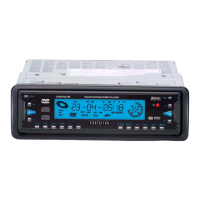
1. Press the OPEN button on the front panel of the DVD player to flip down the front panel, then
press the EJECT button on the back of the front panel to eject the disc from the slot and remove the
disc.
2. Press the POWER button on the IR remote control or the front panel of the DVD player to turn
off the DVD player.
NOTE:
During DVD/VCD/CD/MP3 playback, if the power button or the ignition is shut switched off and then
switched on again, the DVD player will resume play at the exact spot where playback was interrupted.
NOTE:
1. If the DVD player can not place the disc to the reading position after inserting disc into disc
compartment, press the EJECT button and hold for more than 3 seconds to make the DVD
player position the disc to the reading position.
2. If the DVD player can not eject the disc from the disc compartment after pressing the EJECT
button press the EJECT button and hold for more than 3 seconds to make the DVD player
eject out the disc from the disc compartment.
CENDVDLFM Page 13


 To Next Page