The schedule of Factory Defaults are detailed in the full
installation manual, available for download on
www.centsys.co.za
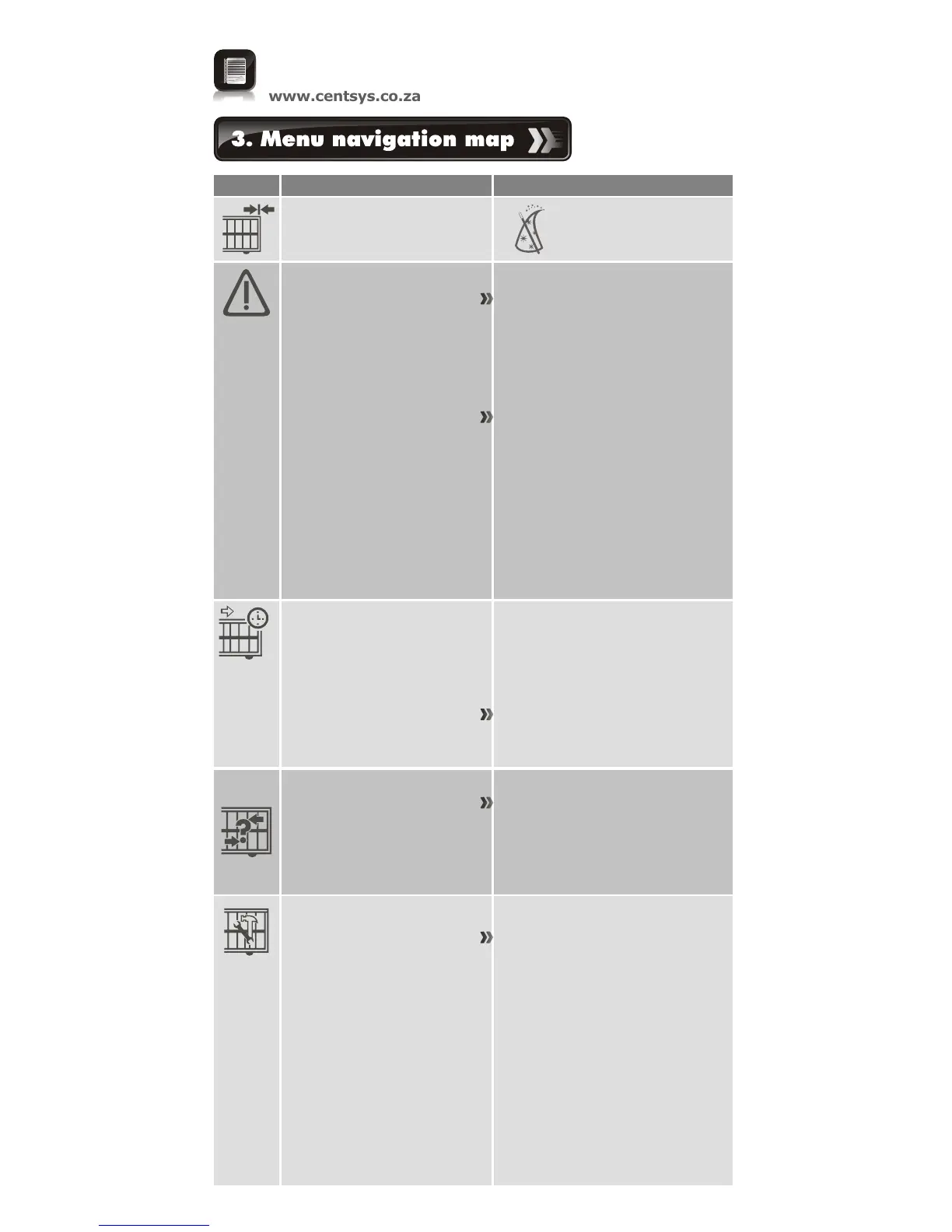
Icon
Sub-menu
Menu
4. Modes of operation
4.1. Operating mode
4.1.1. Standard Mode
4.1.2. Condominium Mode
4.1.3. Reversing Mode
4.1.4. PLC
4.1.5. Deadman Control Mode
1.1. Setup wizard
1. Setting limits
2. Safety
2.1. Collision force
2.1.1. Opening collision force
2.1.2. Closing collision force
2.5.1. Indicator output
2.5.2. Closed indication
2.5.3. Part close indication
2.5.4. Closing indication
2.5.5. Part open indication
2.5.6. Opening indication
2.6.7. Open indication
2.5.8. Pedestrian indication
2.5.9. Unknown indication
2.2. Collision count
2.3. Alarm output
2.4. LCK input as ESTOP
2.5. External gate
indication status
3. Autoclose
3.1. Autoclose Status
3.2. Autoclose Timer
3.3. Autoclose Override
3.4. Autoclose advanced
options
3.4.1. Autoclose fully open
3.4.2. Autoclose partly open
3.4.3. Autoclose partly closed
5. Run profile
5.1. Positive Close Mode
5.1.1. Positive Close Mode Status
5.1.2. Positive Close Mode Force
5.2. Pre-open delay
5.3. Pre-close delay
5.4 Opening speed
5.5. Closing speed
5.6. Ramp-up distance
5.7. Ramp-down distance
5.8. TRG stop distance
5.9. IRB stop distance
5.10.Crawl distance
5.11.Torque limit













 To Next Page