OPERATOR INSTALLATION SECTION 6
6.7. Connecting to a power supply
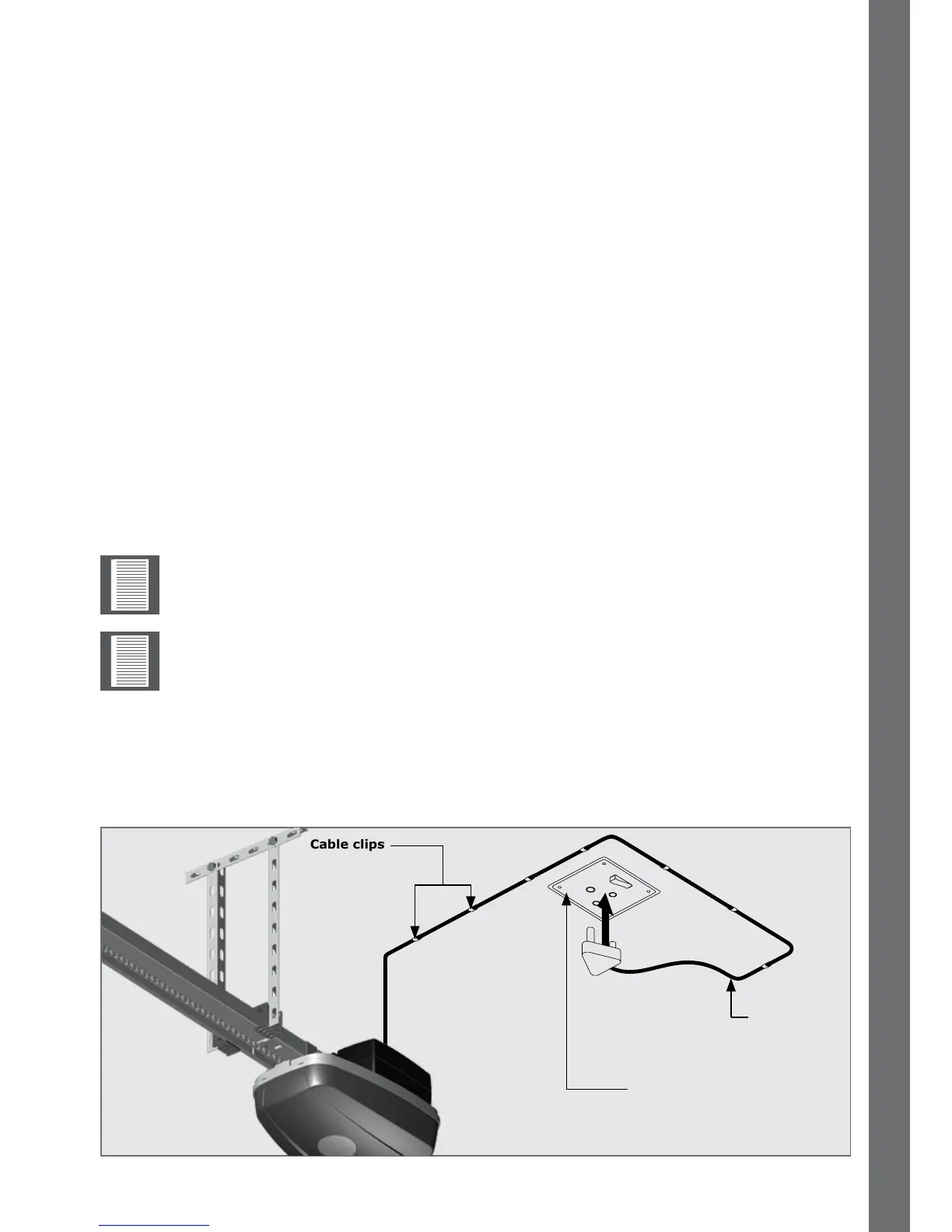
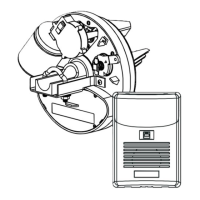
• Plug the SDO4 into a properly-earthed 220 to 240V AC power outlet
• Ensure that no excess power cord hangs below the control box
FIGURE 79
SDO4 power
cable
220 TO 240V AC Power outlet
on ceiling
Cable clips
6.6.1.2. Connection
• Strip back and connect the two strands of one end of the cable to each of the two
terminals located on the outer cover of each safety beam
• Fix the cable securely up and along the wall, and run one length of each cable
adjacenttothecontrolbox
• Stripbackandconnectonestrandofeachcabletotheoutputterminals‘SB’and
placethejumperonto‘2W’.RefertoSection7-“Electrical setup of accessories”
6.6.2. Four-wire safety beams
6.6.2.1. Mounting
1. Mark the inside garage door framing so that the bottom edge of the beam sits
125mmotheoor.
2. Usingasmallanglebracket,fasteneachbeamtothewallsothattheyfaceeach
other across the garage door (Refer to installation instructions for further
information).
6.6.2.2. Connection
Follow the Safety beam instructions and connect to the output terminals.
Usethenormally-closedcontactsofthebeamtoconnecttoinput‘SB’ontheSDO4 and
placethejumperon‘4W’.RefertoSection7-“Electrical setup of accessories”.
The SDO4 provides a 24V DC output and normally-closed input for safety
beams.
For aligning and testing the safety beams, please refer to the installation manual
supplied with the respective safety beams used.


 To Next Page