48
Reset Monost
Reset Monost
The keypad buzzer will sound 6 confirmation beeps after the 2-digit group and the panel exits the section, waiting for a new command to enter another section.
To exit the “main programming menu”, press [#] key.
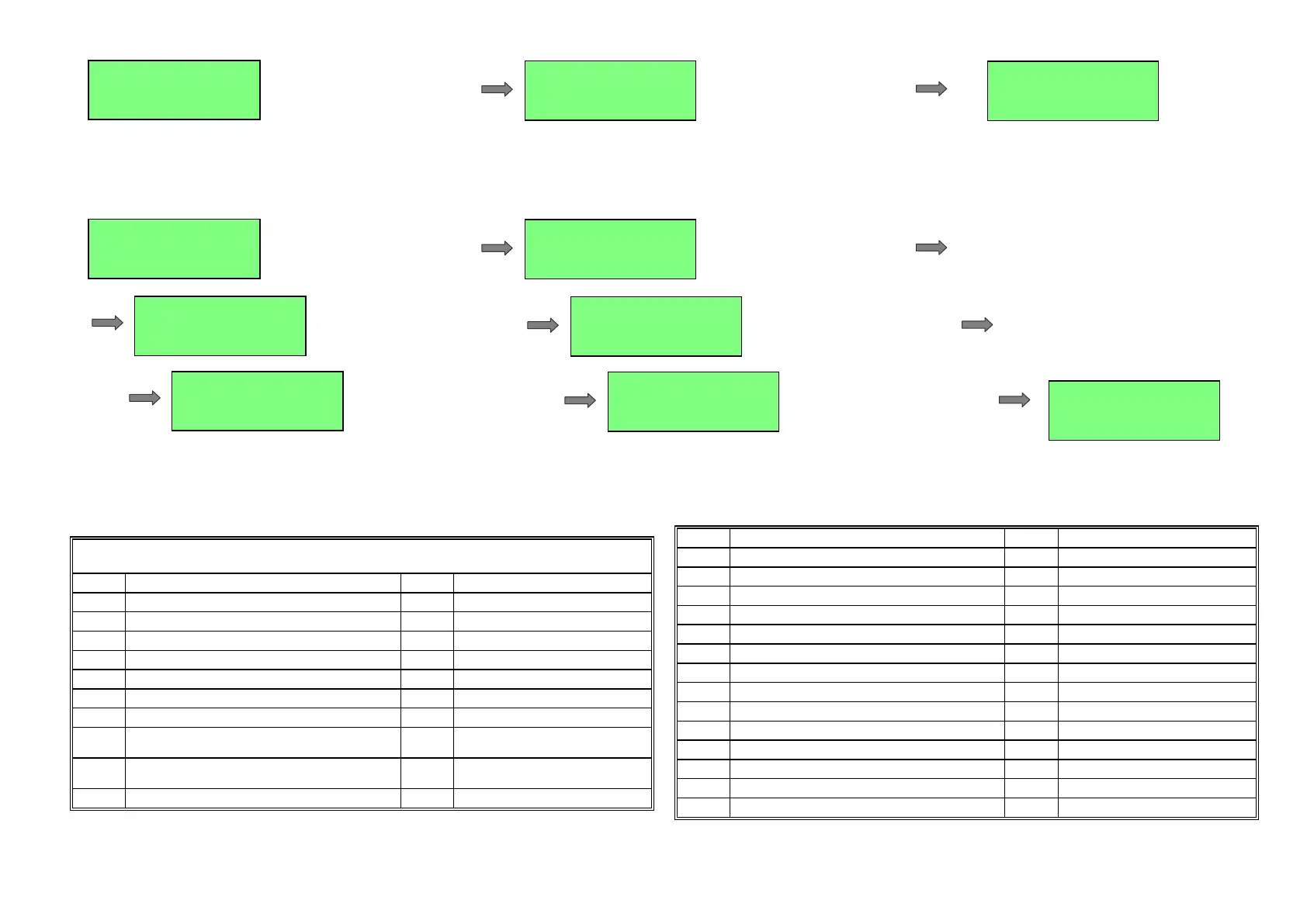
Section [051]: Types for PGM1 to PGM6 Outputs
While system is being within “main programming menu”, to set the type of programmable PGM1 to PGM6 outputs, select section [051] and then enter 6 groups of 2 digits each:
The first group is setting the PGM1 type; the second group is setting the PGM2 type and so on.
After the first 2 digits were entered, the keypad buzzer will sound 3 beeps and after the last 2 digits were entered, the keypad buzzer will sound 6 confirmation beeps and the panel
exits the section, waiting for a new command to enter another section.
Press [#] key instead of the 2 corresponding digits if the type of one of the programmable outputs isn’t to be changed.
To exit the “main programming menu”, press [#] key.PGM TYPES used in programming
section [051]
CODE DESCRIPTION CODE DESCRIPTION
[00]
Not Used PGM
[45]
Pulse on guardian round failed
[01]
“Panic alarm” latch
[46]
Pulse on siren trouble
[02]
“Fire alarm” latch
[47]
Retriggerable mono-stable
[03]
“Medical emergency alarm” latch
[48]
Resettable mono-stable
[04]
“Tamper alarm” latch
[49]
Bi-stable
[05]
Any burglary alarm latch
[4A]
Pulse on phone line trouble
[06]
Pulsing siren
[4B]
Pulse after after disarm by card
[07]
Steady siren
[4C]
Pulse after presenting user card
while disarmed
[08]
“Silent alarm” latch (alarm without siren
activating)
[4D]
Fire detector power supply
[09]
AUXILIARY SIREN
[50]
Pulse after an alarm on zone 1
[10]
ON while ARMED
[51]
Pulse after an alarm on zone 2
[11]
ON while DISARMED
[52]
Pulse after an alarm on zone 3
[12]
ON while entry delay time
[53]
Pulse after an alarm on zone 4
[13]
ON while exit delay time
[54]
Pulse after an alarm on zone 5
[16]
ON while AC power loss
[55]
Pulse after an alarm on zone 6
[17]
ON while battery trouble
[56]
Pulse after an alarm on zone 7
[18]
ON while telephone line trouble
[57]
Pulse after an alarm on zone 8
[19]
ON while system troubles
[58]
Pulse after an alarm on zone 9
[20]
Clock Timer
[59]
Pulse after an alarm on zone 10
[30]
Keyswitch buzzer
[5A]
Pulse after an alarm on zone 11
[31]
Round Warning Buzzer
[5B]
Pulse after an alarm on zone 12
[40]
Pulse after exit delay
[5C]
Pulse after an alarm on zone 13
[41]
Pulse upon Arming
[5D]
Pulse after an alarm on zone 14
[42]
Pulse upon Disarming
[5E]
Pulse after an alarm on zone 15
[43]
Courtesy Light
[5F]
Pulse after an alarm on zone 16
F
F
, type one 1 digit number
or
, type one 1 digit number
or
, type one 2 digit number
or
[#]
, type one 2 digit number
or
, type one 2 digit number
or
Reset Monost
Reset Monost
, type one 2 digit number
or
, type one 2 digit number
or
Reset Monost
Reset Monost
, type one 2 digit number
or



 To Next Page