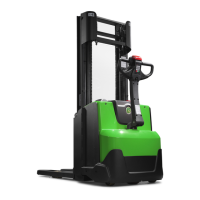
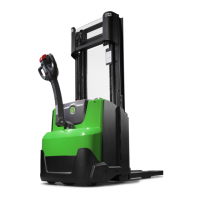
© Cesab 13 – 13 T Code(s): 841, 842, 843
Repair manual: Tiller arm 4000 Model(s): S210, S212, S212S, S212L, S214, S214L, S220D
Publication Number: 7588857-040 Date: 2018-05-01 Applies from serial number: 6384351-
13.5.7 Checking the handle
Test drive the truck and check the functions of the handle
13.5.8 Update the software
If a new logic card without software has been installed, use TruckCom to
download software and reset the parameters.
See the TruckCom manual.
https://www.forkliftpdfmanuals.com/



 To Next Page