10. Lighting, Instruments, Switches
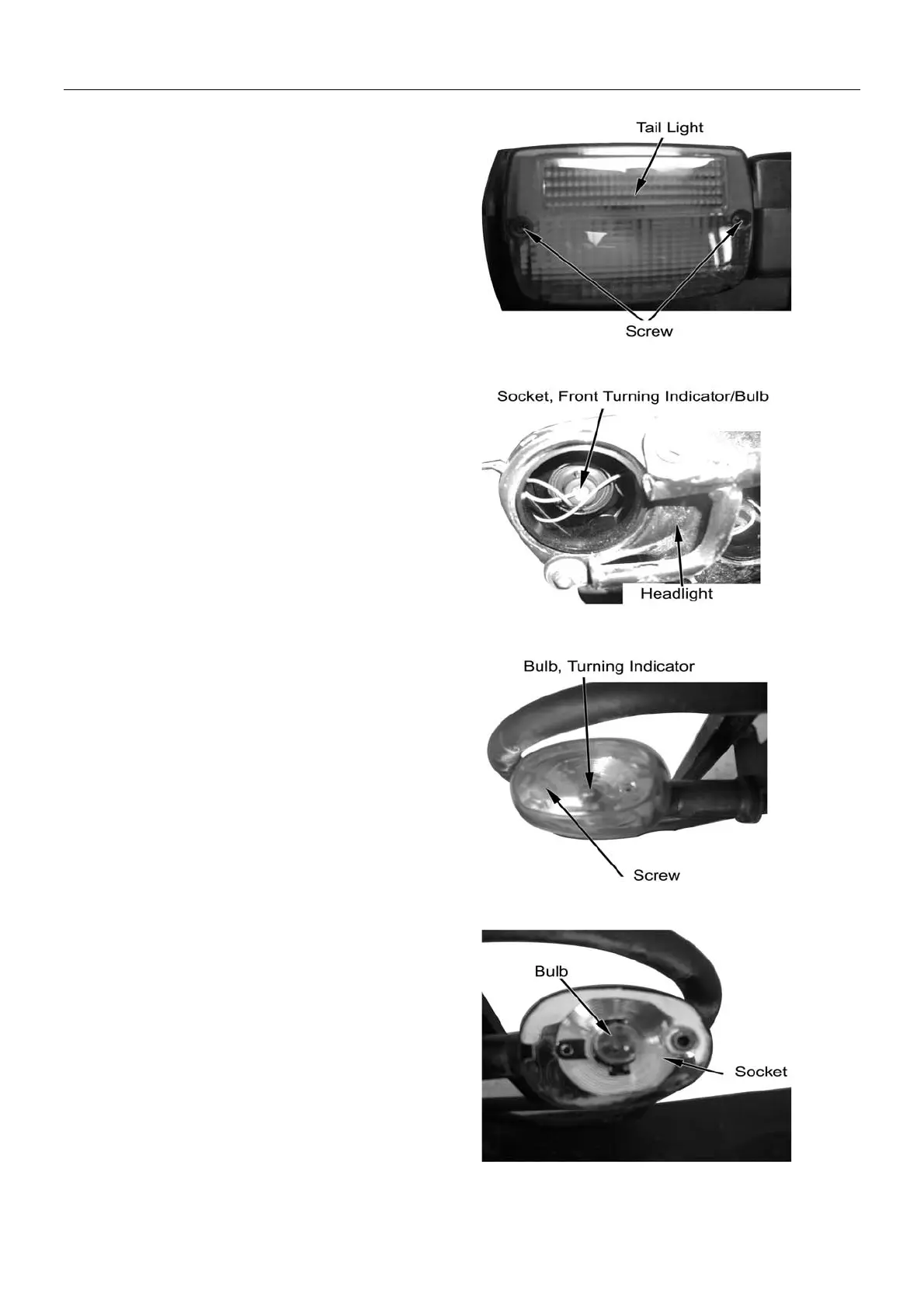
Brake Light/Tail Light Bulb
Remove 2 tapping screws,
Remove tail light cover.
Turn brake light/tail light bulb counter clockwise and
remove it.
Replace brake light/tail light bulb
Bulb Specification: 12V-21/5W
Reverse the removal procedure for installation.
Front Turning Indicator Bulbs
Remove headlight(→10-5)
Remove cover of front turning light
Replace front turning light bulbs
Bulb Specification: 12V-10W
Rear Turning Indicator Bulbs
Remove screw
Remove rear turning indicator cover.
Replace rear turning indicator bulbs.
Bulb Specification: 12V-10W
Reverse the removal procedure for installation.
10-4



 To Next Page