6. Front Wheel, Front Brake, Suspension, Steering
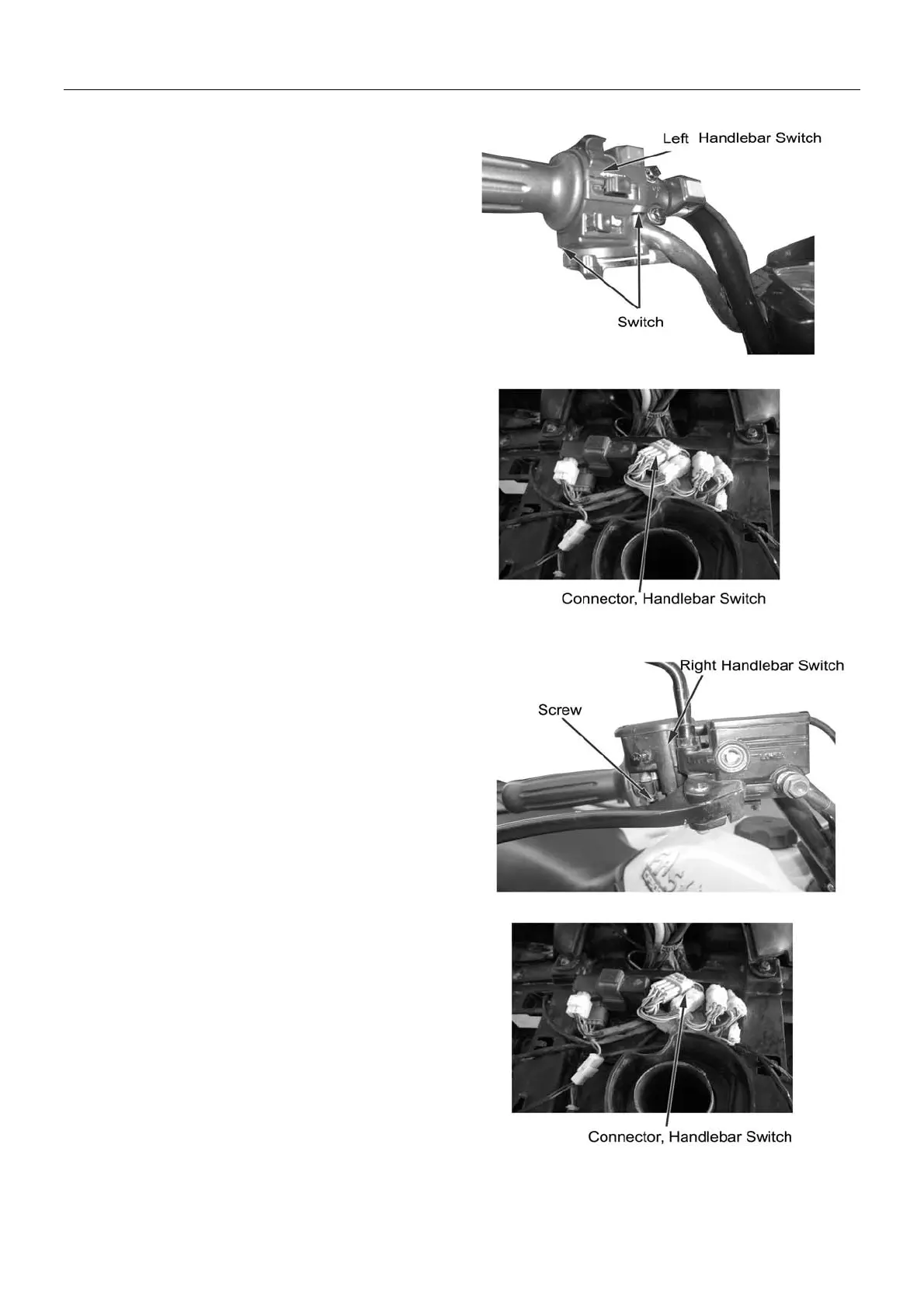
Installation of Left Handlebar Switch
Match the limit pin of left handlebar switch with
positioning hole on handlebar.,
Tighten with Screw 1 and 2 from under
Insert connector of left handlebar switch into socket of
main cable
Installation of Right Handlebar Switch
Match the limit pin of right handlebar switch with
positioning hole on handlebar.
Tighten with Screw 1 and 2 from under.
Insert connector of right handlebar switch into socket of
main cable.
6-15



 To Next Page