Chapter 2
14
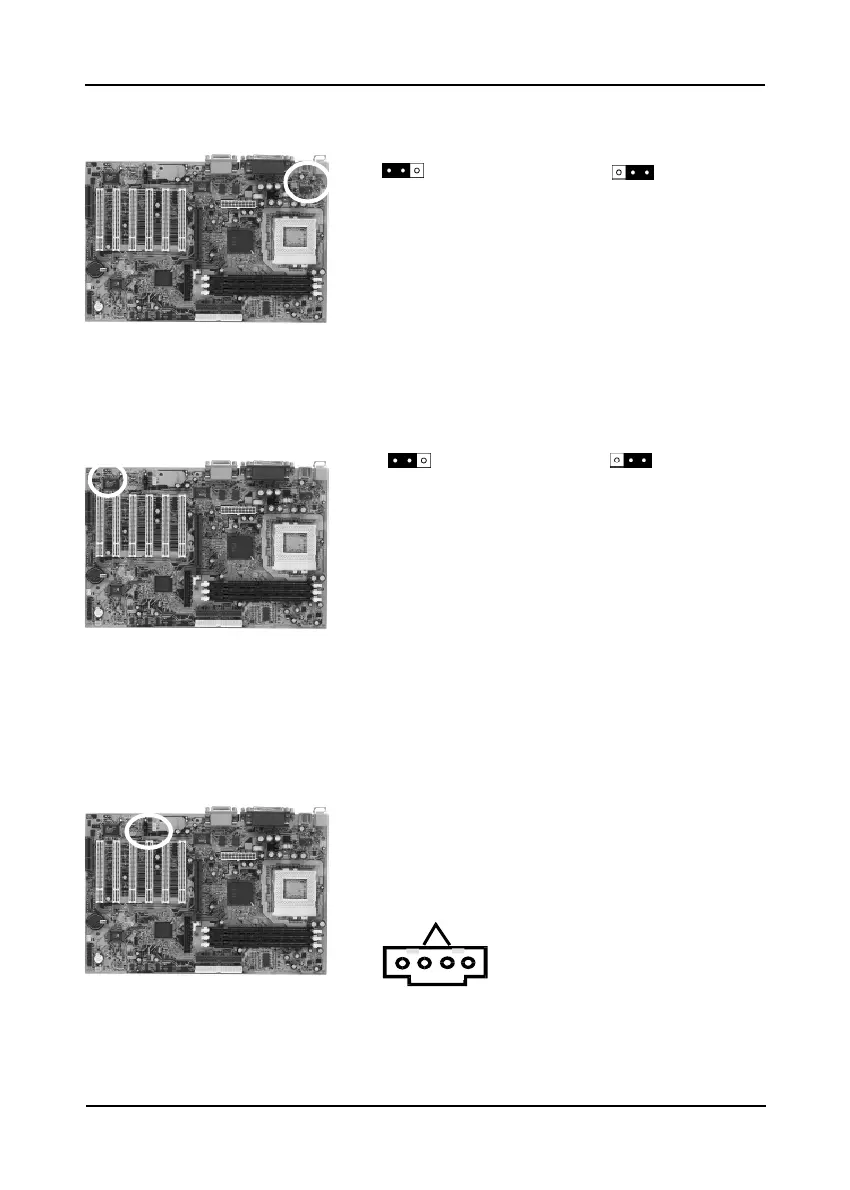
USB Device Power On Function (JP6)
This board is able to be turned on by a USB
keyboard (hot key/Password) or a USB mouse
click. To use this function, select a device of your
choice at the Power on Function option in BIOS's
Integrated Peripherals screen. You must also set
jumper caps to pins 2-3 to use this function.
Onboard Audio (JP8)
This function allows you to enable and disable
the on board audio. You must set the jumper's cap
to pins 1-2 to enable or set pins 2-3 to disable
this function.
CD-ROM Audio-in Connector (CN2)
Use the audio cable enclosed with your CD-ROM
disk drive to connect the CD-ROM to your
mainboard. This will enable your CD-ROM's
audio function.
Enable(default)
1
1
Disable
Disable (default)
1
1
Enable
L
1
R
GND



 To Next Page