User's Manual
28
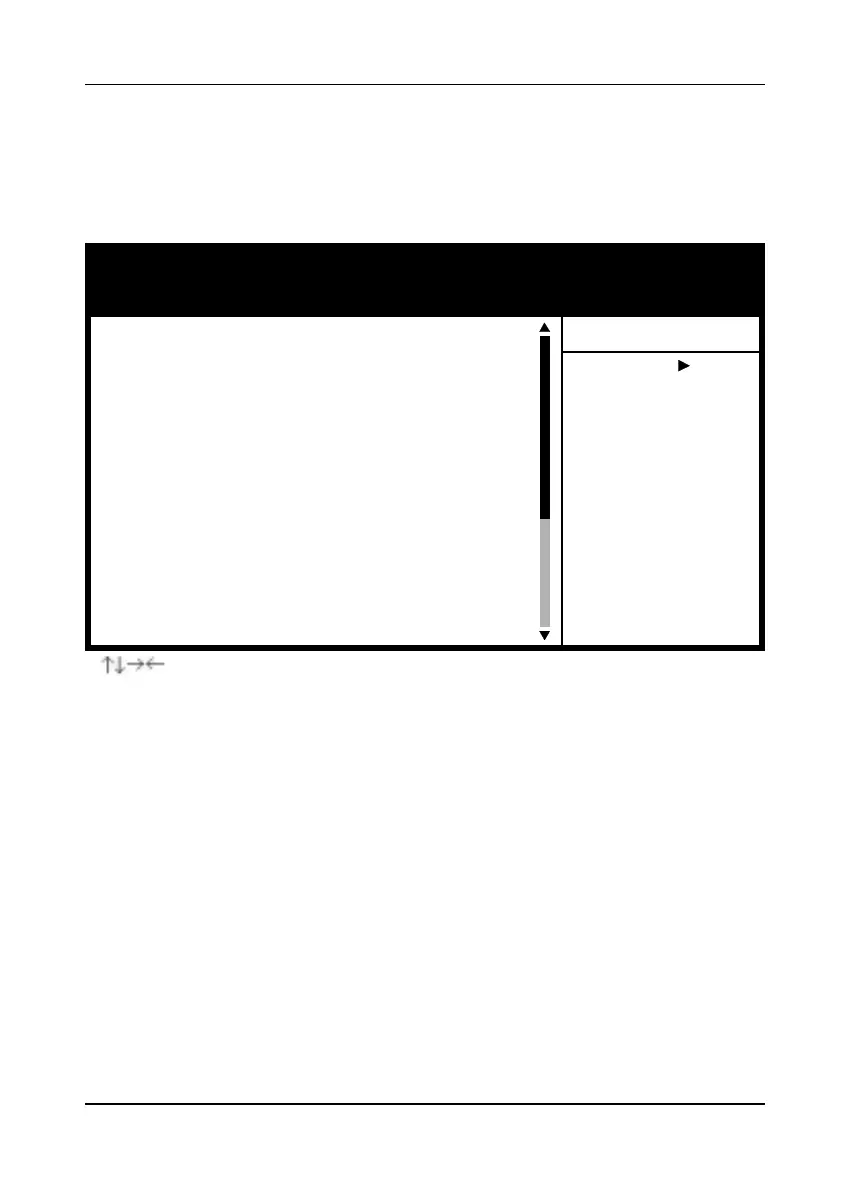
Figure 3-5 Integrated Peripherals Screen
A. On Board IDE Control
On-chip Primary/Secondary PCI IDE
You can set this to disable the On-chip IDE controller if you are going to add
a higher performance IDE board.
IDE Primary/Secondary Master/Slave PIO
The four IDE PIO (programmed Input/Output) fields let you set a PIO mode (0-
4) for each IDE device that the internal PCI IDE interface supports. Modes 0 through
4 provide successively increased performance. In Auto mode, the system
automatically determines the best mode for each device.
B. USB Keyboard Support
If your current operating system doesn't support USB drivers (i.e., DOS) this
function must be enabled for USB keyboard operation in these operating systems.
3-4 Integrated Peripherals
This section provides information on setting peripheral devices. By choosing the
Integrated Peripherals option from the Standard CMOS Features menu (Figure 3-1),
the screen below is displayed. This sample screen contains the manufacturer's default
values for the mainboard.
CMOS Setup Utility- Copyright (C) 1984-2001 Award Software
Integrated Peripherals
Item Help
Menu Level
On-Chip Primary PCI IDE
On-Chip Secondary PCI IDE
IDE Primary Master PIO
IDE Primary Slave PIO
IDE Secondary Master PIO
IDE Secondary Slave PIO
IDE Primary Master UDMA
IDE Primary Slave UDMA
IDE Secondary Master UDMA
IDE Secondary Slave UDMA
USB Controller
USB Keyboard Support
Init Display First
AC97 Audio
AC97 Modem
IDE HDD Block Mode
POWER ON Function
KB Power ON Password
Hot Key Power ON
X
X
:Move Enter:Select +/-/PU/PD:Value F10:Save ESC:Exit F1:General Help
F5:Previous Values F6:Fail-Safe Defaults F7:Optimized Defaults
Enabled
Enabled
Auto
Auto
Auto
Auto
Auto
Auto
Auto
Auto
Enabled
Disabled
PCI Slot
Auto
Auto
Enabled
BUTTON ONLY
Enter
Ctrl-F1



 To Next Page