31
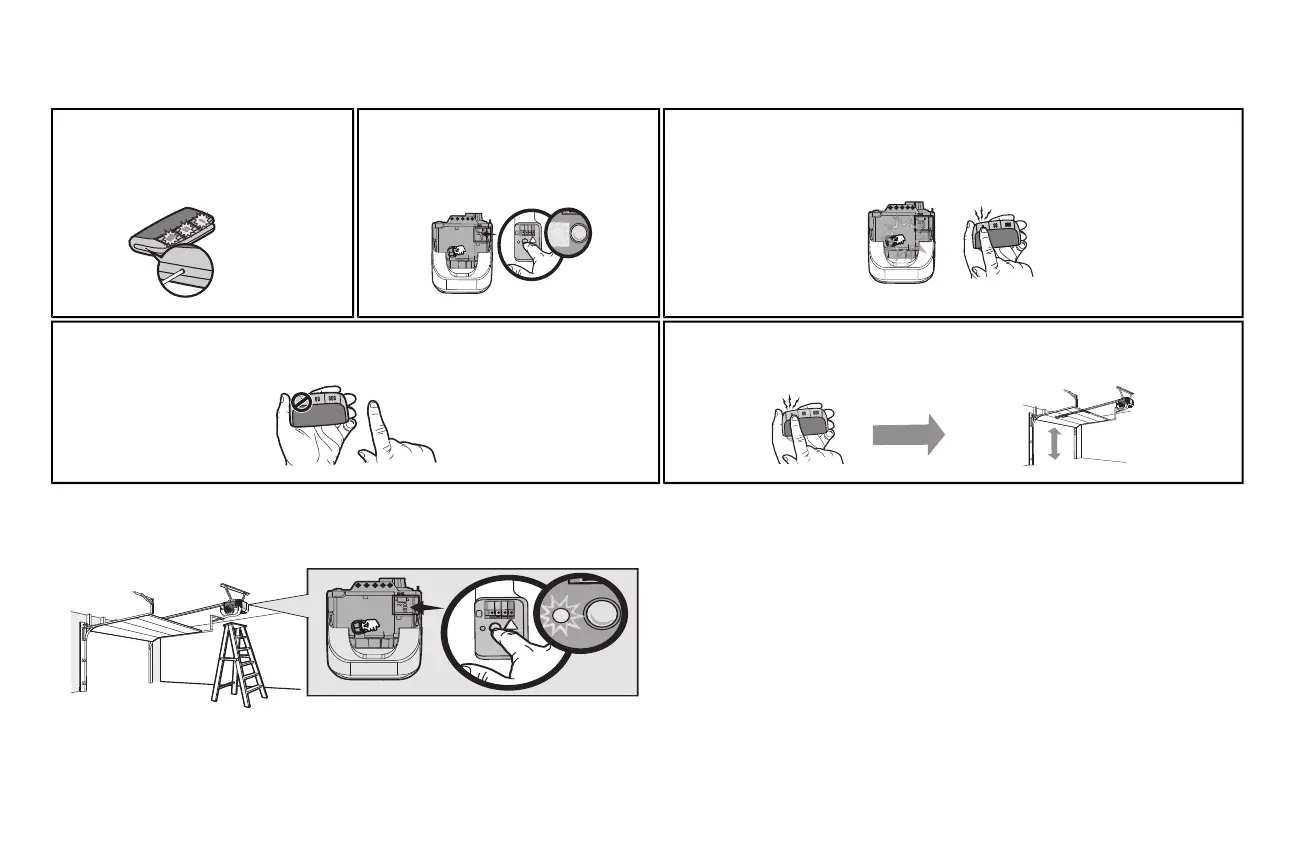
3 Using a safety pin or paper clip, press the
program button until the LEDs on the front of
the remote control turn on.
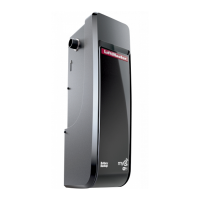
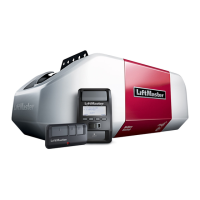
4 Pressand release the Learn button on the
garage door opener. The Learn LEDwill light.
Within 30 seconds...
5 Pressand release the remote control button you want to use...
Check to see if the garage door opener light bulb blinks. Ifnot, wait for the remote control LEDto
lightsolid then slowly press and release the remote control button again.
Repeat until the light bulb blinks.DONOTpress the button after the light bulb blinks.
6 To exit programming mode, pressany remote control button except the button thatwasjust
programmed.
7 To test,press the programmed button on the remote control...The garage door opener will
activate.
To Erase the Memory
ERASE ALL REMOTE CONTROLS AND KEYLESS ENTRIES
1 Pressand hold the learn button on garage door opener until the learn LED goes out
(approximately 6 seconds).All remote control and keyless entry codes are now erased.
Reprogram any accessoryyou wish to use.
ERASE ALL DEVICES (Including MyQ
®
enabled accessories)
1 Pressand hold the learn button on garage door opener until the learn LED goes out
(approximately 6 seconds).
2 Immediately press and hold the learn button again until the learn LED goes out.All codes are
now erased.
Reprogram any accessoryyou wish to use.
Remote Control





 To Next Page