37
Operation
To Erase the Memory
ERASE ALL REMOTE CONTROLS AND KEYLESS ENTRIES
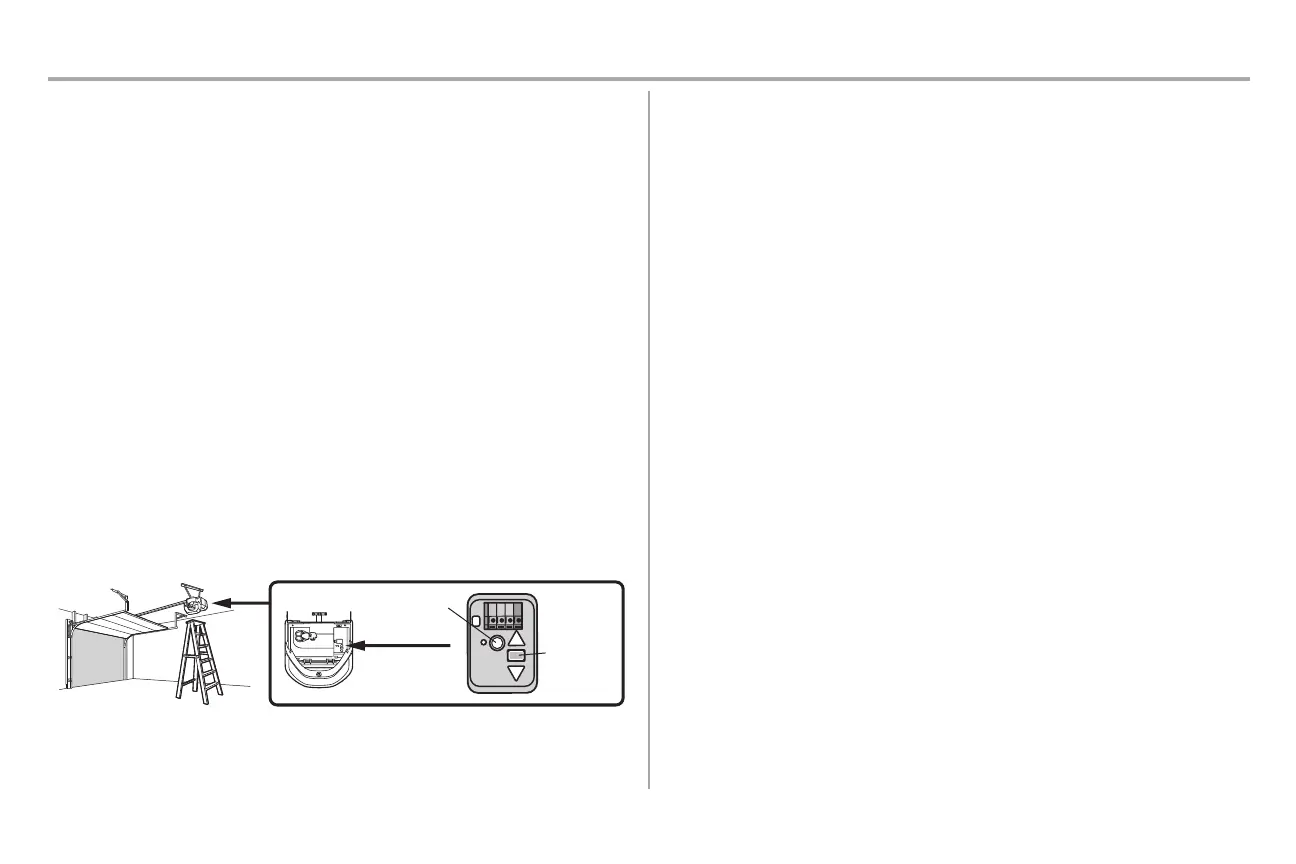
1. Press and hold the LEARNbutton on garage door opener until the learn LED goes out
(approximately 6 seconds).All remote control and keylessentrycodes are now erased.
Reprogram any accessory you wish to use.
ERASE ALL REMOTE CONTROLS, KEYLESS ENTRIES AND MyQ
®
DEVICES
FROM GARAGE DOOR OPENER
1. Press and hold the LEARNbutton on garage door opener until the learn LED goes out
(approximately 6 seconds).
2. Immediately pressand hold the LEARNbutton again until the learn LED goes out.All codes
are now erased. Reprogram any accessory you wish to use.
ERASE THE CONNECTION FROM GARAGE DOOR OPENER TO HOME Wi-Fi
NETWORK
1. Press and hold the black adjustment button on the garage door opener until 3 beeps are
heard (Approximately 6 seconds).
ERASE A MyQ
®
ACCOUNT
1. Go to www.mychamberlain.com to accessyour MyQ
®
account.
2. Go to "Account" section.
3. Click"Delete Account".
Go to wifihelp.chamberlain.com for more details.
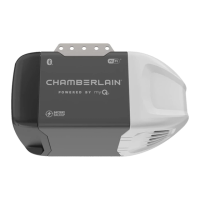
LEARN Button
Black
Adjustment
Button



 To Next Page