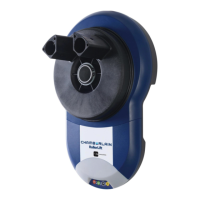
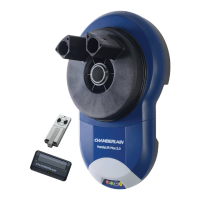
The HandyLift Plus 2.0 (CR625EVO) has been
factory set for Audible “BEEP”.
T
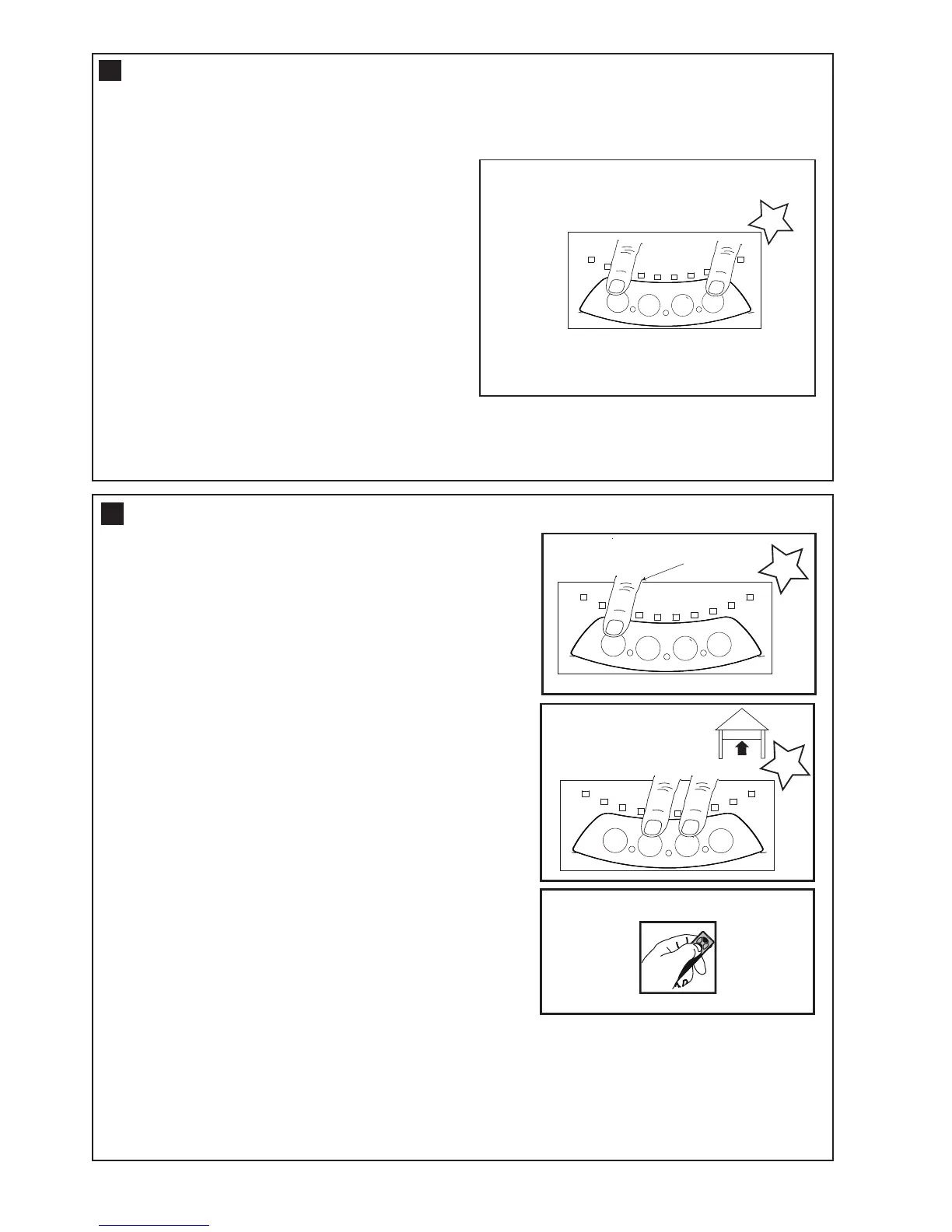
he Audible beep can be turned OFF by using the
following method.
• Start with the door fully CLOSED.
• Press and Hold both “S” and “DN” buttons
for 3 seconds
•
The Courtesy light will flash “TWICE”.
Release the buttons.
To turn the audible beep back ON, simply repeat the
above process.
1
7
This is an adjustable, second stop position suitable for
ventilation, pedestrian or pet access, programmed to the
Remote Control.
NOTE: Wireless wall buttons will not operate this feature
To activate the ventilation mode:
1.Start with the door fully CLOSED (figure 1). Drive the
opener UP and stop at the position required for you wish to
set the door at.
2.Enter ventilation activation mode by pressing the P and UP
buttons together for 3 seconds (figure 2). Release when the
courtesy light flashes once.
3.Press the remote control button that you have allocated for
this feature (figure 3). Do not use the button already
allocated for normal operation. The courtesy light will flash
when the code is accepted.
The remote will now operate to and from the “programmed” and
the “fully closed position”. Outside this range the remote will
operate as normal.
To Deactivate the Partial Opening Feature:
1.Start with the door fully CLOSED.
2.Enter ventilation mode by pressing the P and UP buttons
together for 3 seconds (figure 2). The courtesy light will
flash twice, indicating that deactivation has occurred.
VENTILATION MODE - PARTIAL OPENING FEATURE
18




 To Next Page