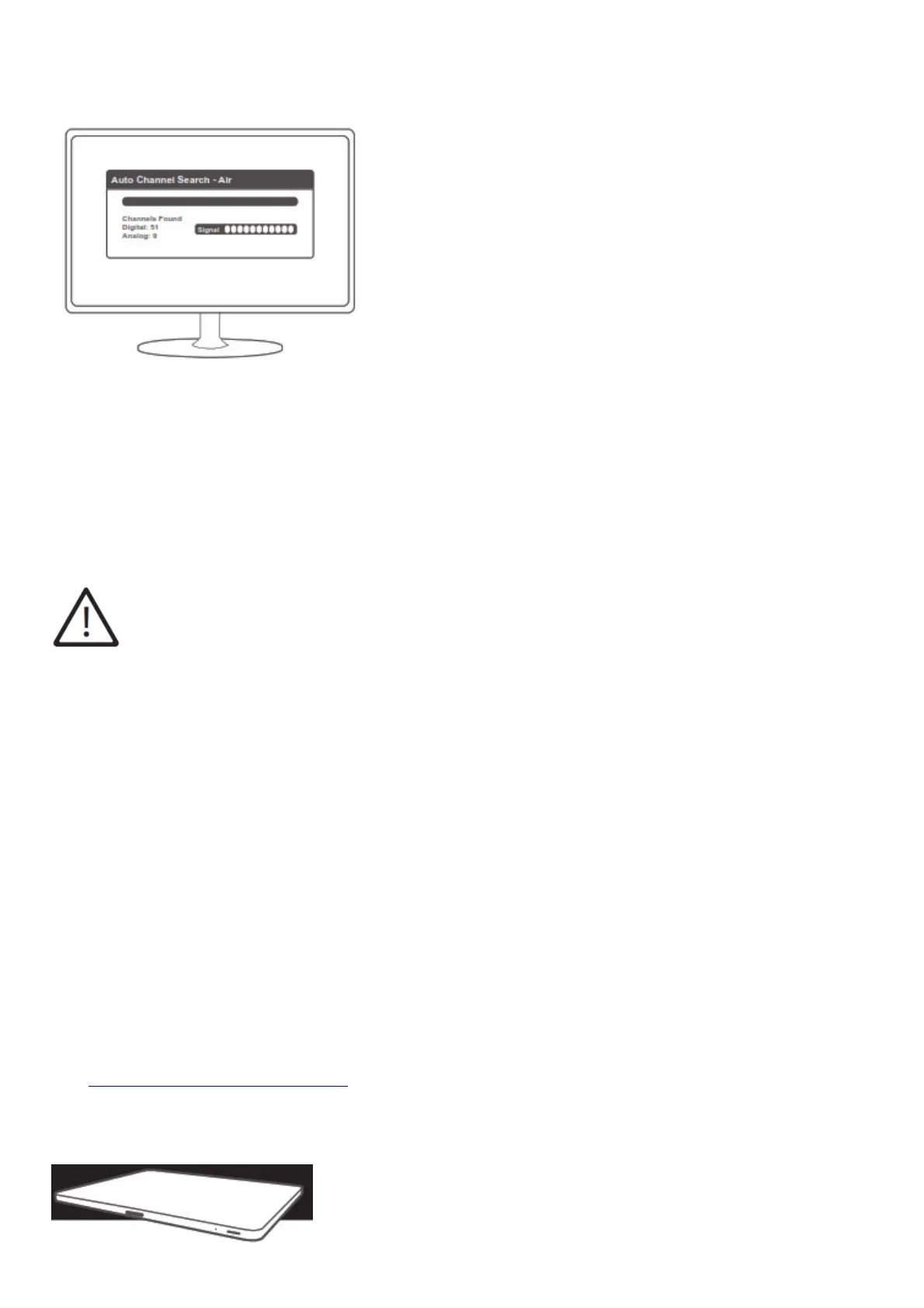
broadcast channels into your television.
Be sure you have set it to scan for Antenna, Air, or Broadcast channels, not Cable channels, which is usually the
default setting on most televisions.
6. Check to make sure all of the desired channels from your mileage range are being received by your television. If
you think you are missing channels, try adjusting the direction of the Antennas and perform the scan again.
NOTE: If you are not getting the desired results, please consult a local antenna installation expert. Joining 2
antennas can sometimes be tricky. Channel Master is unable to provide remote assistance for combining two
antennas as there are numerous local/on-site variables that have to be considered when planning and fine-tuning
this configuration.
DENGER WATCH FOR WIRES!
WARNING: INSTALLATION OF THIS PRODUCT NEAR POWERLINES IS DANGEROUS. FOR YOUR
SAFETY, FOLLOW THE INSTALLATION DIRECTIONS
Follow These Procedures for the Safest Installation
1. Perform as much antenna assembly on the ground as possible.
2. Watch out for overhead power lines. Check the distance to the power lines before you start installing. WE
RECOMMEND YOU STAY A MINIMUM OF TWICE THE MAXIMUM LENGTH OF THE ANTENNA
ASSEMBLY AWAY FROM ALL POWER LINES.
3. Do not use a metal ladder.
4. Remember, even the slightest touch of an antenna on a power line can cause a fatal shock.
5. Do NOT try to do the job on a windy day.
6. Have a friend as a spotter when you’re on the roof. They can see things you can’t.
7. If you start to drop an antenna, move away from it and let it fall.
8. If any part of the antenna should come into contact with a power line CALL YOUR LOCAL POWER
COMPANY! DO NOT TRY TO REMOVE IT YOURSELF! They will remove it safely.
9. Mast, lead-in, and metal guy wires are excellent conductors of electrical current – – keep them away from
power lines too.
10. Be sure your family and friends understand the danger of touching an overhead power line. Tell them never to
try to remove any object in
contact with a power line (TV antenna, mast, or anything else).
11. Make sure that the antenna mast assembly is properly grounded. For more information, visit
www.channelmaster.com/support.
Enhance your TV experience with DVR+



 To Next Page