CHARBROIL.EU6
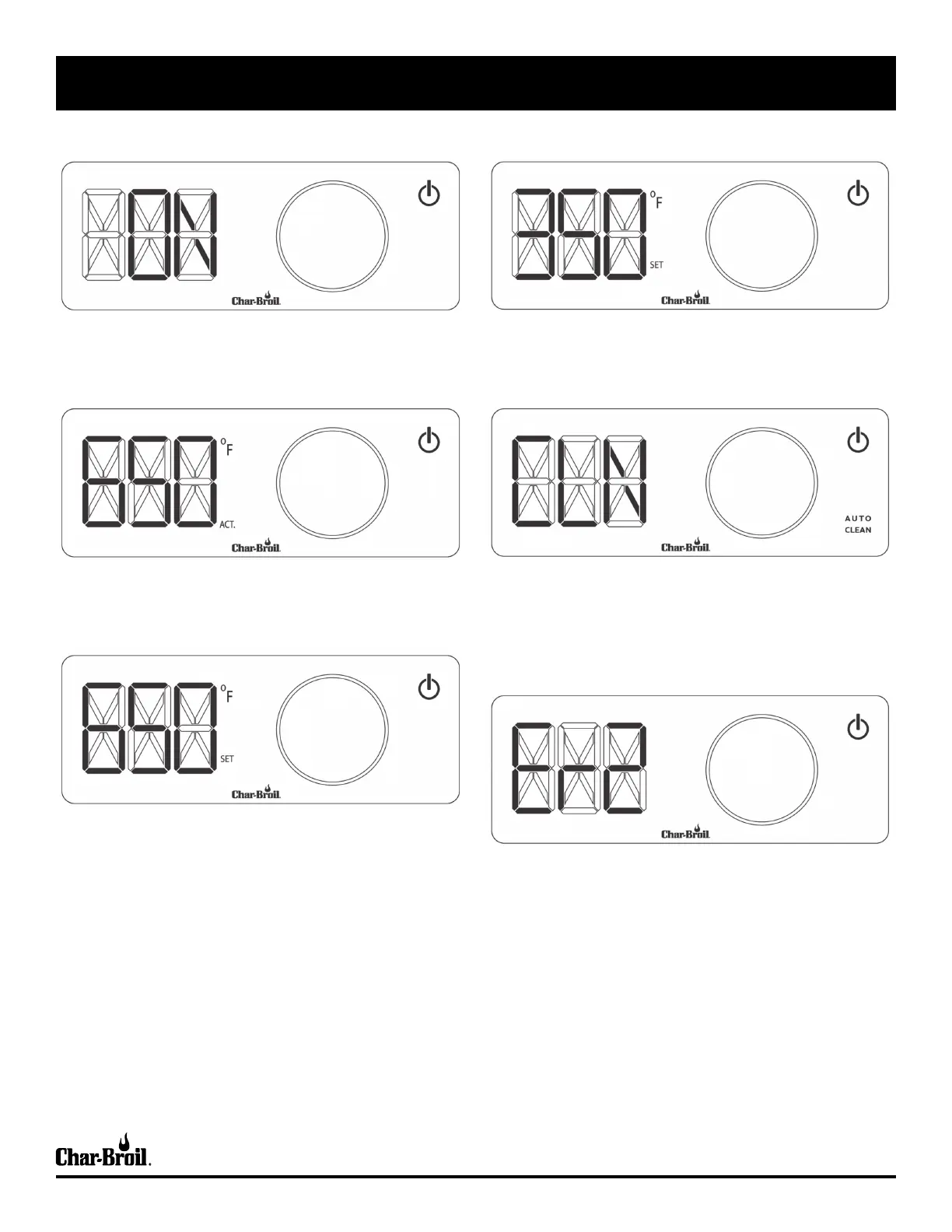
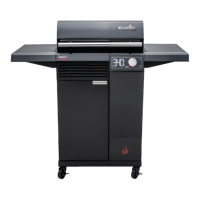
POWER ON
Push power button to start barbecue.
DECREASE TEMPERATURE
Push control knob, rotate counter-clockwise to target temperature and
push knob to set. Wait for pulsing light to turn solid.
SET TEMPERATURE
Push control knob, rotate clockwise to target temperature and push
knob to set. Wait for pulsing light to turn solid.
CLEAN CYCLE
Push the AUTO CLEAN button to start the cycle. Then close the lid.
The barbecue will automatically shut off when the cycle is complete.
To cancel the AUTO CLEAN cycle and continue barbecueing, push the
control knob, rotate to desired temperature and push knob to confirm.
READY INDICATOR
Light turns solid when target temperature is reached.
ERROR MESSAGE
Check Troubleshooting Section for error codes and explanations.
USE AND CARE
°C
°C
°C



 To Next Page