11
InstallationProduct Manual - CryoDoser FleX
™
LN
2
Dosing System
Installing the FleX Controller
Locate the ideal location for the FleX controller. Brackets are
supplied to mount the controller on the Chart prefabricated
support stand or 1-1/2” diameter rod or round bar. If Chart’s
prefabricated brackets are not utilized, the controller’s
mounting tabs can be utilized.
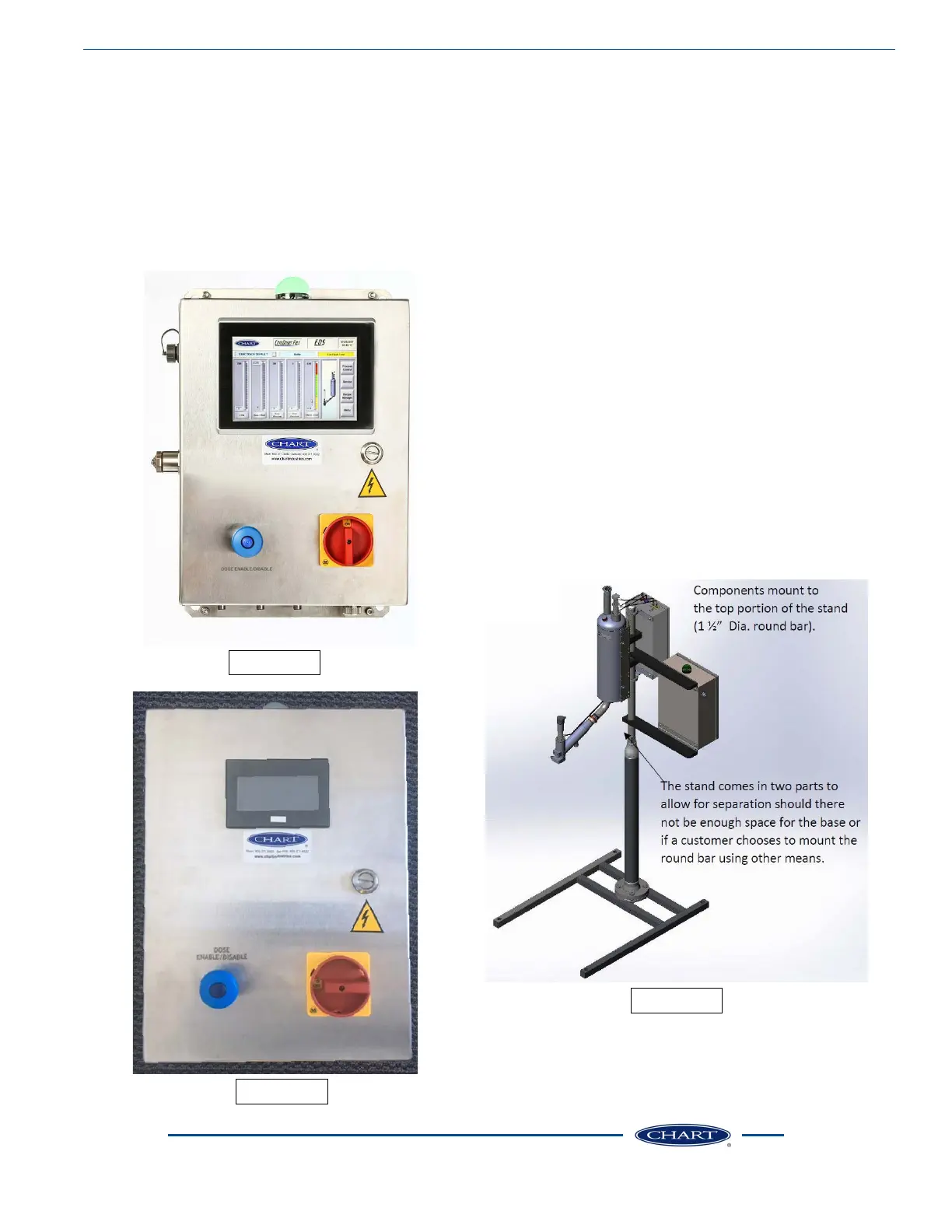
The following images show both Pack Premier and Craft
Custom controllers for reference.
Image 19
• On/Off Switch - Main power switch for the FleX
controller
• Dose Disable Button - Manual dose enable/disable button
to disable dosing
• Light Tower Status - The indicator light provides a visual
display of the operating status of the CryoDoser FleX
system
• Green - Normal operation
• Amber (solid) - Warning condition; see “Alarms” section
for additional information
• Red - Fault condition; see “Alarms” section for additional
information
• For more detailed information pertaining to the
controllers please reference the Pack Premier Controller
or Craft Custom Controller Quick Start Guides.
Completed Assembly
When fully assembled, the CryoDoser FleX will generally
take the form shown here.
Image 20
Image 21


 To Next Page