24
EN
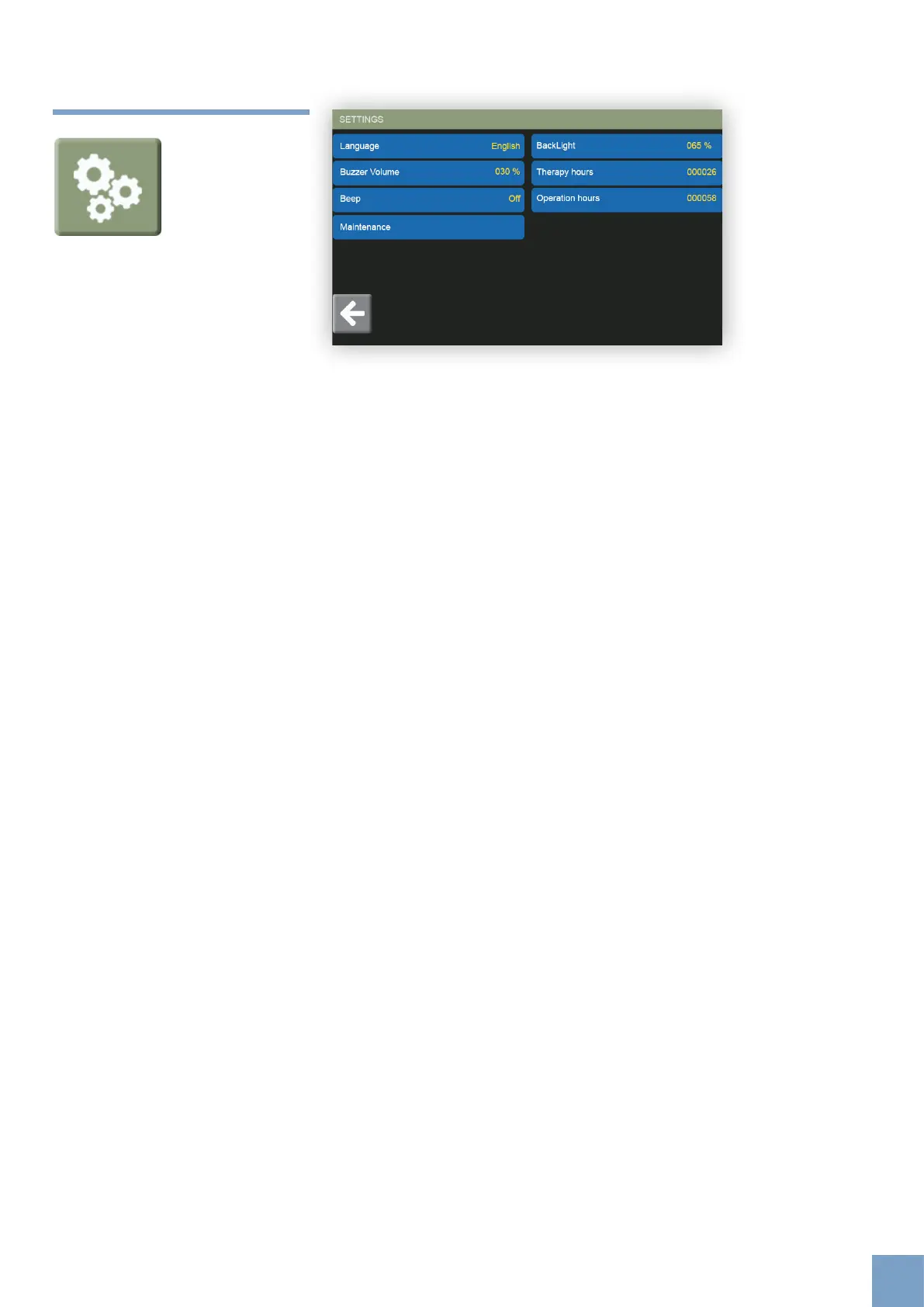
3.8 Settings
Through this screen it is possible to access product settings.
Language: it is possible to set the software language.
Buzzer Volume: it is possible to adjust the audible feedback emitted during
the use of the product (treatment).
Beep: In ‘Beep’ it is possible to switch touchscreen button sounds on or o.
Maintenance: Add a password for the internal management of the device
(reserved section).
BackLight: it is possible to adjust the brightness of the screen using the
dial.
Therapy hours: the eective number of hours of therapy carried out.
Operation hours: the time, in hours, that the machine has been working.













 To Next Page