User Manual CHD 3050U
20 © Computer Hardware Design
4 DISPLAY MESSAGES
4.1 STATUS NOTIFICATIONS
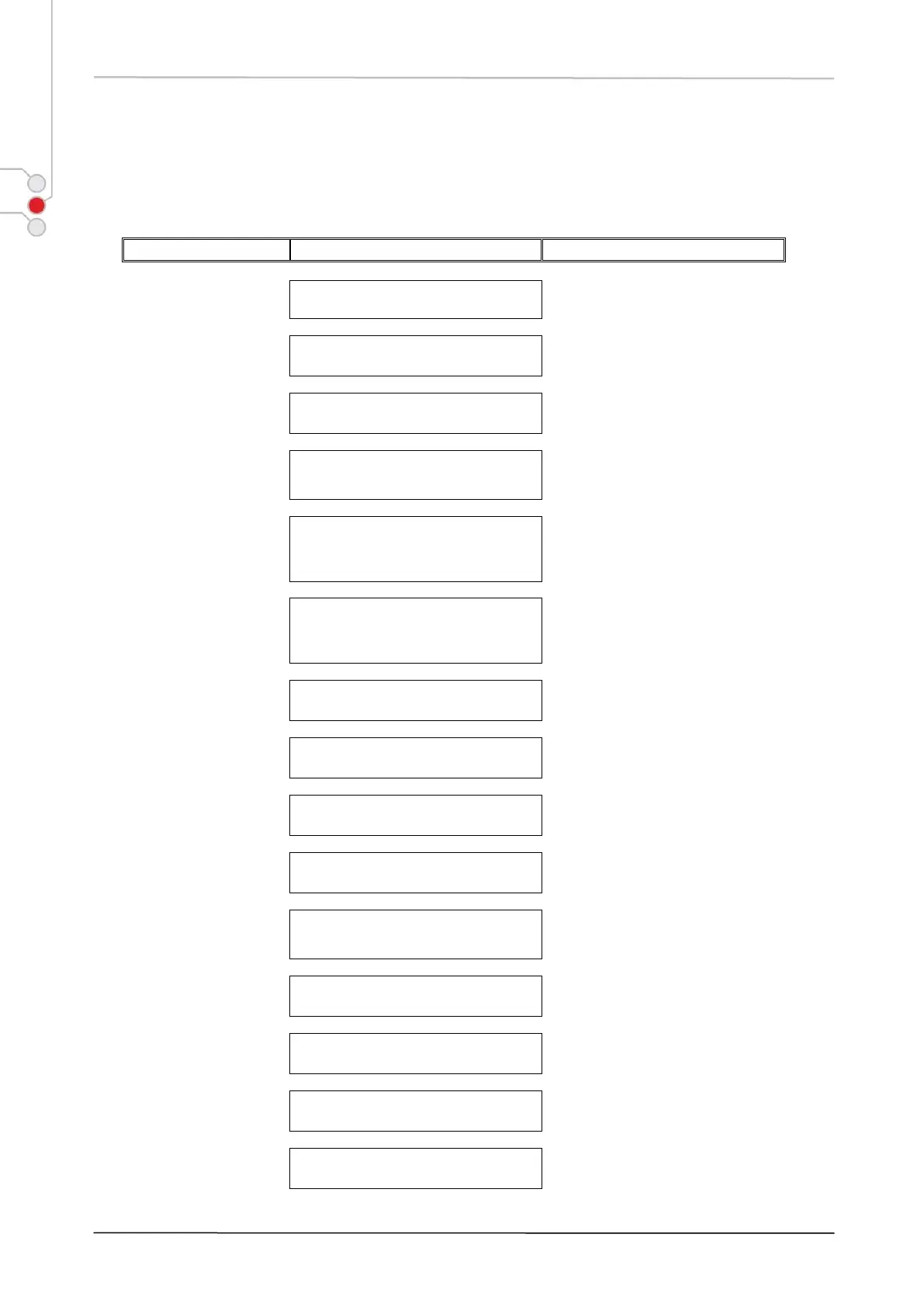
Registration operations available,
e.g., sales registration, tenders etc.
Enter amount put in drawer outside
a sale. Press [CLEAR] to escape.
Enter amount removed from drawer
outside a sale. Press [CLEAR] to
escape.
Enter Department or PLU
registration to be cancelled from
current sale. Press [CLEAR] to
escape.
Cancel current non-
finalized sale or
tendered amounts
Sale will be cancelled by [VOID].
Payments made for non-finalized
sale will be cancelled by [CASH]
key. Press [CLEAR] to escape.
Returned item
registration
Returned item amount will decrease
sale total amount.
Check Item name and
price
Enter PLU code or scan barcode.
Press [CLEAR] to proceed.
Manual price input for
PLU registration
Enter PLU number or scan barcode.
Press [CLEAR] to escape.
Registered payments of non-
finalized sale are discarded.
Item registrations of non-finalized
sale are discarded, sales counters
are not updated.
Any registration operation can be
continued.
Proceed with sale registrations.
Switch to 2
nd
price level
Proceed with item registration.
Press [CLEAR] to escape.


 To Next Page