CHD 3050U User Manual
© Computer Hardware Design 23
4.3 PRINTER WARNINGS
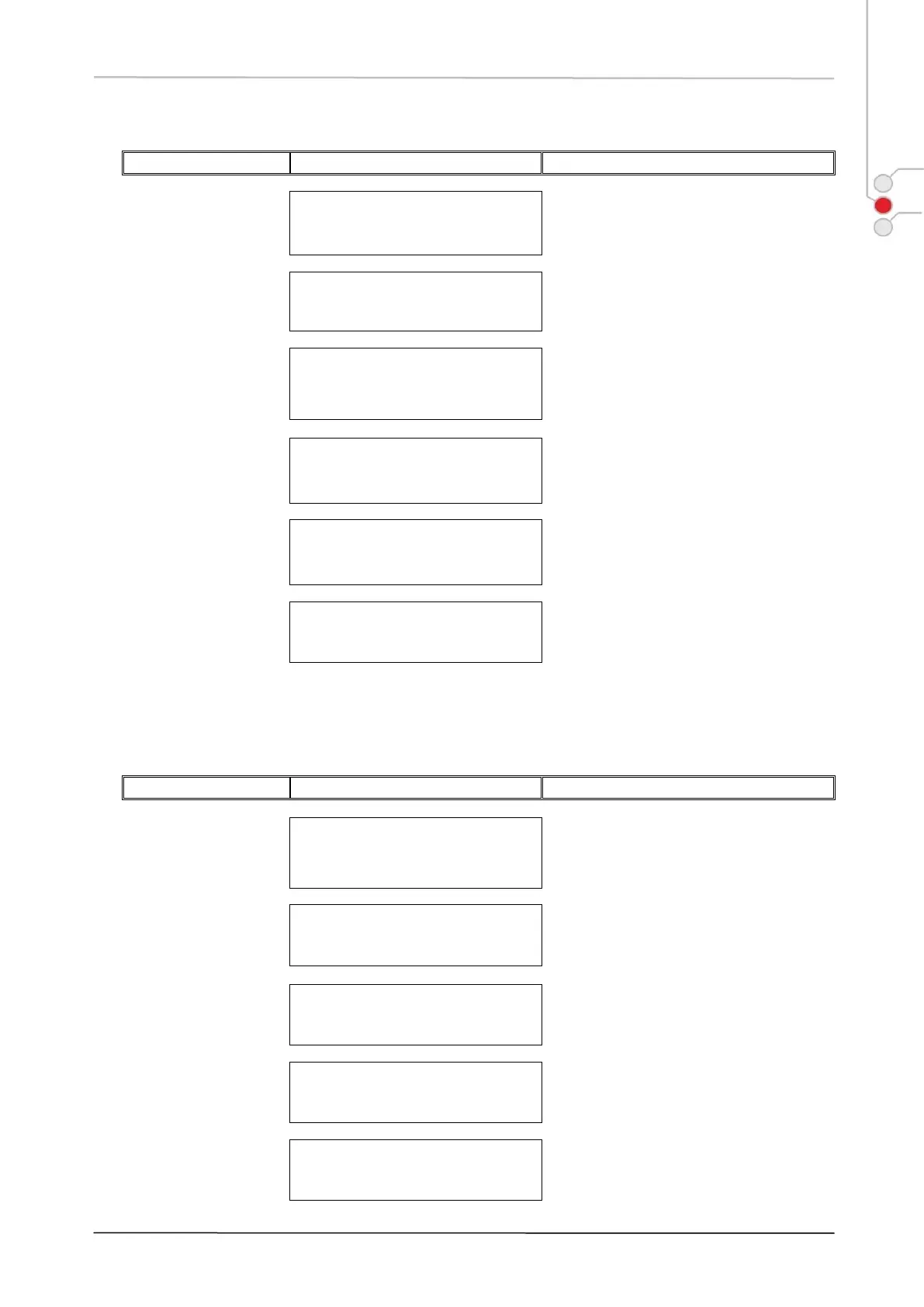
General printer error. Turn off ECR, wait for
30 sec. and turn it back on to continue work.
Printer voltage outside the appropriate
limits. Turn ECR off, turn it back on and try
to continue work.
Open printer compartment cover, release
the receipt printer head and replace receipt
paper. Press [CLEAR], when paper is
installed.
Receipt printer head released. Open printer
compartment cover and check Receipt
printer upper frame to be set properly –
lower position.
Abnormal receipt printer
head temperature
This is a serious ECR malfunction. Stop
ECR operation for a minute, then continue.
If the error message persists, contact an
authorised service.
No connection to
Receipt printer
This is a serious ECR malfunction. Printer
has been disconnected. Contact an
authorised service.
4.4 SALE FINALIZATION WARNINGS
To continue tender operations, press key
[SUBTOTAL].
Relevant entry missing in the media table.
The necessary programming configurations
have to be carried out.
Relevant entry missing in the currency table.
The necessary programming configurations
have to be carried out.
Over tender disable
error
Amount tendered must be equal or less than
sale subtotal. Press [CLEAR] to proceed
and enter smaller amount.
Under tender disable
error
Amount tendered must be equal or higher
than sale subtotal. Press [CLEAR] to
proceed and enter larger amount.


 To Next Page