16000 Appliances Hardware
16000 Appliances Getting Started Guide|43
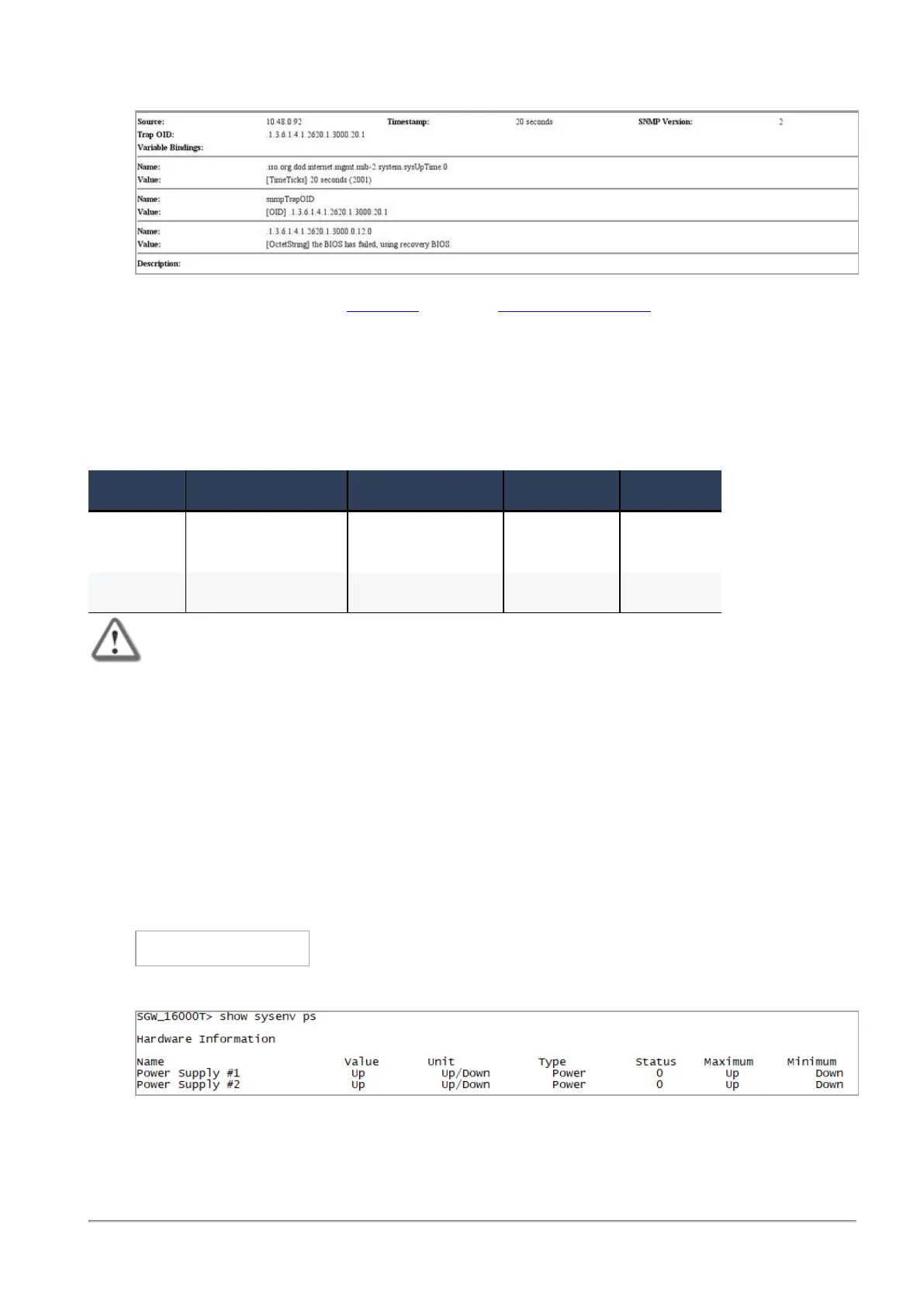
Example:
To recover from a BIOS failure, see sk108517 or contact
Check Point Support
. The appliance is fully
functional until the BIOS recovery is completed. Note that it can take a few minutes for it to boot in BIOS
recovery mode.
PSU Configuration and Monitoring
These are the supported PSU configurations for the appliance models and PSU types:
PSU Type 16000/16200 Base 16000/16200 Plus 16000 Turbo 16600HS
AC PSU 1 AC PSU
1 Dummy filler
2 AC PSUs 2 AC PSUs 2 AC PSUs
DC PSU 2 DC PSUs 2 DC PSUs 2 DC PSUs 2 DC PSUs
Important - All PSUs on an appliance must be of the same type, either all AC or all DC.
When a PSU is functioning correctly: the PSU LED is green, the Alert LED is not blinking due to a PSU issue
(might still be blinking due to other errors), and there is no SNMP alarm.
When a PSU is not functioning correctly: the PSU LED is amber, the Alert LED is blinking due to a PSU
issue, and an SNMP alarm is sent.
To monitor the PSUs through the CLI:
1.
Connect to the command line on the appliance.
2. Log in to Gaia Clish.
3.
Run:
show sysenv ps
Sample output for a 16000 Turbo appliance:
Where:









 To Next Page