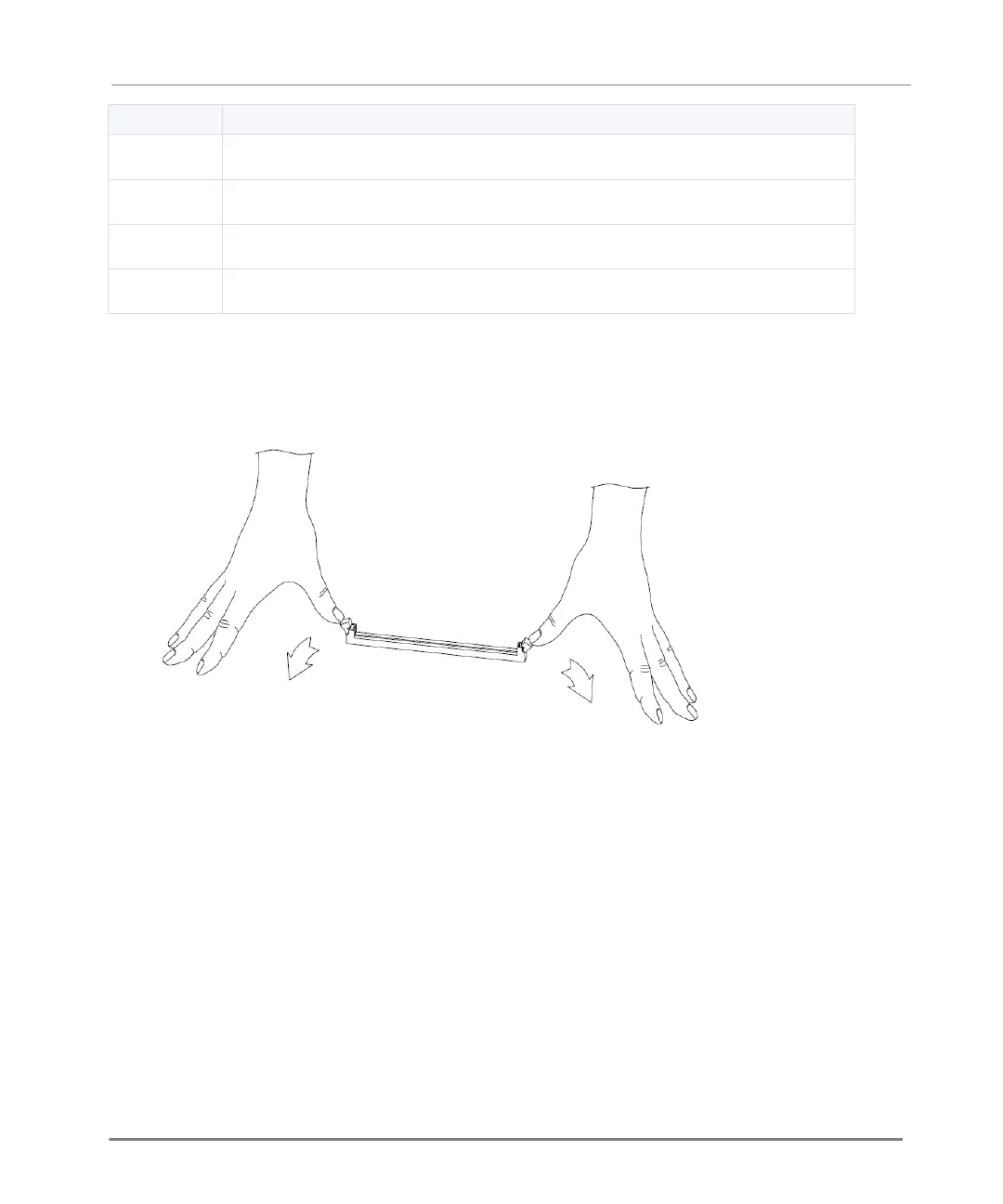
Memory socket with DIMM installed
To install memory DIMMs in the appliance:
1. Find the DIMM memory slots on the system board.
The basic memory configuration of the appliance ships with one DIMM installed.
2. Press on the two white retaining clips outward.
3. Align the new DIMM above the socket.
The top of the DIMM is smooth. The bottom edge has two different-length sets of contacts,
which connect to the slots on the socket.






 To Next Page