6. Replace the cover on the appliance.
Removing Memory DIMMs
Make sure that you prepare the appliance before you remove memory DIMMs. See Preparing
the Appliance (on page 1).
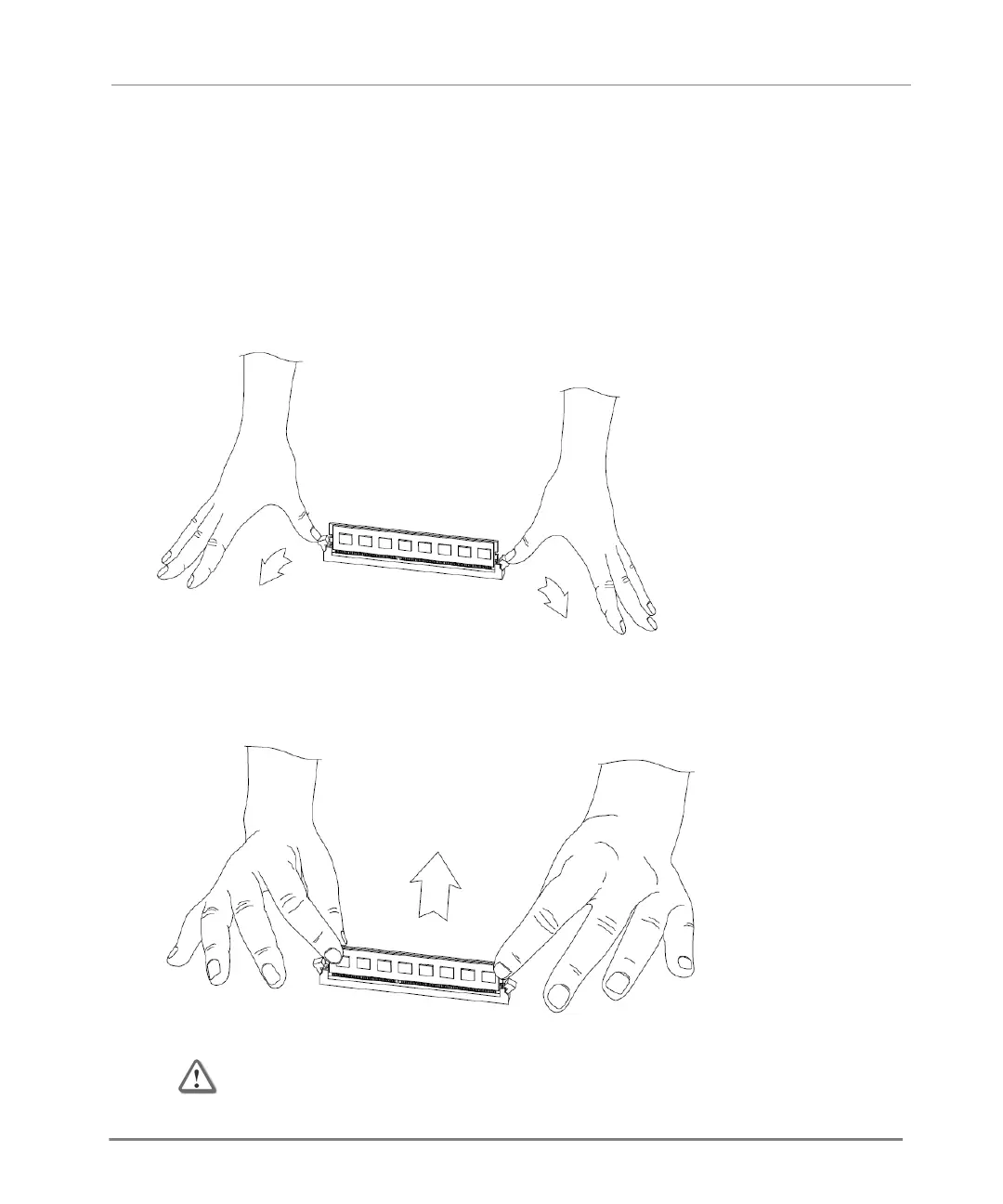
To remove memory DIMMs from the appliance:
1. Press the two retaining clips outward.
2. Carefully pull the DIMM up.
If necessary, pull one end of the DIMM, then the other, to gradually release it from the
contact pins.
Important - Make sure that there are no leftover parts inside the appliance.






 To Next Page