Important - Be careful, there are sharp metal parts in the appliance, like the
heatsink fin and bracket, that can cause injury and damage the hardware.
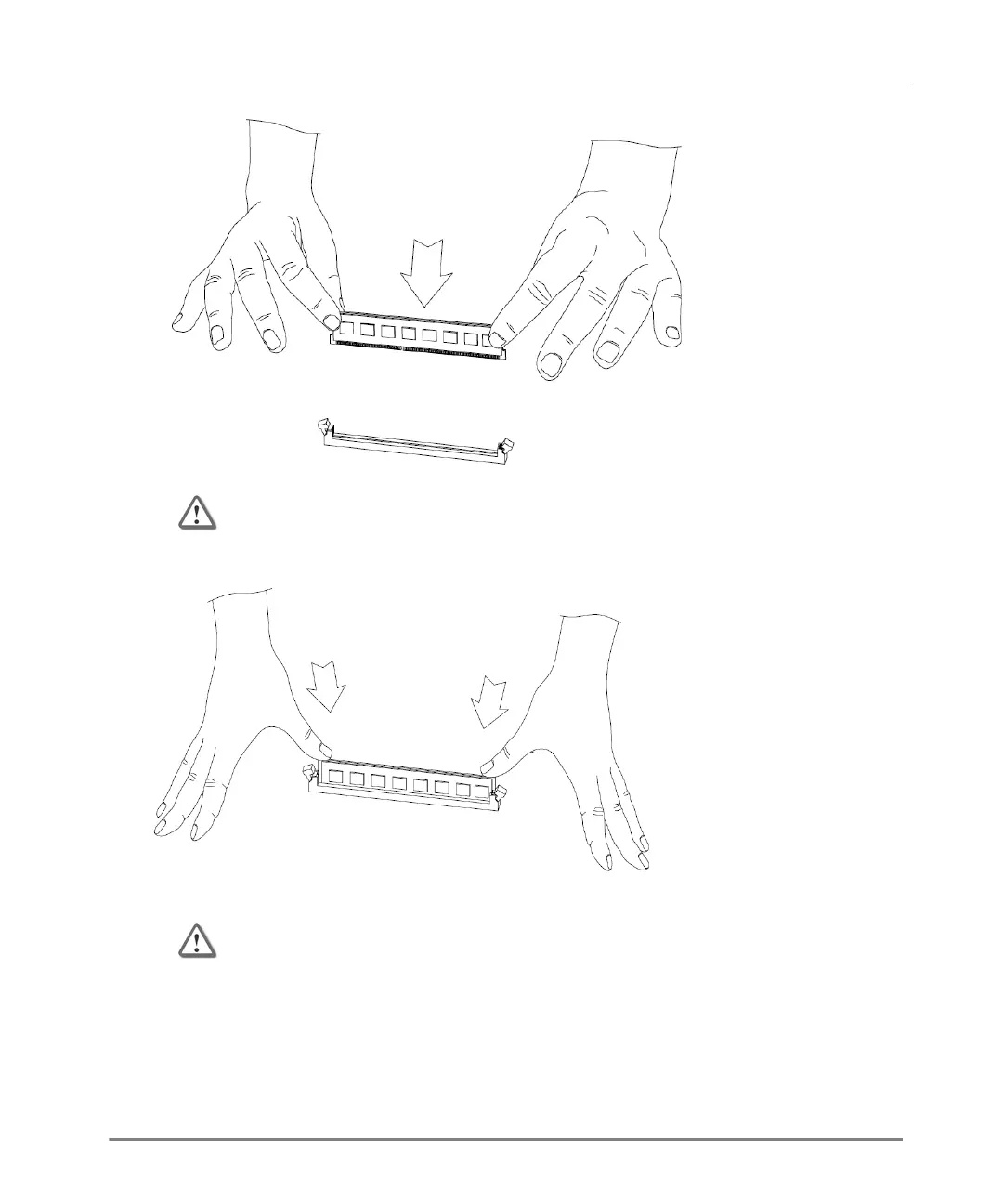
4. Press the new DIMM into the socket until it clicks into position.
The retaining clips move into the lock position as you press the DIMM into position.
Important - Make sure that there are no leftover parts inside the appliance.
5. Make sure the memory DIMM(s) are installed correctly.
a) Connect the power cords to the appliance.
b) Turn on the appliance using the power switch at the rear of the appliance.
c) Make sure that the LCD screen shows the appliance model.
d) Turn off the appliance and remove the power cords.






 To Next Page