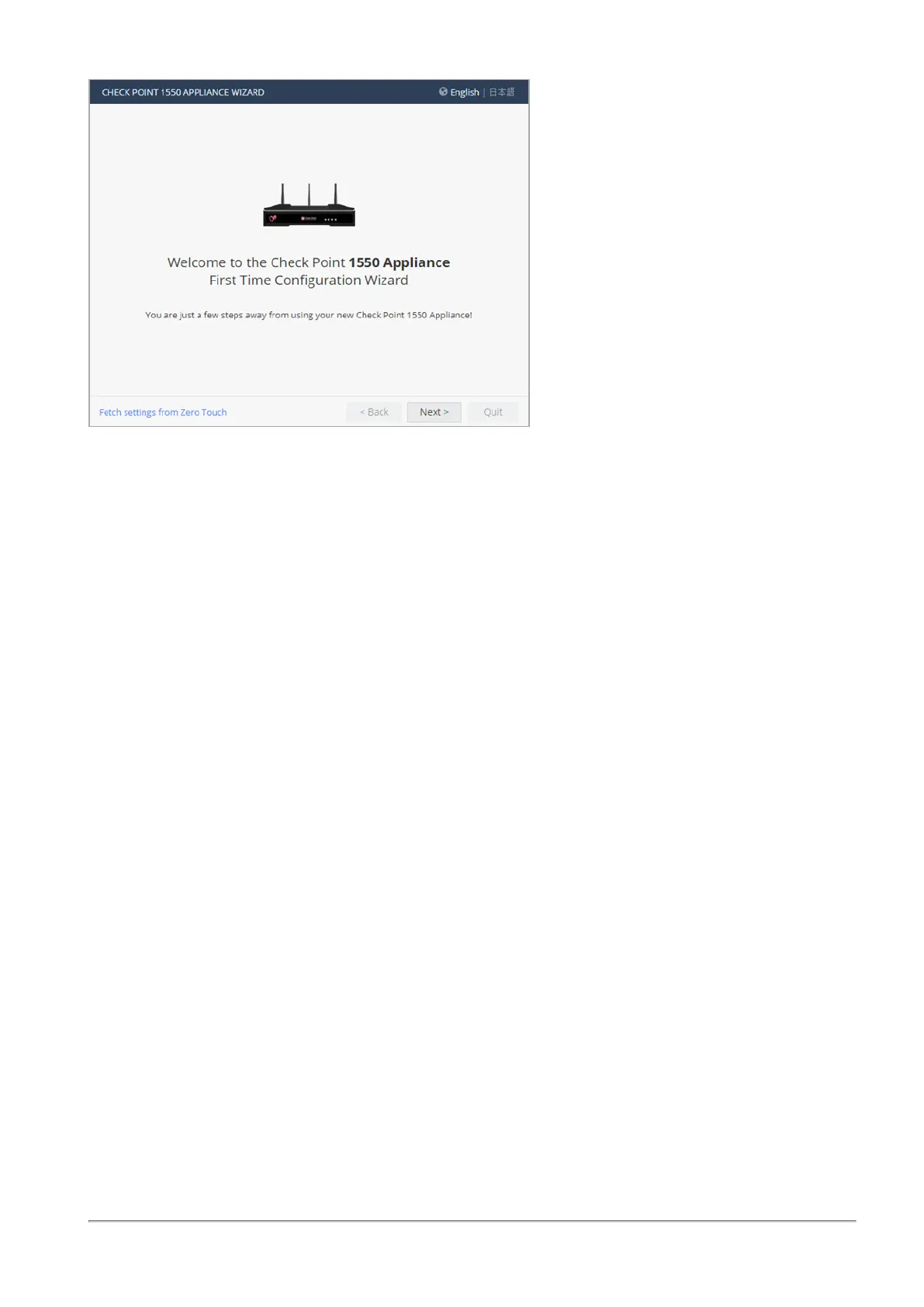
Using the First Time Configuration Wizard
Quantum Spark 1530 / 1550 Appliance R80.20.XX Getting Started Guide|18
You can connect to the Zero Touch server to fetch settings automatically from the cloud.
To change the language of the WebUI application:
Select the language link at the top of the page.
Note - Only English is allowed as the input language.
Zero Touch
Zero Touch enables a gateway to automatically fetch settings from the cloud when it is connected to the
internet for the first time.
Note - You cannot use Zero Touch if you connect to the internet with a proxy server.
If the gateway connects to the internet through DHCP, the gateway will fetch the Zero Touch settings
without any additional action. If no DHCP service is available, you must run the First Time Configuration
Wizard, configure the Internet Connection settings, and then fetch the settings from the Zero Touch
server.
To connect to the Zero Touch server:
1. In the Welcome page, click Fetch Settings from the cloud.
2. In the window that opens, click OK to confirm that you want to proceed.
3. The Internet connection page opens. Configure your Internet connection and click Connect.
4. The Fetching settings from the cloud window opens and shows the Connecting to the service
provider status. This process may take several minutes.
5.
If you fail to connect, an error message appears. Possible errors include:
n Internet connection is not configured correctly.
n Internet connection is through a proxy server.
n Zero Touch is already running.









 To Next Page