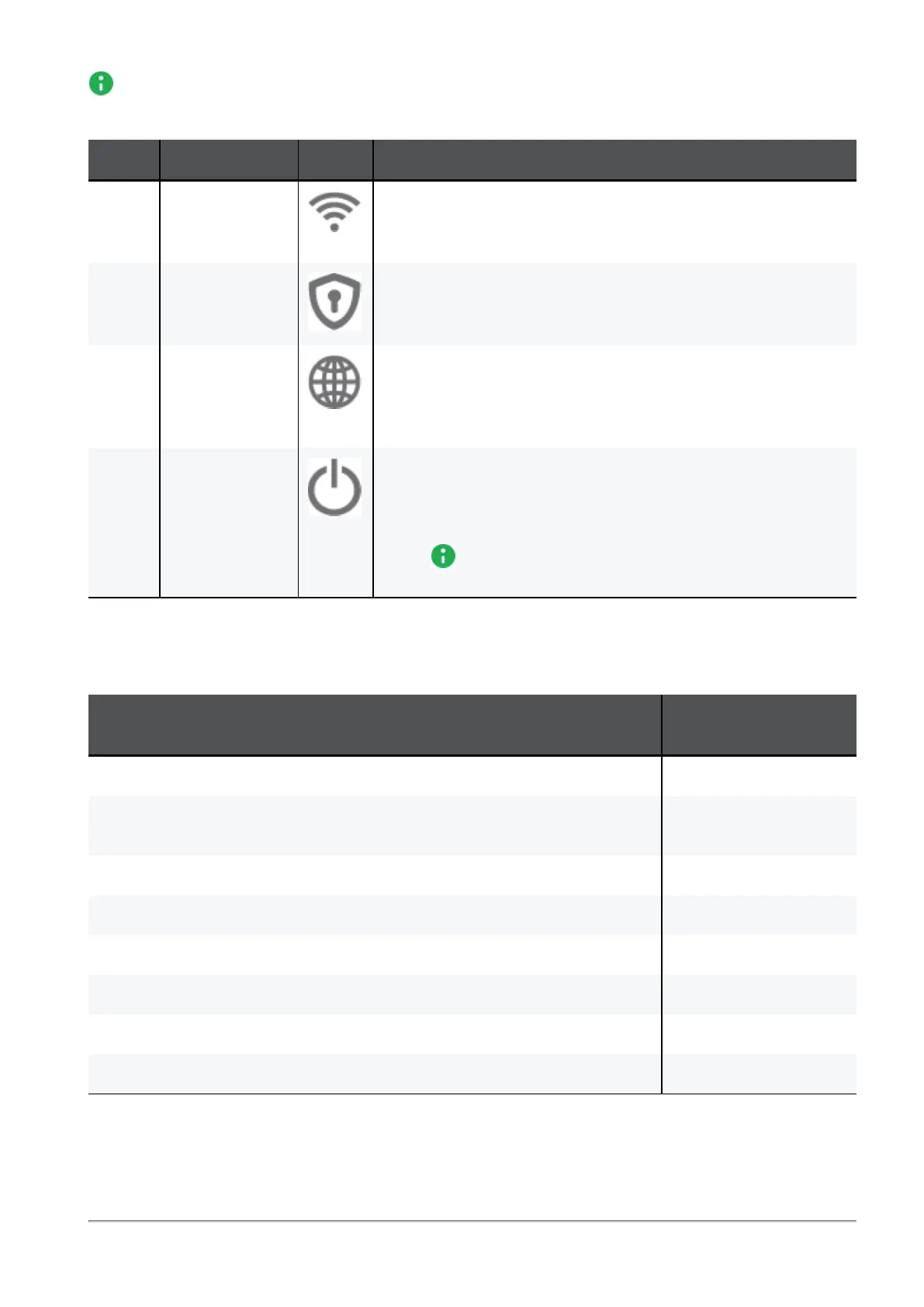
Front Panel
Quantum Spark 1535 / 1555 Appliance Getting Started Guide|14
Note - There is only one set of LEDs. These LEDs show different colors depending on what
activity is occurring.
Key Item Icon Description
1 WiFi LED
(WiFi models
only)
n
Off - WiFi off
n
Blue - WiFi on and operates normally
n
Red - WiFi error/alert
2 Management
LED
n
Off - No management
n
Colors - See below
3 Internet LED
n
Off - No internet connection
n
Blinking Blue - Trying to connect to the internet.
n
Blue - Connected
n
Blinking Red - Connection failure
4 Power LED
(Status)
n
Solid Blue - Normal operation
n
Blinking Blue - Boot in progress and installing firmware.
After the process completes, the LED is solid blue.
n
Red - Error/Alert
Note - This LED is red when the appliance is first
turned on.
Table: LEDs
Management LED
The Management LED shows the status of the retries mechanism:
Action
Management LED
Activity
Zero Touch is running. Blinks red (slowly)
Successfully connected to Zero Touch Cloud Server and saved the
deployment script.
Blinks red (rapidly)
Zero Touch process is completed. SMP activation is not needed. LED off
Activation sleeping time. Blinks blue (slowly)
Reactivation. Blinks blue (rapidly)
SMP is connected. Solid blue.
SMP mode is off. LED off
Gateway failed to connect to the SMP and will exit from the retry script. Constant red.










 To Next Page