Summary
Quantum Spark 1535 / 1555 Appliance Getting Started Guide|44
Summary
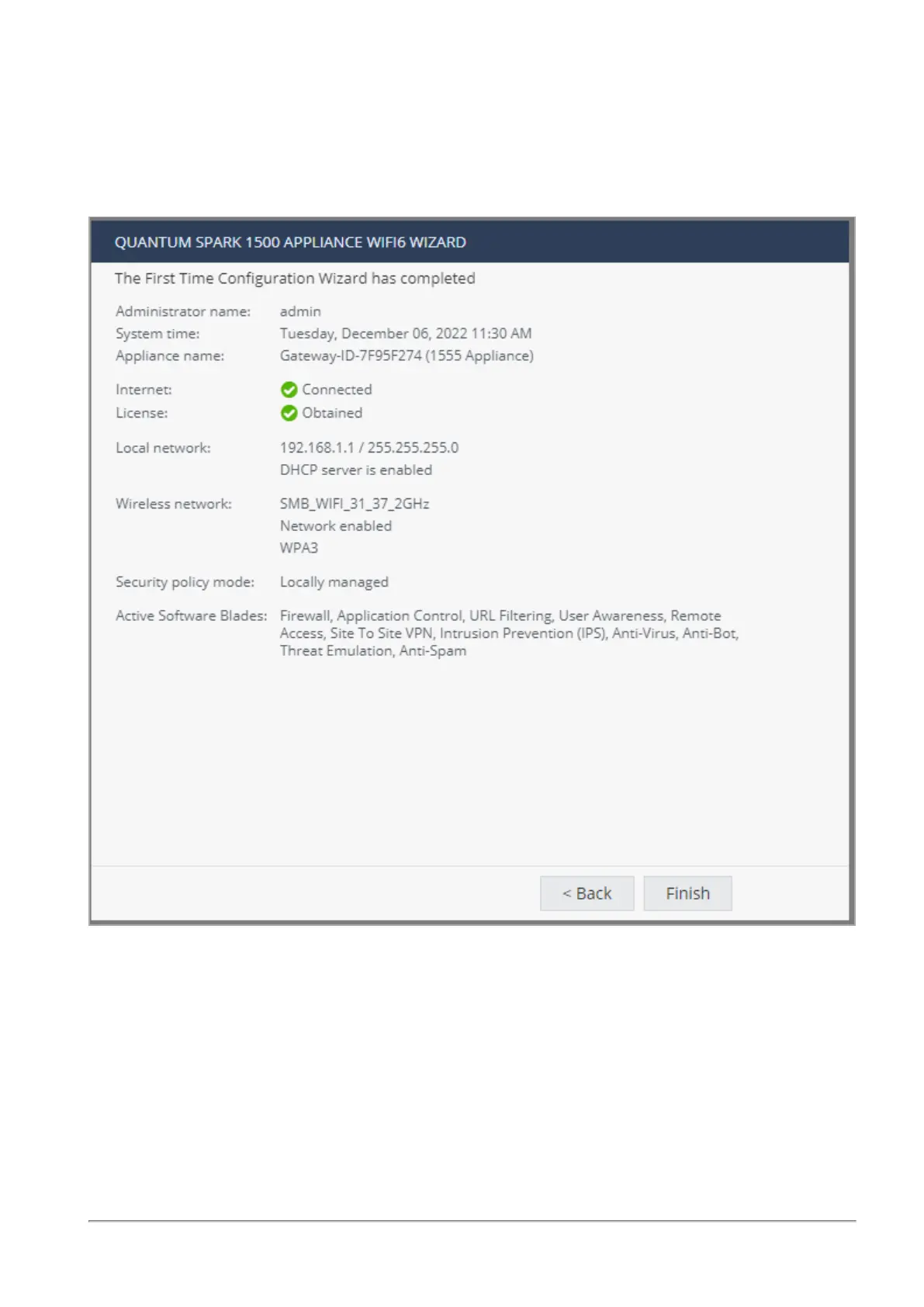
The Summary page shows the details of the elements configured with the First Time Configuration Wizard.
Click Finish to complete the First Time Configuration Wizard.
The WebUI opens on the Home > System page.
To back up the system configuration in the WebUI:
Go to Device > System Operations > Backup.










 To Next Page