Security Policy Management
Quantum Spark 1535 / 1555 Appliance Getting Started Guide|27
Security Policy Management
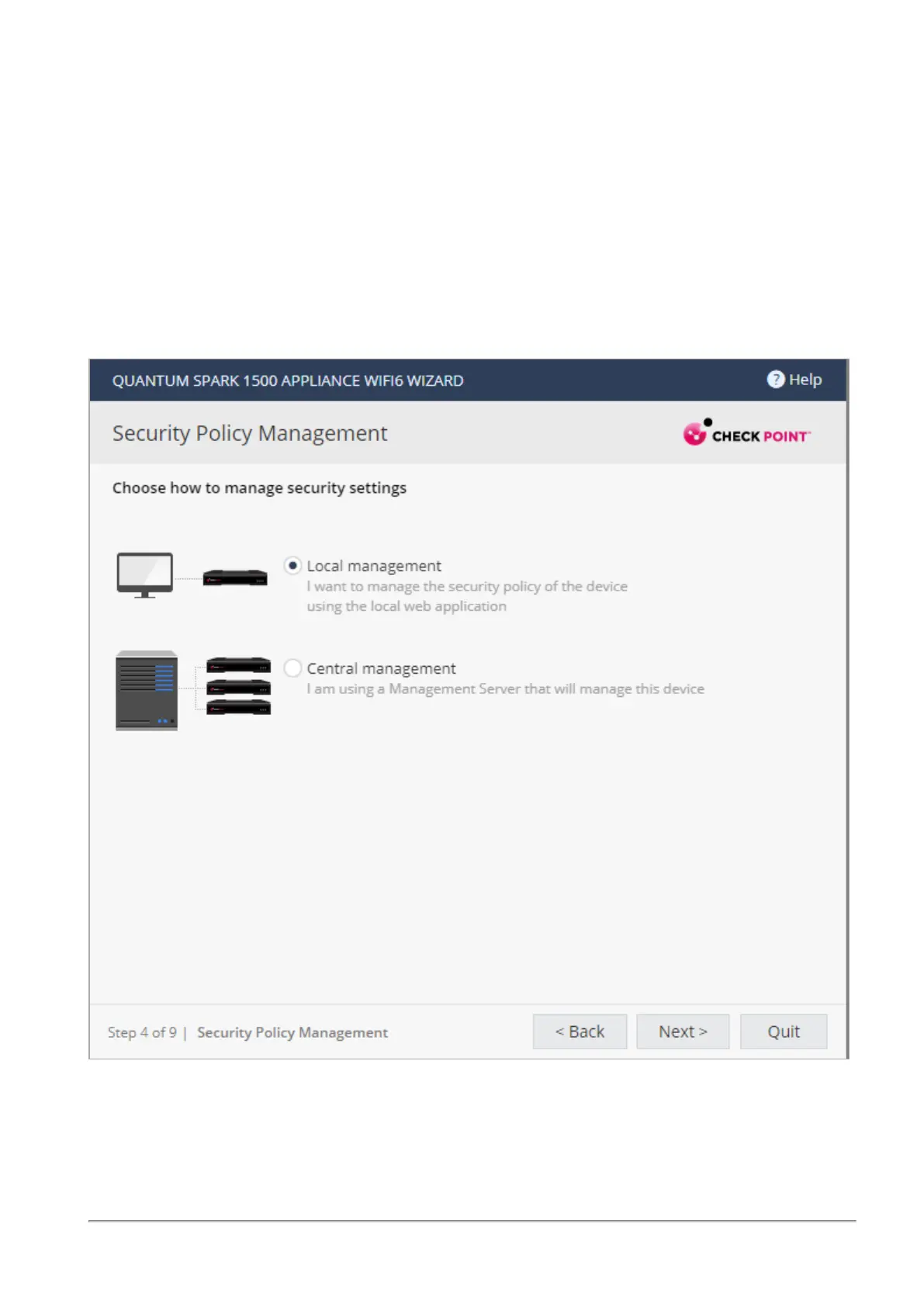
In the Security Policy Management page, select how to manage security settings:
n
Central management - A remote Security Management Server manages the Security Gateway in
SmartConsole with a network object and security policy.
n
Local management - The appliance uses a web application to manage the security policy. After you
configure the appliance with the First Time Configuration Wizard, the default security policy is
enforced automatically. With the appliance WebUI, you can configure the Software Blades you
activated and fine tune the security policy.
This Getting Started Guide describes how to configure both locally and centrally managed deployments.
I










 To Next Page