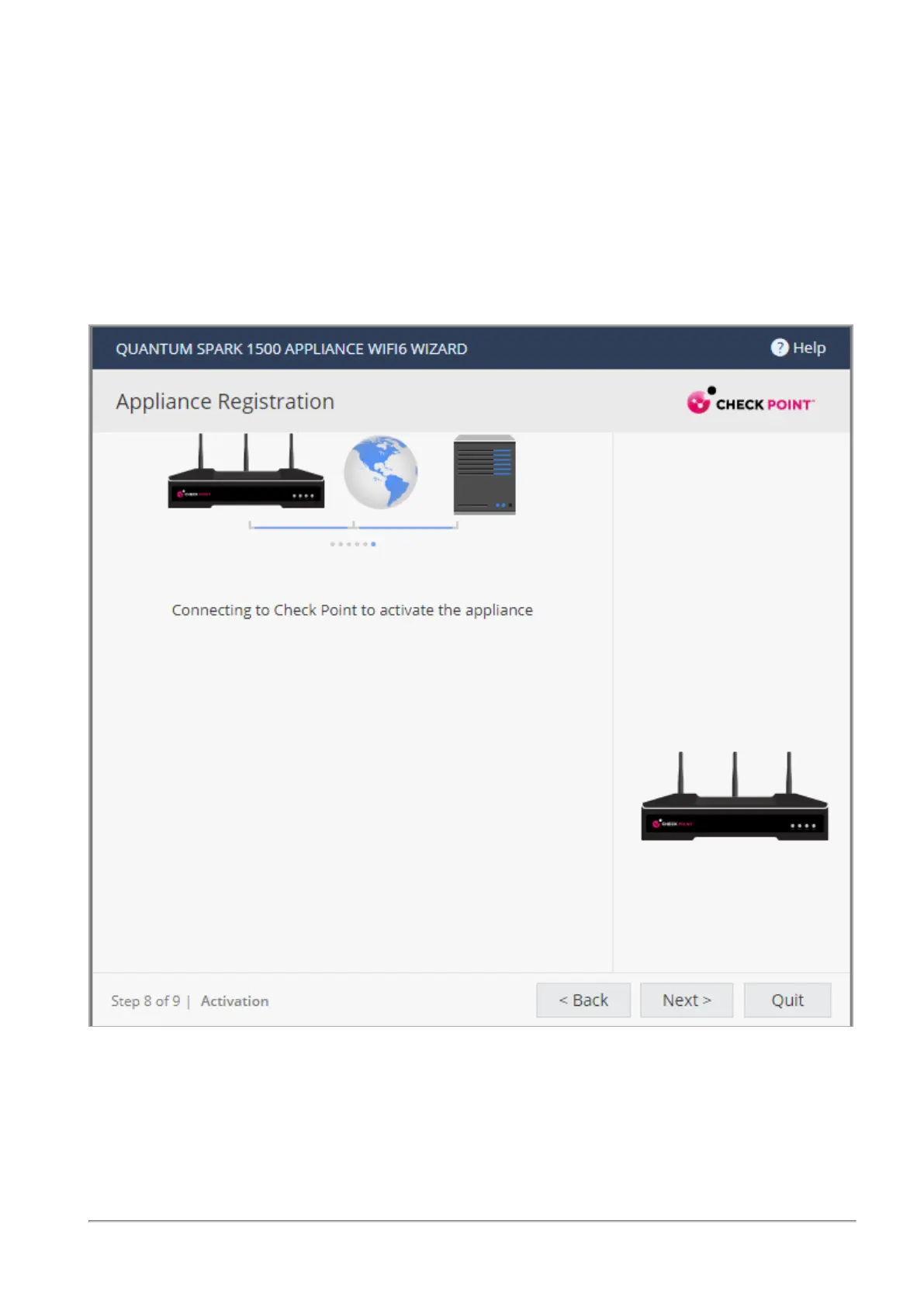
Appliance Registration
Quantum Spark 1535 / 1555 Appliance Getting Started Guide|39
You are notified that you successfully activated the appliance and you are shown the status of your license
for each blade.
To postpone appliance registration and get a 30-day trial license:
1. Click Next.
The License activation was not complete notification message is shown.
2. Click OK.
The appliance uses a 30-day trial license for all blades. You can register the appliance later in the
WebUI from the Device > License page.
If your device is not paired with a User Center account, you must create an account or ask your company
administrator to create one for you.










 To Next Page