Installing Smart 1 50/150 In the Rack
Rack Mounting Smart-1 50/150 Page 17
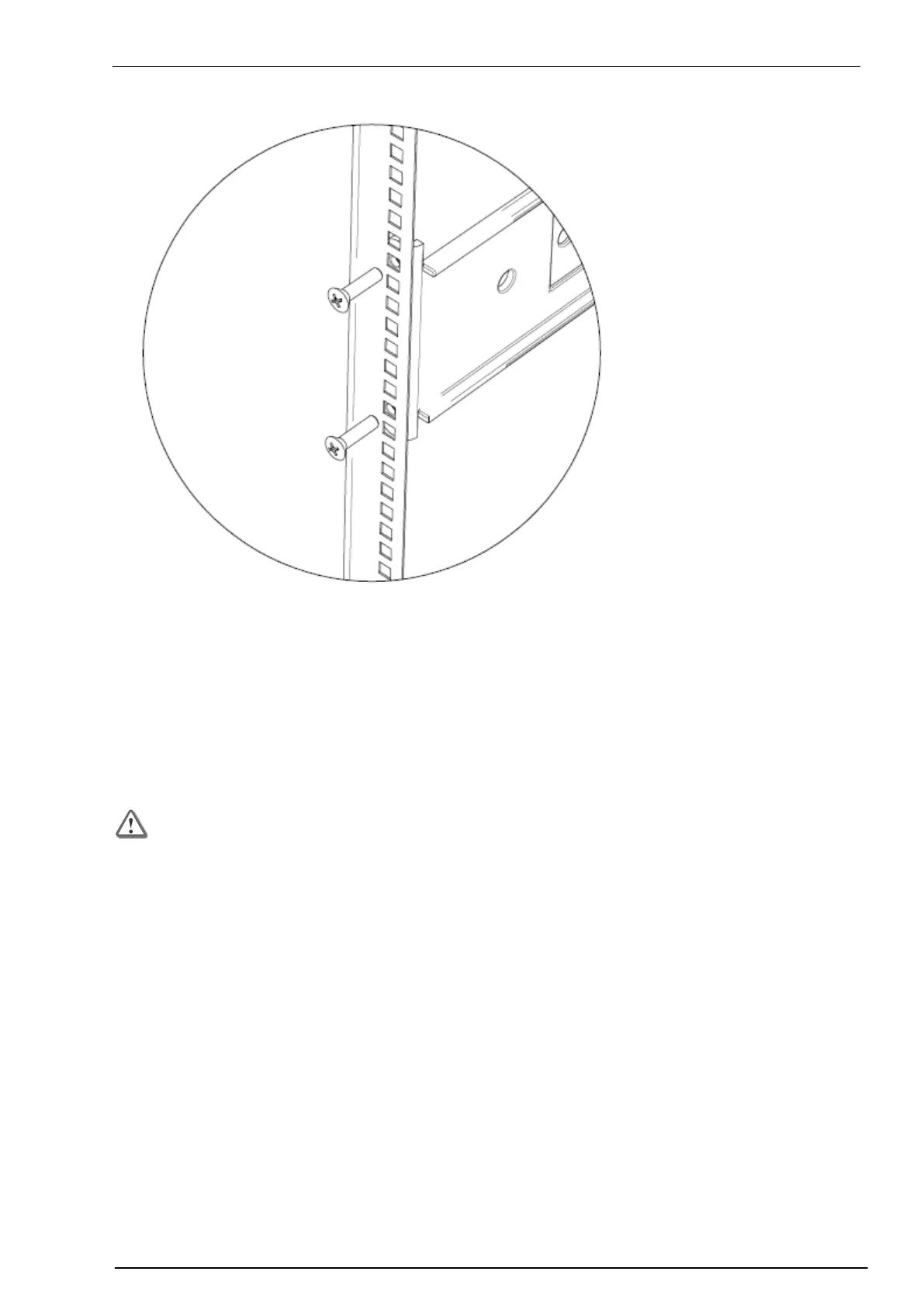
4. Attach the mounting bracket to the rack vertical rail at the back using the same number of screws and
washers. Tighten the two screws normally.
5. Go the front of the rack.
6. Tighten the two screws that attach the mounting bracket to the rack vertical rail.
7. Repeat for the other side of the rack: Attach the mounting bracket to the other side of the rack.
Installing Smart 1 50/150 In the Rack
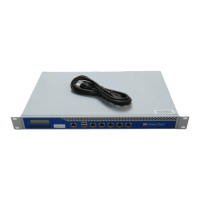
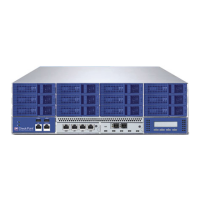
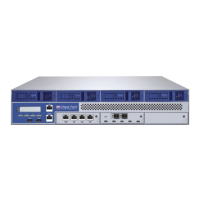
Carefully install the Smart-1 50/150 in the rack.
Important - The Smart-1 appliance is very heavy. To lift and install it:
Two people are required for Smart-1 50.
Three people are required for Smart-1 150.


 To Next Page