Troubleshootingguide
EVOLVE360RF–PulseListen
Problem The antenna does not alarm when tested with labels/tags:
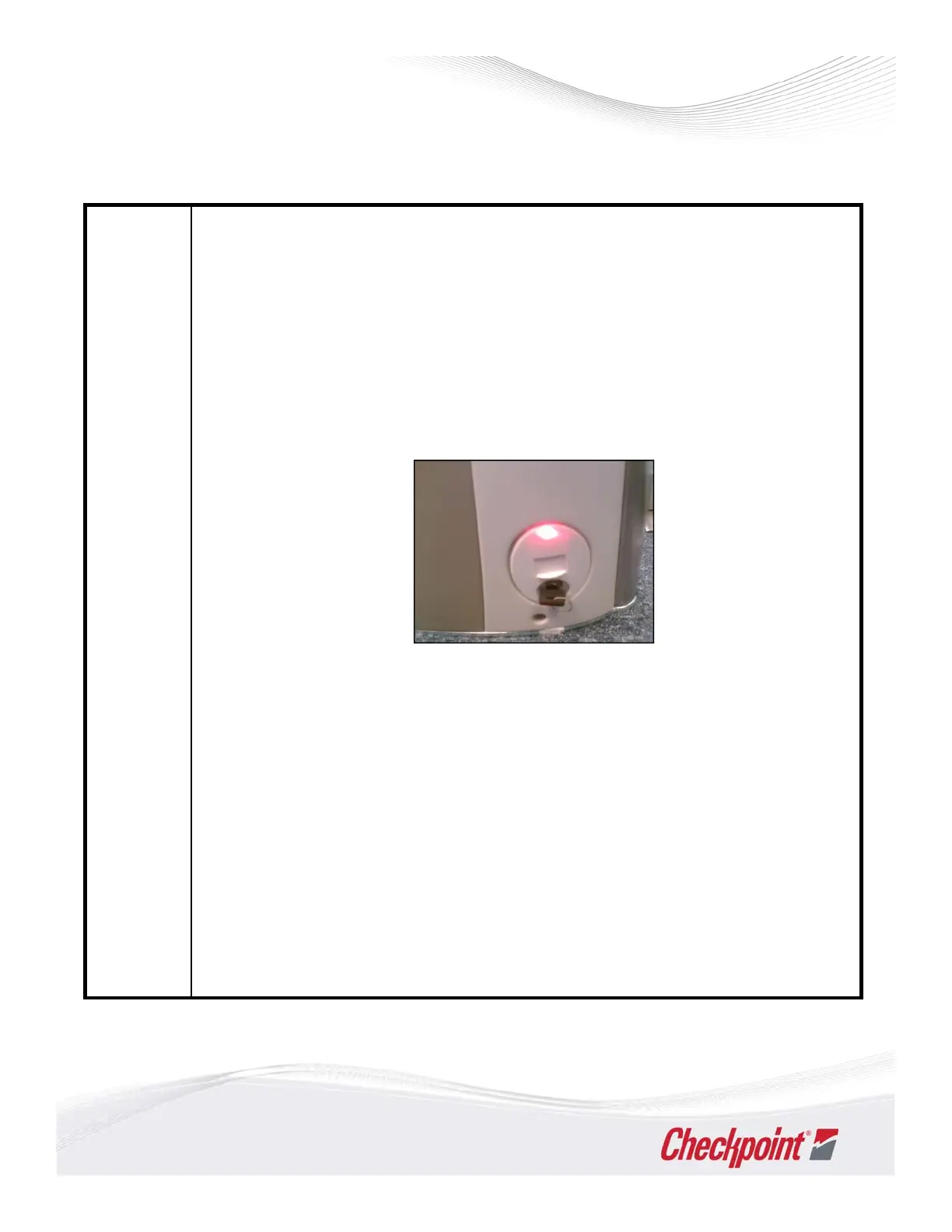
Check the red light is illuminated (solid light) on the badge board (one side
only) as the base of the pedestal.
Using the key provided during the installation, follow the guide below to
check if the system is enabled or disabled.
(Please note: the red light on EVOLVE antenna does not flash constantly
when in disabled mode).
1. Local Disable:
• Turn switch clockwise for 1 second, then return to center position. LED
display – slow blinking, 1 pulse every 3 seconds. Blinking lasts 20 seconds
andthengoessolid.
2. Local Enable:
• Turn switc h clockwise for 4 seconds, then return to center position. LED
display – fast blinking, 10 pulses a second. Blinking lasts 20 seconds and
then goes solid.
3. If the light is on:
• And confirmed systems is enabled. Re‐test the system.
• If all the above checks and test have been carried out and there is still no
detection, then please call Checkpoint Systems service desk.
11



 To Next Page